
Did you know that nearly 43% of small businesses use old methods like spreadsheets or pen and paper to track stock? This can lead to big mistakes and lost sales. I think it’s key to modernize your stock control to stay ahead in today’s fast world.
Using a top-notch system gives you quick access to your inventory and cuts down on costs. A strong retail pos inventory management system is the heart of a growing business. It lets you focus on expanding instead of doing endless manual checks.
Stepping away from old ways is the first step to lasting success. With advanced tech, you get happier customers and smoother days. Mastering retail pos inventory management changes how you serve your community and grow your brand.
Key Takeaways
- Manual tracking methods frequently lead to significant financial losses.
- Modern systems provide real-time data for better decision-making.
- High-performance tools help reduce unnecessary operational expenses.
- Scalability depends on automating your core business processes.
- Improved accuracy directly boosts your overall customer satisfaction.
Understanding the Role of Modern POS Systems in Inventory Control
If you’re using pen and paper to track stock, you’re losing money daily. Old methods slow down your retail operational efficiency. Switching to modern ways is key to improving your business.
Why manual tracking is no longer sustainable
It’s shocking that 43% of small businesses use pen and paper for inventory. This method is full of errors and can’t keep up with today’s fast pace. It leads to stockouts or overstocking due to delays.
Sticking to paper logs means missing out on critical insights from inventory tracking software. It’s time to use data to make smart buying choices.
The shift toward cloud-based inventory solutions
Cloud-based systems offer a digital hub for all stock movements. Your data stays safe, up-to-date, and accessible everywhere. This change is vital for any retailer wanting to avoid manual delays.
I think retail operational efficiency begins with a single, accurate inventory source. With modern inventory tracking software, your team gets the latest info. This digital leap lets you grow your business with confidence.
The Core Benefits of Retail POS Inventory Management
The right technology can turn inventory management into a key advantage. It moves you away from old methods to a more efficient way. Modern systems help you track your products accurately and easily.
Reducing human error in stock counts
Manual data entry often leads to mistakes in stores. Paper logs or basic spreadsheets can cause errors during busy times. A strong retail pos inventory management system automates updates, boosting inventory accuracy.
Consistency is key for your database. Barcode scanners with your software record every sale or receipt instantly. This reduces errors and protects your business from financial losses.
Improving cash flow through better stock visibility
A digital system lets you see what’s happening on your shelves in real time. Better stock visibility helps you spot fast-moving items and slow sellers. You can order more or clear out old stock without guessing.
By avoiding overstocking, you keep your money flowing. This means your capital is ready for new chances. Focusing on inventory accuracy and data-driven choices leads to a healthier business and better retail operational efficiency.
Selecting the Right High-Performance POS for Your Business
Choosing a high-performance POS system is key for your inventory. The right tech connects your sales to your warehouse. This ensures your POS system integration keeps records up-to-date, helping you make informed decisions.
Key features to look for in systems like Shopify POS or Lightspeed
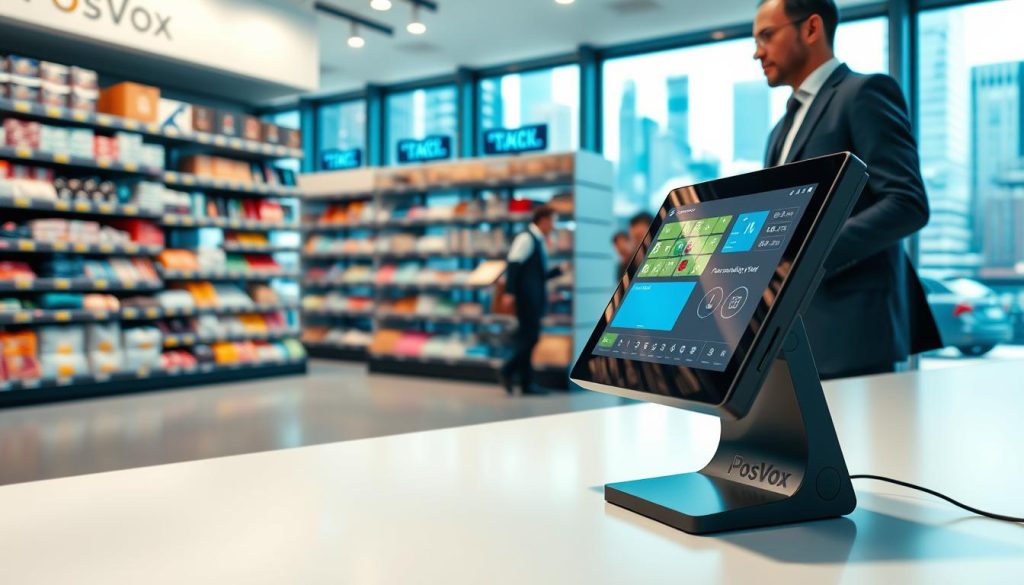
When checking out Shopify POS or Lightspeed, look for tools that make things easier. These leaders have dashboards that show your stock in real-time. Look for systems with automated reports, barcode scanning, and easy-to-use interfaces for your team.
“The best retail technology doesn’t just track sales; it empowers business owners to anticipate demand and eliminate waste through precise data management.”
It’s important to pick a platform that works well with your current software. A smooth POS system integration lets you connect your inventory with accounting and e-commerce sites easily. This automation is key for keeping your stock accurate as your business grows.
Scalability considerations for growing retailers
As your business grows, your software needs to keep up. I suggest cloud-based solutions that let you add registers or stores easily. Scalability means your initial investment will pay off in the long run.
| Feature | Basic POS | High-Performance POS |
|---|---|---|
| Inventory Sync | Manual | Automated |
| Multi-Location | Limited | Seamless |
| Data Analytics | Basic | Advanced |
| Hardware Support | Restricted | Universal |
Focus on these key areas for sustainable growth. The right system should be a partner in your success, not just for payments. Choosing wisely now will save you a lot of time later.
Setting Up Your Digital Inventory Database
I believe a clean inventory database is key to your business. It’s the foundation that supports your operations. Investing time here means having a reliable source of information for years.

Organizing product categories and variants
Start by organizing your items well. Create categories that match how customers shop. For example, “Apparel” or “Home Goods” makes it easier for your team.
It’s also vital to manage variants clearly. Items in different sizes, colors, or materials should have unique SKUs. This avoids confusion and keeps stock counts right.
Establishing consistent naming conventions
Consistency is key for a smooth workflow. Random names make it hard for staff to find items and lead to duplicate entries. Use a standard format like [Brand] + [Product Name] + [Size] + [Color].
This habit speeds up searches and keeps reports clean. When everyone uses the same naming, data stays organized. This saves time and reduces errors.
| Feature | Disorganized System | Optimized System |
|---|---|---|
| Naming Format | Random/Inconsistent | Standardized Structure |
| Search Speed | Slow and Frustrating | Instant and Precise |
| Duplicate Risk | High | Minimal |
| Reporting Accuracy | Unreliable | Highly Reliable |
By following these steps, you’re setting a strong foundation for success. A well-kept inventory database is more than a list. It’s a tool for smarter buying decisions every day.
Automating Stock Tracking and Real-Time Updates
Imagine a world where your store never runs out of your best-selling items. With advanced inventory tracking software, I keep my business ahead of demand. This automation protects me from lost sales.

How automated triggers prevent stockouts
Modern POS systems watch my inventory 24/7. This is a big change for keeping stock visibility up. When my levels hit a certain point, the system orders more automatically. This stops stockouts that hurt growing retail businesses.
I count on real-time stock updates to keep my data right. Every sale is tracked instantly. This means I always know what’s in stock. I make decisions based on facts, not guesses.
Setting low-stock alerts for high-velocity items
Not all products sell the same. So, I focus on my fast-moving items. I set alerts for when these items need more stock. This automated reordering keeps my top sellers ready for customers.
This automation lets my team work on growth, not just keeping stock. I don’t waste time counting or worrying about empty shelves. Efficiency comes from letting tech handle inventory tasks.
Leveraging Data Analytics for Smarter Purchasing Decisions
The most successful retailers don’t guess anymore. They analyze their sales patterns. This way, they make sure their shelves have what customers want. Your POS system is key for data-driven insights that make your daily tasks easier.

Identifying your best-selling products
To grow your business, you need to know your top sellers. Review your POS reports weekly to check your inventory turnover rates. This shows which items sell fast and which don’t.
Tracking these trends helps you decide what to reorder and what to stop selling. This keeps your cash flow healthy. By focusing on fast-selling items, you avoid wasting money on dead stock.
Analyzing seasonal trends to optimize stock levels
Predictive analytics help you predict changes in consumer behavior. Whether it’s winter holidays or back-to-school, demand forecasting is key. It lets you adjust your stock levels early, avoiding stockouts.
With these insights, set up automated reordering based on your sales history. This way, you avoid stockouts and save time. Your system knows what to order and when, so you can focus on your customers.
Managing Multi-Channel Inventory Synchronization
Managing inventory across different platforms is key to growing a modern retail business. Running a physical store and an online shop requires keeping stock counts the same. A unified multi-channel inventory strategy helps your business stay quick to meet customer needs.

Connecting your physical store with online marketplaces
To link your physical and digital stores, you need a central inventory database. By linking your POS with sites like Amazon or Shopify, you have one place for stock info. This setup lets your system update stock levels automatically, no matter where the sale happens.
“Efficiency is doing things right; effectiveness is doing the right things.”
For smooth operations, follow these key steps for integration:
- Choose a POS that works well with your favorite marketplaces.
- Make sure your product SKUs are the same everywhere to avoid data errors.
- Do regular checks to make sure your online and in-store stock levels match.
Avoiding overselling across different sales channels
The biggest problem for growing retailers is overselling. This happens when a product is sold online after being bought in-store. Using real-time stock updates is the best way to avoid this. It keeps your brand’s reputation strong and your customers happy.
Keeping a reliable inventory database is more than just tracking numbers. It’s about earning your shoppers’ trust. With real-time stock updates, your multi-channel inventory stays up-to-date. This lets you focus on growing your business instead of fixing mistakes.
Implementing Barcode Scanning and Labeling Best Practices
When a shipment arrives, your warehouse’s precision starts. Barcode scanning removes the guesswork, ensuring every item is tracked from the start. This change boosts your business’s accuracy.
Choosing the right hardware for your store
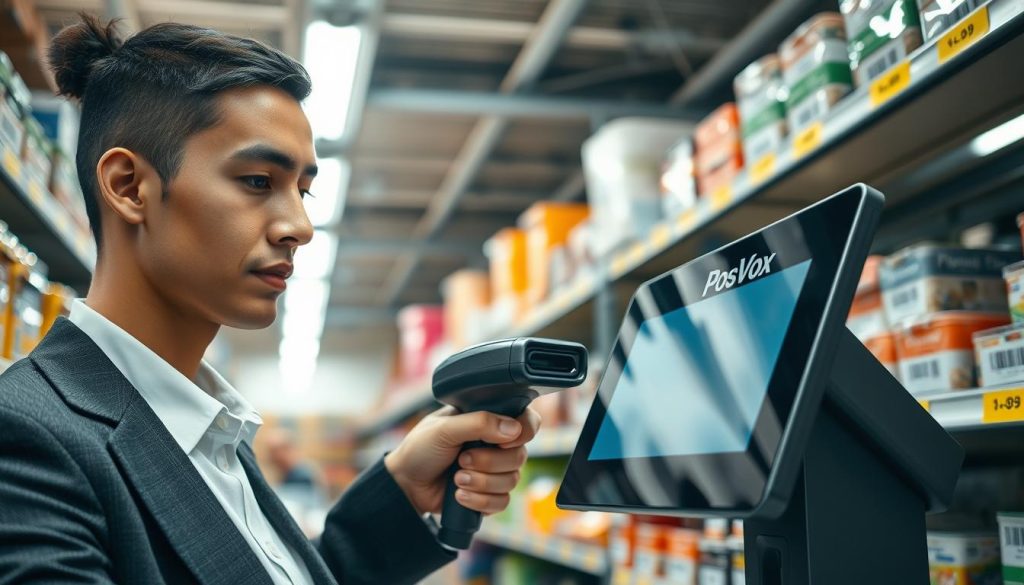
Choosing the right equipment is key for your team’s efficiency. For big shop floors, mobile wireless scanners are great. They let staff move while updating stock levels.
For busy back offices or checkout counters, fixed terminals are better. They handle lots of scans and offer consistent performance. Both mobile and fixed options aim to cut down on manual entry errors.
Streamlining the receiving process with scanners
The receiving process can slow things down. Scanning items as they arrive updates your multi-channel inventory in real-time. This keeps your online and physical stores in sync, avoiding overselling.
Using durable, high-quality labels is also important. They should stay readable even after lots of handling. Properly tagged products help your multi-channel inventory stay in sync. This makes barcode scanning tasks faster and more confident for your team.
Conducting Efficient Cycle Counts and Physical Audits
Successful retailers see stock auditing as a daily task, not a yearly task. Regular cycle counts help keep inventory accuracy high. This way, your records always match what’s on your shelves.
Moving away from annual shutdowns
Many business owners fear the annual shutdown. It forces them to close and lose a day of sales. But, with inventory tracking software, this is not needed.
Instead of counting everything at once, break your stock into smaller parts. Audit these parts on a schedule. This keeps your business running smoothly and checks your assets often.
By focusing on cycle counts all year, you can spot problems early. This way, you avoid big financial issues. It’s a better way to grow your business.

Using mobile POS devices for faster auditing
My success comes from using mobile POS devices and barcode scanning. I can scan items as I walk through the aisles. This updates my database instantly, reducing errors.
These tools let my staff check stock quickly during slow times. The system updates fast, giving me accurate stock levels. This ensures my customers never face stockouts.
| Feature | Annual Shutdown | Modern Cycle Counts |
|---|---|---|
| Operational Impact | Full store closure | No disruption |
| Frequency | Once per year | Daily or weekly |
| Accuracy Level | Low (due to fatigue) | High (consistent) |
| Data Entry | Manual/Paper-based | Automated/Digital |
Integrating POS Data with Accounting and E-commerce Platforms
Connecting your point-of-sale system to your accounting software changes how you see your business. POS system integration is like the brain of your retail. It makes sure every sale and return is recorded right, without you having to do it manually.
Syncing inventory with QuickBooks or Xero
Linking your store to QuickBooks or Xero makes information flow smoothly. This link gives you real-time stock updates that show your current stock levels everywhere. You won’t have to deal with differences between your bank and warehouse counts anymore.
Automation is the key to a healthy business. By syncing your data, you avoid mistakes that come with typing it in yourself. This setup keeps your financial records and stock levels perfectly in sync.
Ensuring financial accuracy through automated reporting
Automated reports give you a clear view of your business’s performance. When your inventory database is fully integrated, you get precise data for better decisions. You can easily see which products are selling fast and which are not.
This connection also helps with demand forecasting for your whole business. By looking at past sales and your multi-channel inventory, you can guess future needs. Staying ahead of market trends gets easier when your financial and operational data work together.
Training Your Staff to Maintain Inventory Accuracy
Your staff is key to keeping inventory records accurate. Even the best software needs a committed team to keep data current. By training them well, you improve your retail operational efficiency and cut down on errors.
Creating standard operating procedures for stock handling
Having a consistent stockroom is essential. I suggest making clear, written rules for every step of handling products. This includes how to receive new stock, organize shelves, and handle returns.
When everyone does things the same way, errors are less likely. Clear documentation helps new staff learn fast and keeps experienced ones on track. A standard process is your best defense against losing stock.
Encouraging accountability at the point of sale
Front-line staff are vital for keeping inventory accurate all day. Every sale is a chance to check stock levels. I advise using barcode scanning for every item sold, not just manual entry.
Good POS system integration lets your team see data in real-time. This helps them make smarter choices. When staff see how their work affects profits, they’re more likely to do their best. This leads to a more efficient and profitable store.
Conclusion
Mastering retail pos inventory management is a journey to better efficiency and profits. I see your point-of-sale system as a long-term investment. It pays off as your business grows.
Automated reordering gives you the power to avoid stockouts. This lets you focus on building strong customer relationships. You won’t be chasing after missing items anymore.
Advanced tools for demand forecasting help you stay ahead. These insights optimize your inventory turnover. Your shelves will always have what shoppers want.
I urge you to audit your current processes today. This first step leads to a more automated, data-driven future. Your path to streamlined operations begins with today’s decisions.

