
Did you know that over 60% of small business owners struggle with high startup costs for retail technology? Many entrepreneurs believe they need expensive, proprietary hardware to run a professional shop. However, you can transform your aging Windows laptop into a powerful sales hub today.
By utilizing a BYOD POS system, you can slash your initial capital expenditure while maintaining high standards. This approach allows you to repurpose existing hardware, turning a dusty machine into the heart of your retail operations. It is a smart, sustainable way to take control of your infrastructure without breaking the bank.
Adopting a Bring Your Own Device strategy empowers you to focus your budget on growth rather than equipment. You will find that modern software makes this transition seamless and efficient. Let us explore how you can modernize your business with minimal investment and maximum impact.
Key Takeaways
- Repurpose old laptops to save significantly on startup costs.
- Modern software turns standard hardware into professional tools.
- Sustainable technology choices help small businesses scale faster.
- Lowering capital expenditure allows for better cash flow management.
- Professional retail operations are accessible with creative hardware solutions.
The Strategic Advantages of a BYOD POS System
Transforming your existing technology into a powerful business tool is a game-changer for entrepreneurs. By adopting a BYOD POS system (Bring Your Own Device), you unlock the potential of hardware you already own. This approach empowers you to build a professional retail environment without the heavy financial burden typically associated with proprietary equipment.
Cost Efficiency for Small Businesses
Small businesses often struggle with high overhead costs that limit their ability to compete with major retailers. A BYOD POS system (Bring Your Own Device) eliminates the need for expensive, specialized hardware packages. You can allocate those saved funds toward inventory, marketing, or staff development instead.
“Innovation distinguishes between a leader and a follower.”
Furthermore, you avoid being locked into restrictive vendor contracts that dictate your equipment choices. This financial freedom allows you to maintain a leaner, more agile operation that adapts to your specific budget needs.
Flexibility and Scalability
Growth requires tools that can evolve alongside your business. With a BYOD POS system (Bring Your Own Device), you gain the agility to scale your operations rapidly. You are not tethered to a single manufacturer’s ecosystem, which means you can upgrade or expand your setup whenever you choose.
This flexibility ensures that your retail infrastructure remains future-proof. Whether you are opening a new pop-up shop or expanding your main storefront, your technology adapts to your pace. You remain in total control of your digital ecosystem at all times.
Reducing Electronic Waste
Sustainability is a core value for many modern consumers and business owners alike. By repurposing functional Windows laptops, you actively participate in the circular economy. This strategy prevents perfectly good devices from ending up in landfills prematurely.
Choosing a BYOD POS system (Bring Your Own Device) is a responsible way to extend the lifecycle of your hardware. Consider these environmental benefits:
- Lower carbon footprint by maximizing existing resources.
- Reduced demand for new manufacturing and raw materials.
- Responsible disposal of technology through extended use.
Embracing this model proves that you can run a highly efficient business while remaining mindful of your environmental impact. It is a win-win scenario for your bottom line and the planet.
Preparing Your Windows Laptop for POS Duty
A successful transition to a modern checkout experience begins long before you install your first piece of software. By taking the time to optimize your hardware, you create a reliable foundation for your daily operations. Properly configuring your BYOD POS system (Bring Your Own Device) ensures that your business runs smoothly during even the busiest hours.
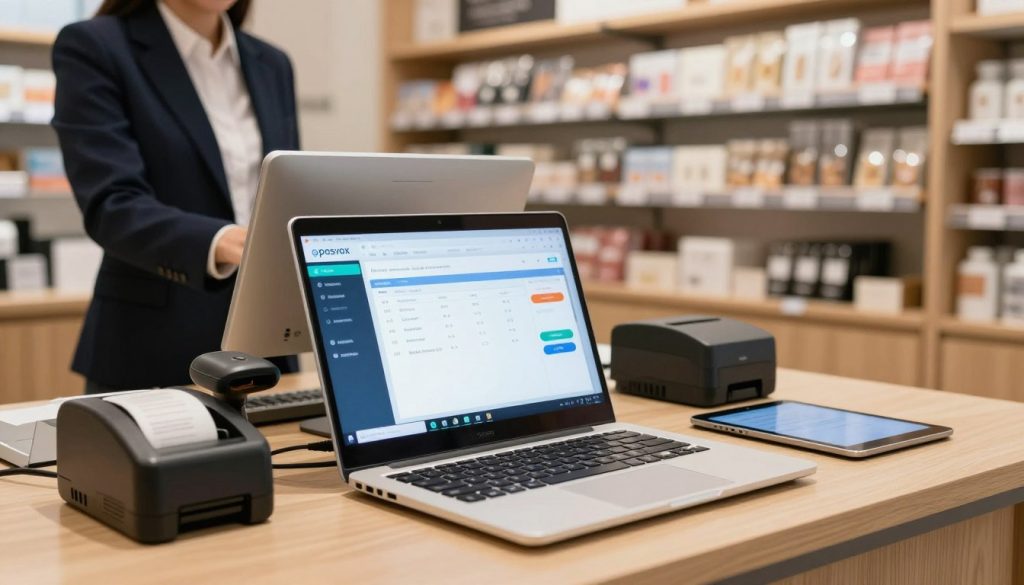
Cleaning Up the Operating System
Your laptop needs to be lean and focused to handle transaction processing without lag. Start by removing unnecessary background applications that consume valuable system resources. A clean environment prevents software conflicts and keeps your BYOD POS system (Bring Your Own Device) running at peak performance.
- Uninstall unused programs and trial software.
- Disable startup items that slow down boot times.
- Run a full disk cleanup to remove temporary files.
Hardware Requirements and Peripheral Compatibility
Before you commit to a specific setup, verify that your laptop can support the necessary hardware peripherals. Most modern retail environments require a receipt printer, a barcode scanner, and a cash drawer. Ensuring these devices communicate correctly with your machine is vital for a professional customer experience.
Checking USB Ports and Connectivity
Examine your laptop to confirm it has enough available USB ports for all your essential equipment. If your device lacks sufficient ports, consider investing in a powered USB hub to maintain stable connections. Always test each peripheral individually to ensure the drivers are recognized by your Windows operating system.
Ensuring Stable Power Supply
Unexpected shutdowns are the enemy of any retail business. You must ensure your BYOD POS system (Bring Your Own Device) remains powered throughout the entire workday. Use a high-quality surge protector to guard against electrical spikes and consider a battery backup unit to keep your system running during brief power outages.
Selecting the Right POS Software
When you implement a BYOD POS system (Bring Your Own Device), the software you choose acts as the brain of your operation. This decision dictates how smoothly your daily transactions flow and how much insight you gain into your business health. Choosing the right platform is not just about features; it is about finding a partner for your growth.
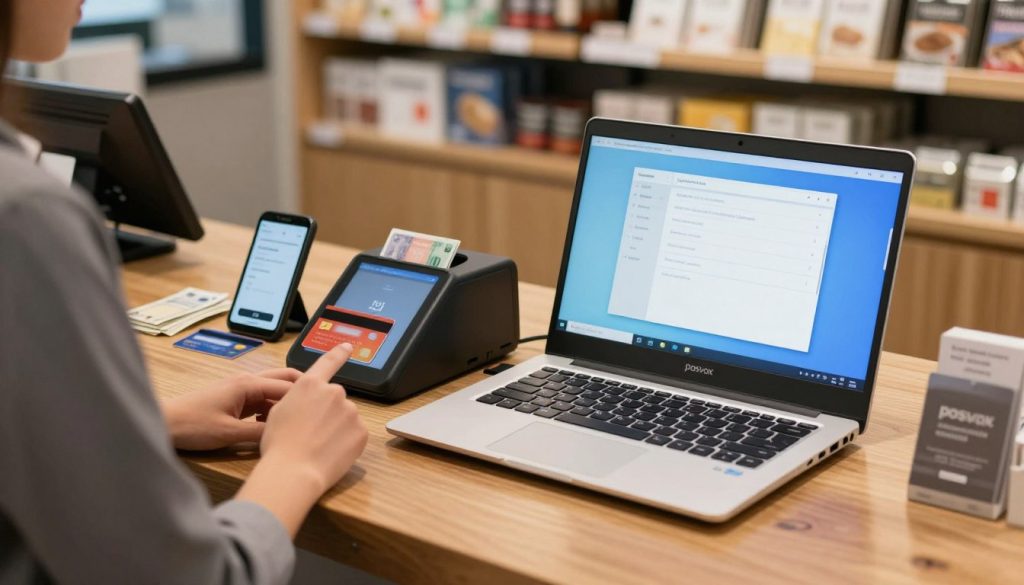
Cloud-Based vs. Local Installation
Modern retailers often choose between cloud-based platforms and local installations. Cloud-based systems offer the incredible advantage of real-time data synchronization across multiple devices. This ensures your inventory levels are always accurate, no matter where you are.
Conversely, local installations provide offline functionality, which is vital for businesses in areas with spotty internet connectivity. A robust BYOD POS system (Bring Your Own Device) should offer the flexibility to handle sales even when the network goes down. Consider these key differences:
- Cloud-Based: Automatic updates, remote access, and lower upfront costs.
- Local Installation: Reliable offline performance and total control over data storage.
Essential Features to Look For
Beyond the deployment method, you must prioritize specific tools that streamline your workflow. Your software should be intuitive enough for new staff to learn quickly while remaining powerful enough for complex tasks.
“The best technology is the kind that disappears into the background, allowing you to focus entirely on your customers.”
Inventory Management Capabilities
Effective inventory management is the backbone of any retail business. Look for software that provides automated low-stock alerts and seamless barcode scanning integration. This prevents lost sales and helps you maintain the perfect balance of products on your shelves.
Reporting and Analytics Tools
Advanced reporting tools turn raw numbers into actionable insights. By using a well-configured BYOD POS system (Bring Your Own Device), you can track peak sales hours and identify your best-selling items with ease. These analytics empower you to make smarter decisions that drive long-term profitability and success.
Step-by-Step Installation and Configuration
Embarking on the journey to build your own point-of-sale setup begins with a few simple technical steps. By carefully following these instructions, you can transform your existing hardware into a robust BYOD POS system (Bring Your Own Device) that empowers your daily operations.
“Technology is best when it brings people together and simplifies the complex tasks of running a business.”
Downloading and Installing Your Chosen Platform
Start by visiting the official website of your selected software provider to download the latest installer. Ensure your Windows laptop meets the minimum system requirements to guarantee peak performance during busy hours.
Run the installation wizard and follow the on-screen prompts to complete the setup. Once installed, launch the application and log in to your account to begin the initial configuration of your new BYOD POS system (Bring Your Own Device).
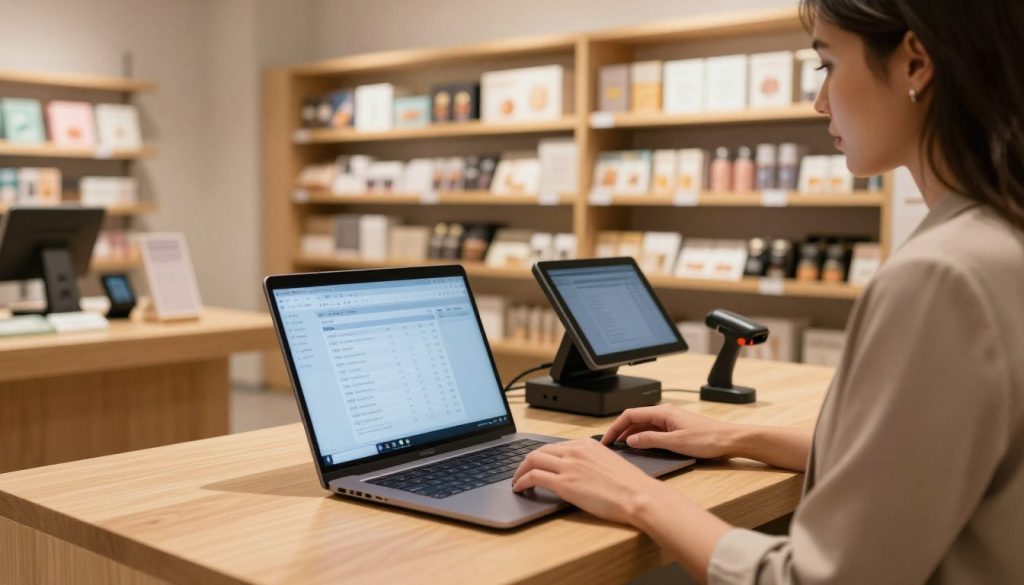
Connecting Essential Hardware Peripherals
Connecting your external devices is the final phase of creating a professional checkout environment. Most modern peripherals use USB or Bluetooth, making the physical connection process straightforward and efficient.
Setting Up Receipt Printers
Connect your receipt printer to an available USB port on your laptop. You may need to install specific drivers provided by the manufacturer to ensure the software recognizes the device correctly.
Navigate to the printer settings within your software dashboard to select the correct port. Perform a test print to confirm that your BYOD POS system (Bring Your Own Device) is communicating effectively with the hardware.
Integrating Barcode Scanners and Cash Drawers
Barcode scanners are typically “plug-and-play” devices that require minimal configuration. Simply connect the scanner to your laptop, and it should immediately begin reading product codes into your inventory fields.
For cash drawers, ensure you connect the RJ11 cable directly into the receipt printer’s port. This allows the software to trigger the drawer to open automatically whenever a cash transaction is finalized. Following these steps ensures your BYOD POS system (Bring Your Own Device) functions as a cohesive, professional unit.
Optimizing Security and Performance
Security and performance are the twin pillars that keep your business running smoothly every single day. When you integrate a BYOD POS system (Bring Your Own Device) into your retail workflow, you take control of your digital environment. Proactive maintenance ensures that your hardware remains a reliable partner in your success.
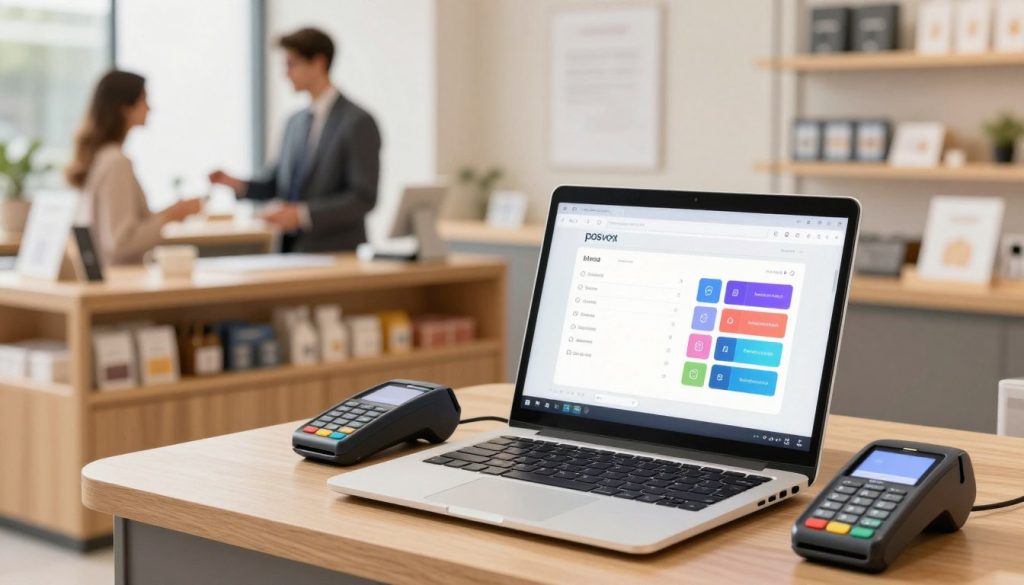
Implementing Robust Cybersecurity Measures
Protecting sensitive customer payment data is your highest priority. You should configure a dedicated firewall to block unauthorized access to your network. Using a secure, encrypted Wi-Fi connection is essential for any BYOD POS system (Bring Your Own Device) to prevent data breaches.
Consider segmenting your network so that your point-of-sale traffic stays separate from guest internet access. This simple step adds a vital layer of defense against potential threats. Staying vigilant keeps your customers’ trust intact.
Maintaining System Speed for Peak Hours
A fast system is the heartbeat of a busy retail store. To keep your BYOD POS system (Bring Your Own Device) running at peak efficiency, you must manage your hardware resources wisely. Consistent performance allows you to process transactions without frustrating delays.
Managing Background Processes
Unnecessary applications running in the background can drain your laptop’s processing power. You should disable non-essential startup programs to free up memory for your sales software. Focusing your system’s energy on the task at hand ensures a seamless checkout experience for your customers.
Regular Software Updates and Backups
Software developers frequently release patches that fix security vulnerabilities and improve speed. You must schedule these updates during off-hours to avoid disrupting your daily operations. Automated data backups are equally critical, as they provide a safety net for your vital sales records. By keeping your software current, you protect your business from evolving digital risks.
Conclusion
Turning an older Windows laptop into a professional cash register represents a smart, sustainable choice for any modern business owner. You now possess the tools to drive growth while keeping your overhead costs low.
Your new BYOD POS system (Bring Your Own Device) serves as the heartbeat of your daily operations. This setup empowers you to manage sales with precision and speed.
Take a moment to explore the advanced analytics and inventory tracking features available within your chosen software. These digital insights help you make informed decisions that keep your brand ahead of the competition.
Consistency remains the key to long-term success. Regularly update your software and perform routine maintenance to ensure your BYOD POS system (Bring Your Own Device) continues to run at peak performance.
Small changes in your hardware strategy lead to significant improvements in your bottom line. Embrace this technology to create a seamless checkout experience for every customer who walks through your doors.
Your path toward a more profitable and efficient retail environment starts with the hardware you already own. Start your next business chapter today by putting your equipment to work for you.

