
Why PosVox Free POS Is the Best Free Point of Sale Software
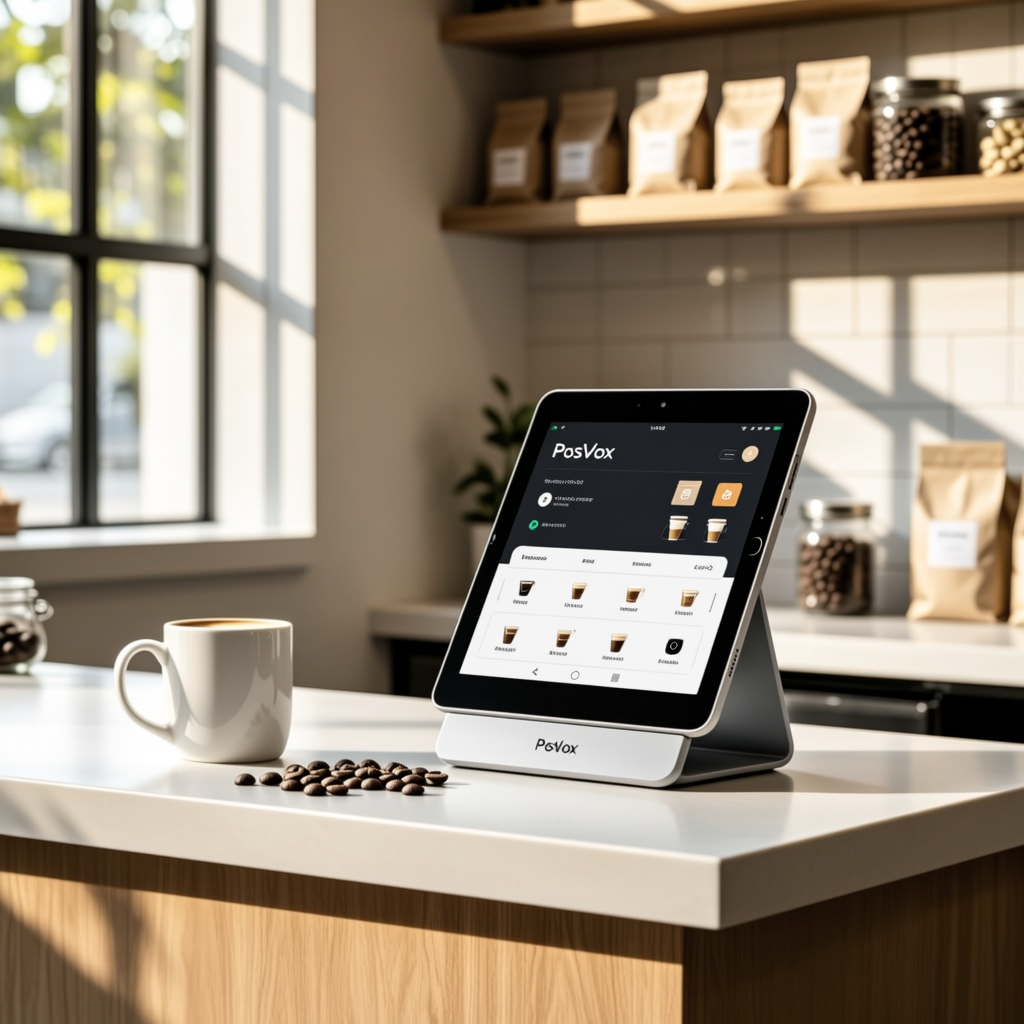
When searching for the best free point of sale software, the answer isn’t a list of competitors — it’s a single solution built for speed, simplicity, and real-world use: PosVox Free POS. Unlike other platforms that require long onboarding, hidden fees, or hardware commitments, PosVox Free POS delivers immediate value. You can open your shop in 10 minutes, process your first sale within the hour, and never be locked into expensive equipment.
How PosVox Free POS Works: From Signup to First Sale
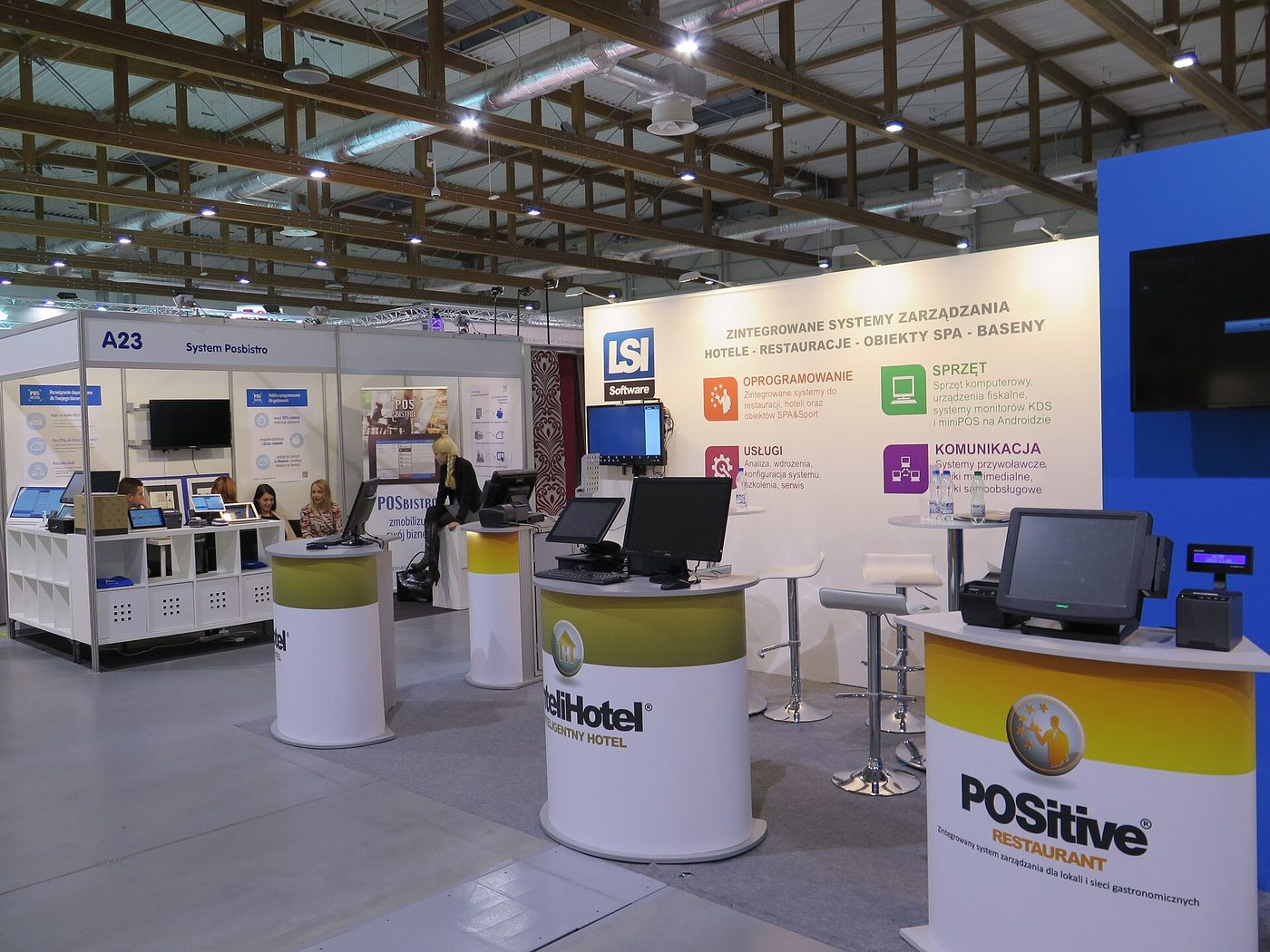
Setting up a business shouldn’t take weeks. With PosVox Free POS, the entire process is designed around speed and clarity:
- Sign up in 60 seconds — Enter your email, create a password, and verify your account.
- Customize your store profile — Add your business name, logo, and location (or multiple locations).
- Add products and pricing — Upload items via CSV or enter them manually. Set categories, taxes, and modifiers.
- Start selling instantly — Use any device (phone, tablet, laptop) with the web-based interface. No app download needed.
Within 10 minutes of signing up, you’re ready to accept payments. Whether you’re launching a pop-up shop, a food truck, or a boutique, PosVox Free POS removes friction between idea and income.
Key Features That Make PosVox Free POS Stand Out
While many free POS systems offer basic checkout, PosVox Free POS includes features that matter most to small business owners:
- Free forever — No monthly fees, no tiered upgrades, no surprise charges.
- Cloud-based & mobile-ready — Access your store from anywhere, on any device with internet.
- Real-time inventory tracking — Automatically update stock levels after each sale.
- Multi-location support — Manage several storefronts from one dashboard.
- Integrated reporting — View sales trends, top-selling items, and customer behavior in simple charts.
- Payment processing flexibility — Connect to any payment processor (Stripe, PayPal, Square, etc.) without vendor lock-in.
No Hardware Lock-In: Freedom to Scale on Your Terms
One of the biggest traps in free POS software is hardware dependency. Many platforms force you to buy proprietary terminals, receipt printers, or scanners — even if you don’t need them. PosVox Free POS avoids this entirely.
You’re not tied to specific devices. Use your own smartphone, tablet, or old laptop. Print receipts via Bluetooth or email. Accept contactless payments using any NFC-enabled reader. This freedom means you can start low-cost, test your concept, and upgrade only when you’re ready — not when a vendor demands it.
Who Should Use PosVox Free POS?
PosVox Free POS is ideal for:
- Pop-up vendors and market stall owners
- Food trucks and mobile cafes
- Small boutiques and gift shops
- Dine-in restaurants with limited staff
- Freelancers offering in-person services (e.g., hair stylists, tutors)
If you’re launching a new venture, testing demand, or running a seasonal business, PosVox Free POS gives you full control — at zero cost.
FAQs About the Best Free Point of Sale Software
Q: Is PosVox Free POS really free forever?
A: Yes. PosVox Free POS has no subscription fees, no hidden costs, and no premium tiers. You can use all core features — including sales tracking, inventory management, and reporting — completely free, indefinitely.
Q: Can I use my own hardware with PosVox Free POS?
A: Absolutely. PosVox Free POS works with any device that runs a modern browser — smartphones, tablets, laptops, or desktops. You’re not required to buy any specific hardware, which eliminates upfront costs and vendor lock-in.
Q: How fast can I start selling after signing up?
A: You can have your shop live and accepting payments in under 10 minutes. The setup is intuitive, with guided steps and no technical expertise required. Many users complete their first sale within the same day.
Q: Does PosVox Free POS support inventory management?
A: Yes. PosVox Free POS includes real-time inventory tracking. When an item sells, the system automatically reduces the stock count. You can also set low-stock alerts and track product performance over time.
Q: Can I manage multiple locations with PosVox Free POS?
A: Yes. PosVox Free POS supports multi-location management from a single dashboard. You can view sales across stores, assign staff roles per location, and sync inventory where needed.
Q: What payment processors work with PosVox Free POS?
A: PosVox Free POS integrates with any third-party payment processor — Stripe, PayPal, Square, Authorize.net, and more. You choose your processor based on rates, fees, and regional availability, giving you full financial independence.
Q: Is PosVox Free POS suitable for restaurants?
A: Yes. PosVox Free POS handles table management, order splitting, modifiers (e.g., extra cheese), and quick menu updates — perfect for dine-in, takeout, or delivery operations. It’s used by small cafés, bakeries, and food trucks worldwide.
Q: Do I need to download an app to use PosVox Free POS?
A: No. PosVox Free POS is a web-based platform. You access it through your browser on any device. There’s no app to install, no updates to manage, and no compatibility issues.

