
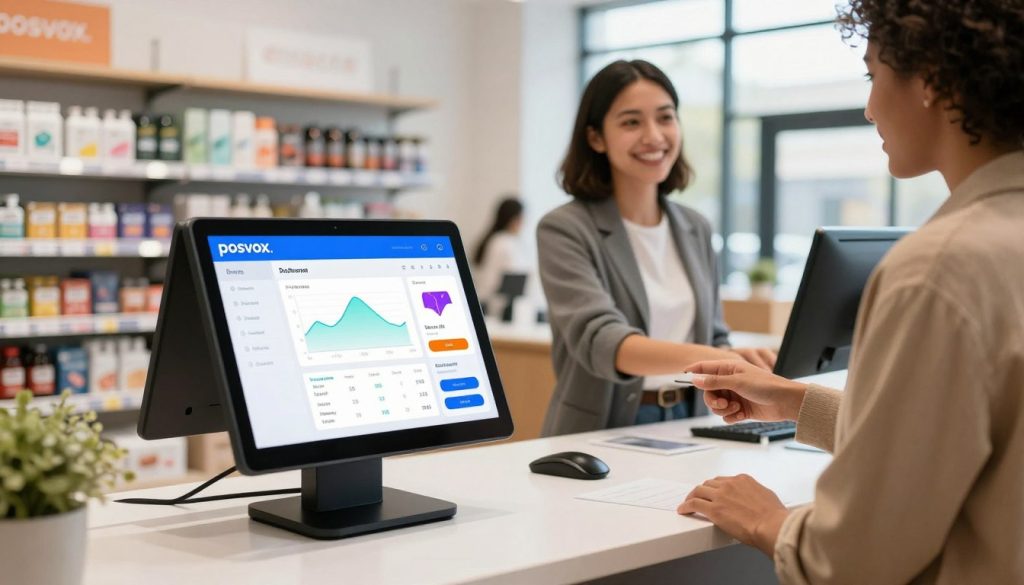
Why Sole Traders Need a Dedicated POS System
Sole traders operate independently — managing inventory, sales, customer data, and finances all on their own. A dedicated POS system isn’t just a luxury; it’s essential for accuracy, efficiency, and scalability. Without one, manual tracking leads to errors, lost sales, and time wasted on admin.
While some may rely on spreadsheets or basic cash registers, these tools fail under real-world pressure. A proper POS system automates invoicing, tracks stock levels, records transactions securely, and generates reports — all critical for compliance, tax filing, and growth.
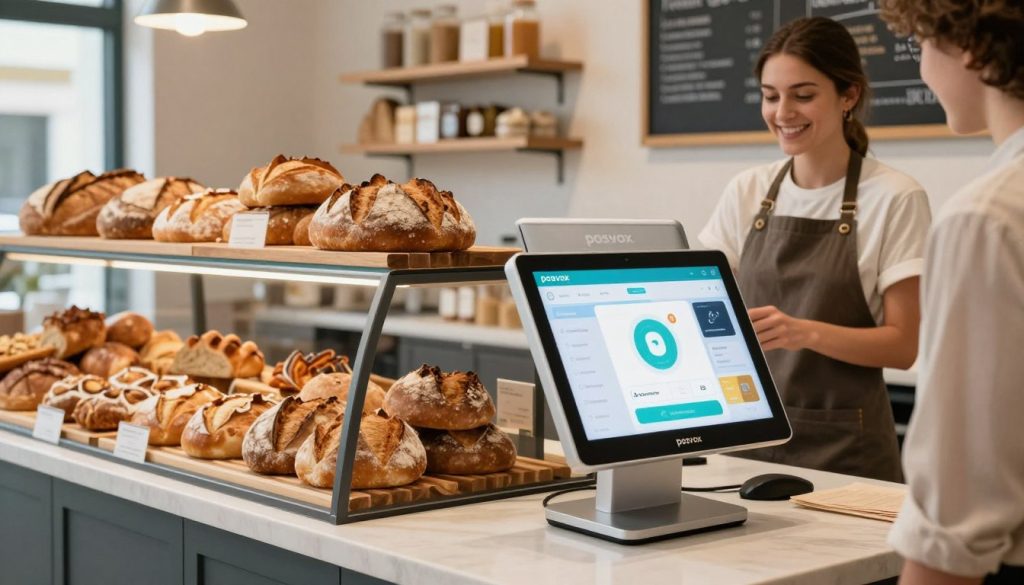
Key Features of an Ideal Sole Trader POS
When choosing a POS system as a sole trader, look for:
- Zero cost to start — No subscription fees, no trial periods.
- Fast setup — Ideally under 10 minutes from sign-up to first sale.
- Cloud-based access — Work from any device, anywhere.
- No hardware lock-in — Use your own tablet, smartphone, or existing printer.
- Simple reporting — Clear insights into daily sales, profits, and top products.

How PosVox Free POS Solves the Sole Trader Challenge
PosVox Free POS is built specifically for independent operators like sole traders who need reliability without complexity. Unlike systems that force you into expensive hardware bundles or long-term contracts, PosVox Free POS gives you freedom from day one.
With PosVox Free POS, you can:
- Set up your entire shop in 10 minutes — From registration to accepting payments, the process is streamlined and intuitive.
- Start your first sale immediately — No waiting for approvals, no delayed onboarding.
- Use any device — Run it on your personal tablet, old smartphone, or even a laptop. No proprietary hardware required.
- Access real-time sales data — View performance metrics, track inventory, and generate reports instantly.
- Scale without friction — Add new staff, locations, or product lines as your business grows — all within the same free platform.
Best of all, there are no hidden fees, no mandatory upgrades, and no vendor lock-in. You own your data, your workflow, and your business decisions.
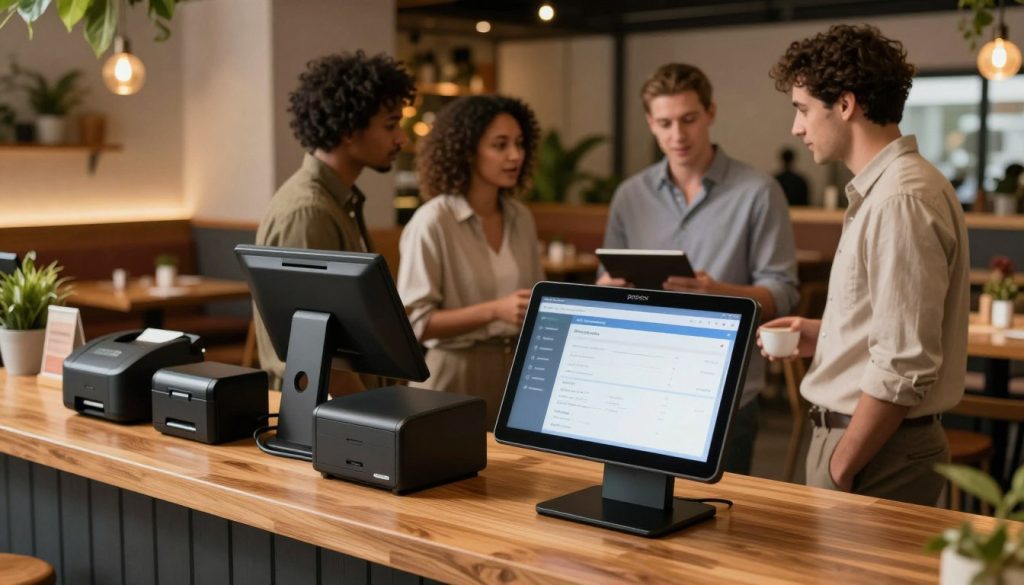
Step-by-Step: How to Set Up Your Business in 10 Minutes
- Sign up at posvox.com — Create your account in seconds with no credit card required.
- Add your products — Upload items manually or import via CSV. Assign prices, categories, and SKUs.
- Connect your payment method — Link your bank account or use integrated payment gateways (no extra fees).
- Customize your receipt & branding — Add your logo, business name, and contact details.
- Go live — Start taking payments right away. Your first sale is just one tap away.
This entire process takes less than 10 minutes — and you’re ready to serve customers, not wait for software to catch up.

Why No Hardware Lock-In Matters for Sole Traders
Many POS providers require you to buy specific tablets, printers, or terminals. This creates a financial barrier and limits flexibility. If your device breaks, you’re stuck waiting for replacement parts — or worse, forced to upgrade to a more expensive plan.
With PosVox Free POS, you’re never locked into proprietary hardware. Use what you already have. Whether it’s an iPad, Android tablet, or even a used smartphone, PosVox Free POS runs smoothly across devices.
This means lower startup costs, faster recovery from tech failures, and the ability to scale without being tied to a single vendor’s ecosystem.

FAQs About Sole Trader POS Systems
1. Can I really start a sole trader POS system in 10 minutes?
Yes — with PosVox Free POS, you can register, add products, connect payments, and go live in under 10 minutes. The system is designed for speed and simplicity, so you spend less time setting up and more time serving customers.
2. Is PosVox Free POS truly free forever?
Yes. PosVox Free POS has no hidden fees, no trial periods, and no premium tiers. It’s completely free to use — including all core features like sales tracking, inventory management, and reporting.
3. Do I need special hardware to use PosVox Free POS?
No. PosVox Free POS works on any modern tablet, smartphone, or computer with internet access. You’re not required to buy any specific hardware — this avoids costly upfront investments and prevents vendor lock-in.
4. Can I use PosVox Free POS for both retail and dining?
Absolutely. Whether you run a small boutique, coffee shop, or pop-up food stall, PosVox Free POS adapts to your needs. It supports table management, split checks, modifiers, and quick menu editing — perfect for dine-in or takeaway operations.
5. What happens if my device fails while using PosVox Free POS?
Since PosVox Free POS is cloud-based and device-agnostic, you can switch to another device instantly. Log in from a different tablet, phone, or laptop, and your data remains secure and accessible. There’s no downtime due to hardware failure.
6. Does PosVox Free POS support inventory tracking?
Yes. Track stock levels in real time, set low-stock alerts, and automatically update quantities after each sale. This helps prevent overselling and keeps your supply chain under control — all without extra cost.
7. Can I generate sales reports with PosVox Free POS?
Yes. Access detailed reports on daily sales, top-selling items, transaction history, and profit margins. These insights help you make smarter business decisions — even as a sole trader managing everything alone.
8. Is my data safe with PosVox Free POS?
Yes. PosVox Free POS uses end-to-end encryption and secure cloud storage. Your customer data, sales records, and business information are protected and remain under your control. You never share your data with third parties.
Next Steps: Start Free with PosVox Free POS
Don’t let slow or complex systems hold back your business. With PosVox Free POS, you can open your shop in 10 minutes, start your first sale immediately, and grow without restrictions.
Take control of your operations today — no hardware, no fees, no delays.

