
We’ve all been there. You’re behind the counter, and a line of customers is growing. Your register freezes. It’s a gut-wrenching moment that ruins your day. I’ve spent years dealing with retail tech. The key to a smooth day is pos software hardware compatibility.
Choosing the right tools shouldn’t be hard. I want to help you through this. You can stop fighting with cables and focus on your business. Whether you need a simple terminal or advanced gear, I’ll guide you to smart investments. Let’s make your checkout smooth and successful.
Key Takeaways
- Understand the vital link between your digital tools and physical equipment.
- Learn how to avoid common technical pitfalls that slow down your service.
- Discover how to select reliable peripherals that fit your specific business needs.
- Focus on long-term value, not just the lowest upfront price.
- Gain the confidence to build a checkout system that truly supports your growth.
Assessing Your Business Needs Before Buying Hardware
Buying hardware without a plan is like buying a tuxedo for a trip to the beach. It might look impressive, but it’s not practical. Before you spend on expensive equipment, look at your business POS needs. Make sure you’re not spending on things you won’t use.
Defining Your Transaction Volume and Speed Requirements
Your transaction speed is key. If you have a busy grocery store, you need fast payment processing. A small shop might focus more on looks than speed.
Plan your busy times. Slow systems during a rush can lose you customers. Pick hardware that can handle your busiest times easily.
Identifying Necessary Peripherals for Your Specific Industry
Not every business needs a big barcode scanner or a huge cash drawer. Modern systems do more than just take payments. They track employee hours and benefits too. Choose hardware that fits your needs well.
Look for tools that solve your specific problems. A restaurant needs a kitchen display system. A retail store needs a reliable label printer. Don’t buy things you don’t need.
| Business Type | Priority Feature | Hardware Focus |
|---|---|---|
| Coffee Shop | Speed | Compact Tablet Stand |
| Retail Boutique | Inventory | Barcode Scanner |
| Full-Service Restaurant | Management | Kitchen Printer |
| Pop-up Market | Portability | Mobile Card Reader |
Understanding POS Software Hardware Compatibility
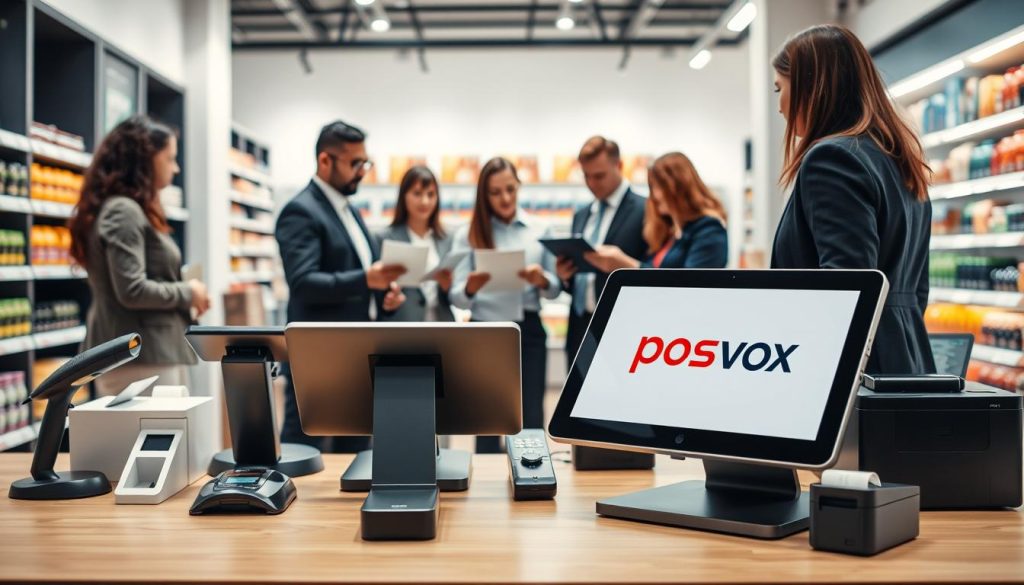
Knowing about pos software hardware compatibility is key. It can make or break your business. Your software is like the brain of your shop. It connects all your hardware and apps.
Why Proprietary Ecosystems Can Be a Golden Cage
Some vendors sell you a whole package. It seems easy but can trap you. You can’t shop around for better deals.
If something breaks, you must buy a new one from them. This can cost a lot. Avoiding vendor lock-in helps your business stay healthy.
The Benefits of Open-Source and Cloud-Based Flexibility
Look for systems that let you use your favorite devices. A cloud-based POS system is usually flexible. It works with many third-party hardware.
Choosing an open-source or flexible platform has big benefits:
- Cost Savings: You can find better deals on hardware.
- Scalability: You can change parts as your business grows.
- Reliability: You don’t rely on one company for everything.
By focusing on pos software hardware compatibility, your business stays flexible. A cloud-based POS lets you adapt to new tech. Don’t let your hardware hold you back. Let your software lead the way.
Evaluating Tablet-Based POS Systems
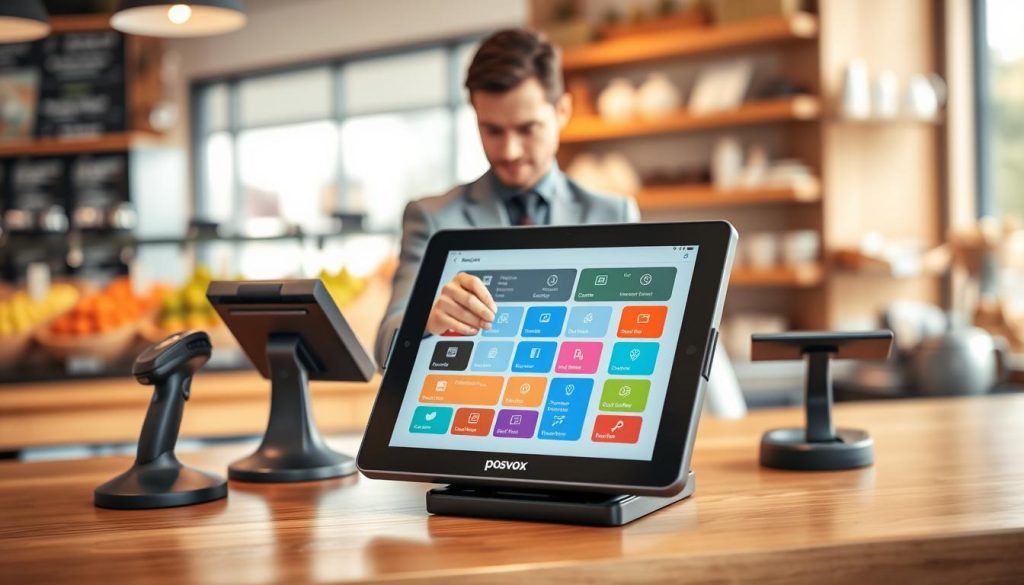
I’ve found that tablet POS systems are simple for busy entrepreneurs. They are easier to use than old registers. They also make adding things like card readers easy.
If you have a small business, these systems might look good to you. They are a good choice for many. But, you should know the trade-offs of mobile POS hardware.
Comparing Apple iPad Versus Android Tablet Performance
The fight between Apple and Android is about control. Apple’s iPad gives a steady experience. This is good if you want stability and security most.
Android tablets, though, offer more choices and prices. You can find a device that fits your budget without being stuck with one brand.
Assessing Durability and Battery Life for High-Traffic Environments
If you work in a busy place, your screen will get tapped a lot. Always check how well your mobile POS hardware is made before buying.
Battery life is also key. A dead battery during work is bad. Look for tablets that last long and charge fast.
| Feature | Apple iPad | Android Tablet |
|---|---|---|
| OS Stability | High | Moderate |
| Hardware Variety | Limited | Extensive |
| Price Range | Premium | Budget to High-End |
| Peripheral Support | Standardized | Highly Flexible |
Selecting the Right Receipt Printers and Cash Drawers
Handing a customer a crisp receipt is very satisfying. Even in our digital age, many shoppers like a paper receipt. High-quality receipt printers make your business look professional.
Thermal Versus Impact Printing Technologies
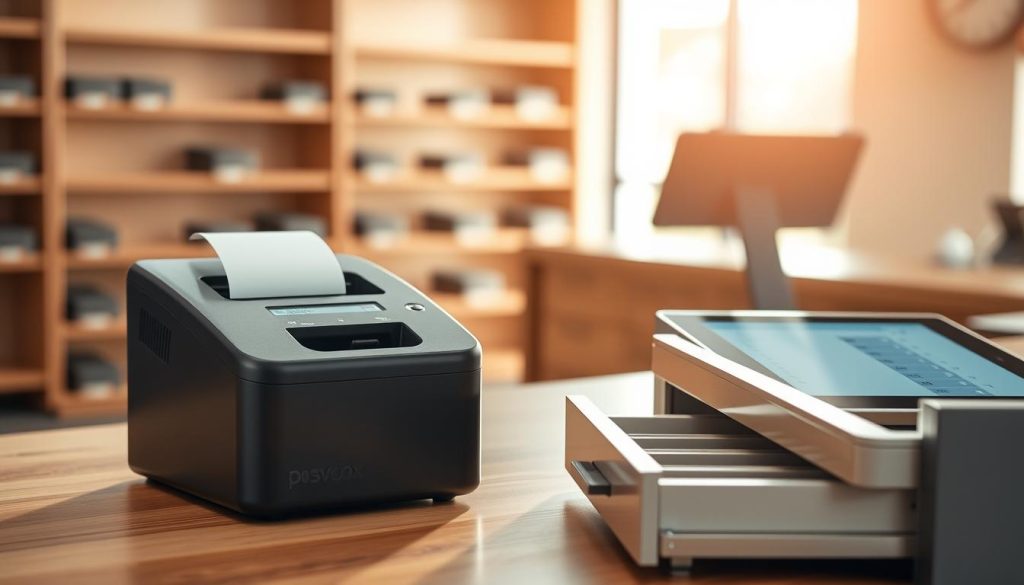
There are two main printing technologies. Thermal printers are fast, quiet, and don’t need ink. They are great for busy checkout counters because they are cost-effective and low-maintenance.
Impact printers, or dot-matrix printers, are used in restaurants. They work well in hot kitchens because they use ink ribbons. They are most durable for kitchen display systems.
Ensuring Connectivity via Bluetooth, Wi-Fi, or Ethernet
Choosing the right hardware is important. Your printer must connect well with your software. A disconnected printer can slow down a busy shift.
For mobile setups, Bluetooth or Wi-Fi is good. But for a fixed checkout, an Ethernet connection is best. It’s stable and reliable, making sure everything works right.
Choosing Reliable Barcode Scanners and Payment Terminals
When the checkout line gets long, your tools must work fast. A good checkout needs a reliable cash drawer, quick terminal, and barcode scanners that work right. If they don’t, everything stops, making everyone unhappy.
Wired Versus Wireless Scanner Ergonomics
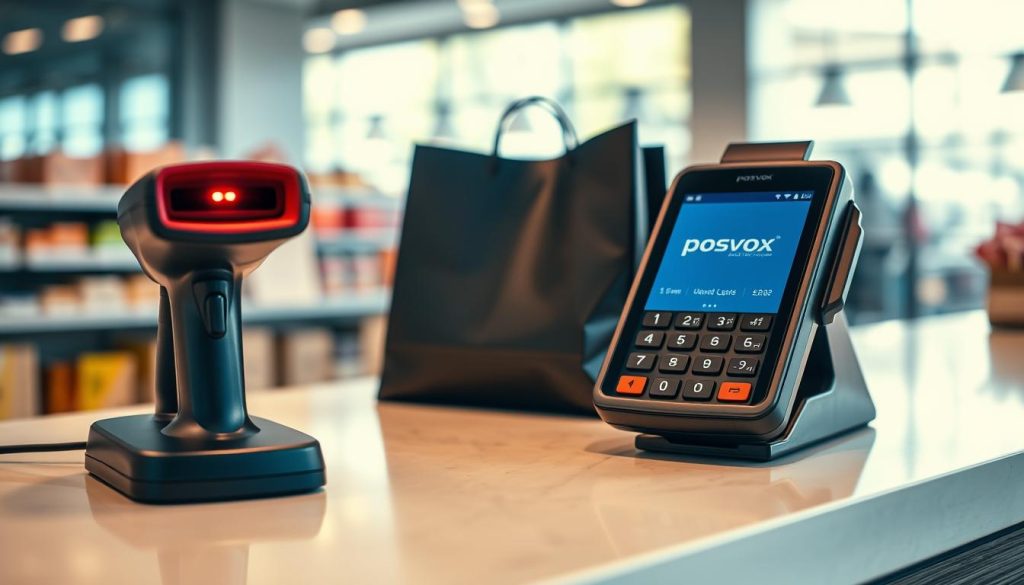
Ergonomics is key for a long day. If your team struggles with their scanners, they get tired quickly. You need to find a balance between comfort and speed.
Think about these things when picking your gear:
- Wired scanners stay connected and don’t need batteries, great for fixed spots.
- Wireless scanners let you move, which is helpful for big items.
- A light scanner is better to avoid injuries.
Navigating EMV Compliance and Contactless Payment Standards
Security is a big deal for your customers. EMV compliance keeps your business safe from fraud. Modern payment terminals make every transaction safe.
“The goal of modern payment technology is to make the checkout process invisible, secure, and lightning-fast for the end user.”
It’s not just about security. Your system must also support contactless payments. Today’s customers want to pay with their phones or watches. If you can’t do that, they might go elsewhere. Make sure your gear meets the latest EMV compliance standards.
Checking Software Integration and Driver Support
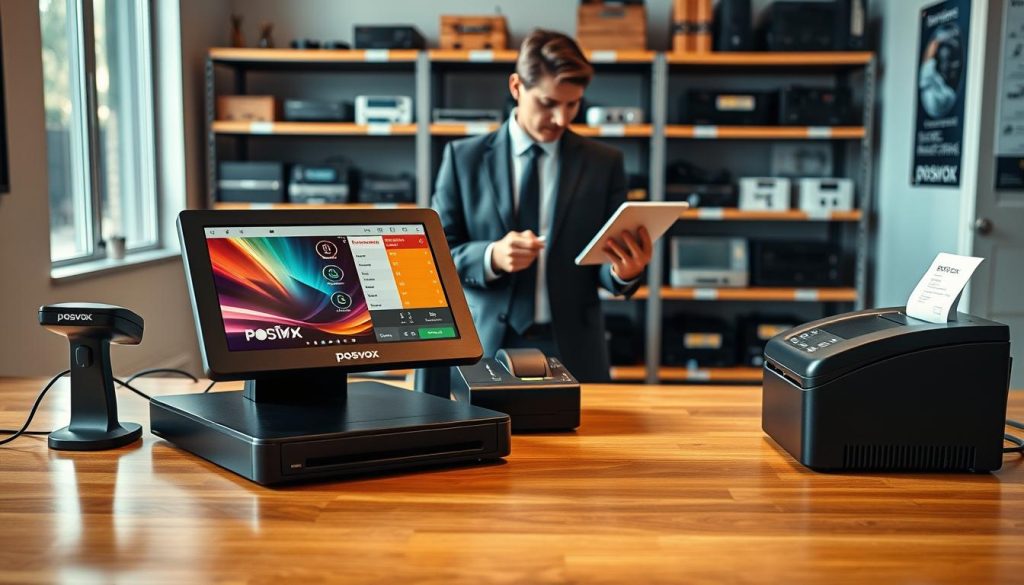
I learned the hard way that software integration is key for any retail setup. It’s frustrating when new gear won’t work with your system. Make sure your investment works when you open your doors.
Verifying Manufacturer Driver Updates
Before buying, check if the maker updates drivers often. These updates help your hardware talk to your system. Without them, your setup might break when your system updates.
Always check the maker’s support site for updates. If the last update was years ago, run away. You need a maker that keeps their drivers up to date.
Testing Plug-and-Play Functionality Before Full Deployment
Test your gear in a safe place before using it everywhere. Some makers offer setup help, but it costs more. Testing yourself saves money and helps you understand your software integration.
Even if it says plug-and-play, it might not work right away. Spend time making sure your scanners and printers work with your pos software hardware compatibility. Fixing problems early saves you from stressed customers.
Budgeting for Hardware Without Sacrificing Quality
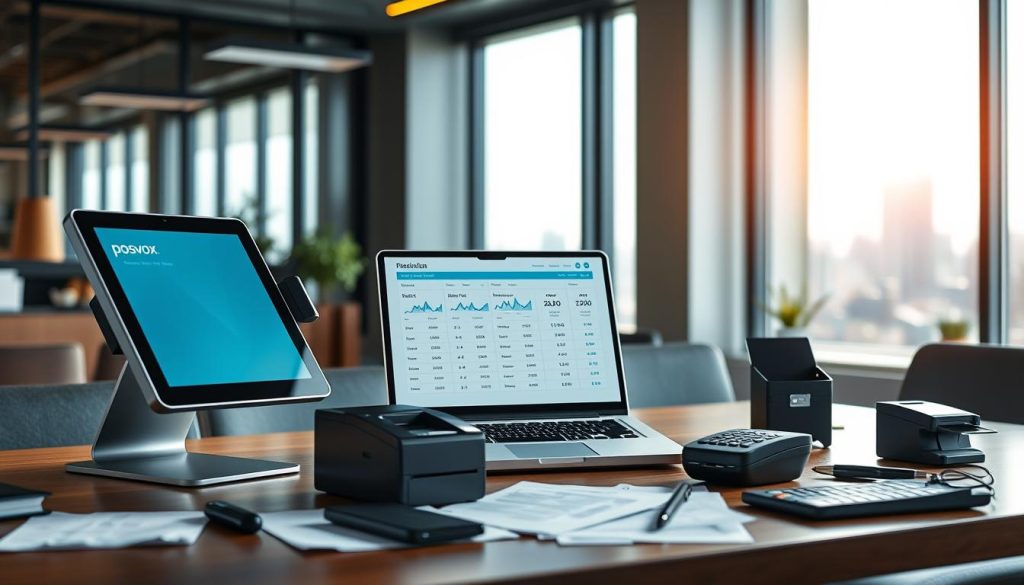
When I plan my POS budget, I think about more than just the terminal. I also think about monthly software fees, installation charges, and customization costs. These costs can add up quickly.
The Hidden Costs of Cheap Refurbished Equipment
It’s tempting to look for deals when starting out. But, buying cheap, refurbished hardware can be a risky gamble. It often leads to more money spent on repairs and troubleshooting than on new equipment.
Older, refurbished peripherals might not work well with modern software. This causes downtime, which costs you more than the hardware itself.
Calculating Long-Term ROI on Durable POS Hardware
I focus on the hardware ROI over my business’s lifetime. Investing in quality, durable equipment means fewer problems and lower costs. A reliable terminal is an asset, not a problem.
When I calculate my hardware ROI, I consider the device’s lifespan and total cost. Spending a bit more upfront can mean better warranty support and faster performance. A smart POS budget values reliability over saving money, keeping my business running smoothly.
Setting Up Your Hardware Environment
Your counter is where your business shines. So, let’s make sure it’s set up right. A good POS setup looks great and makes work easier for everyone.
Optimizing Counter Space and Cable Management
A messy counter slows things down. You want your hardware to be easy to move around. This makes work smooth for your team.
Use cable ties or clips to hide cords. This stops them from getting tangled and causing trouble.
A clean workspace shows you care. It looks professional and makes customers trust you right away.
Configuring Network Security for Connected Devices
Modern devices use Bluetooth to connect. This is great, but you must watch your network security closely.
Don’t use default settings on your devices. They’re easy targets for hackers. Create a special network for your payment gear. This keeps it safe from guest Wi-Fi.
Being careful with your network security keeps your business safe. A secure setup protects your reputation and keeps things running smoothly.
Troubleshooting Common Hardware Connectivity Issues
Even the most advanced POS systems can sometimes act up. They are made to be easy to use, but they can be tricky when problems arise. It’s smart to choose a provider with excellent tech support. Having someone to help you during busy times is priceless.
Fixing hardware problems starts with staying calm. Don’t jump to conclusions about your equipment. Most issues come from software problems, not broken parts.
Diagnosing Communication Errors Between Software and Peripherals
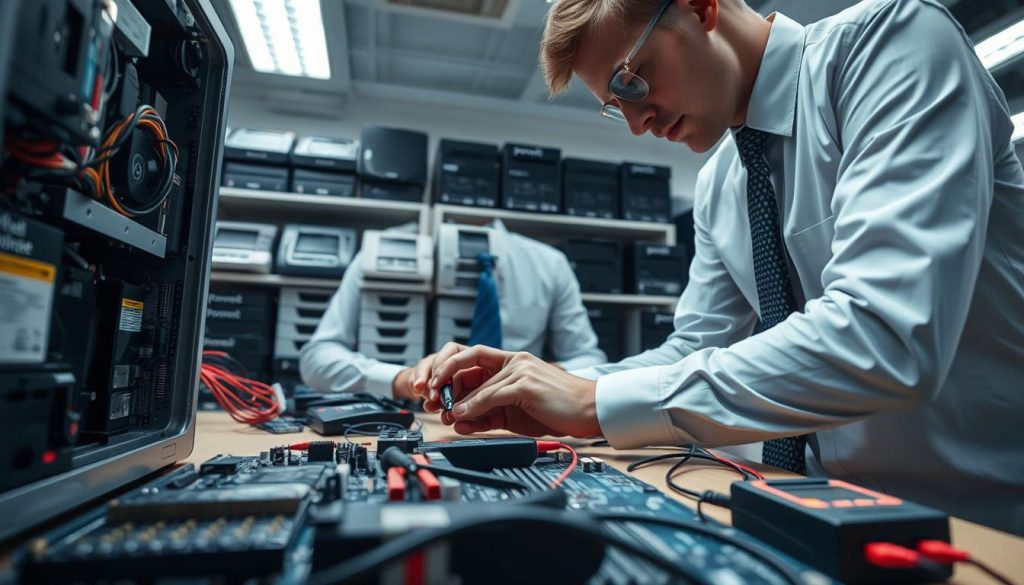
When your receipt printer or scanner stops working, check your pos software hardware compatibility settings first. Often, a simple update or a loose cable is the problem. Always check your network connection, too, if you use Wi-Fi.
If your device is on but the software can’t find it, make sure the right drivers are installed. A quick restart of both the tablet and the device might solve the problem. If it doesn’t work, look for error codes in your POS dashboard to find the exact issue.
When to Update Firmware Versus When to Replace Hardware
Knowing when to update and when to replace is key for business owners. Always check for firmware updates before replacing anything. A simple update can fix many problems.
But, if a device keeps causing trouble, it’s time to get a new one. Constant problems mean the device is not reliable. Getting new, compatible gear is usually cheaper than lost sales from downtime.
| Issue Type | Quick Fix | Long-term Solution |
|---|---|---|
| Connection Drop | Restart Device | Check Network Stability |
| Driver Error | Update Firmware | Verify POS Compatibility |
| Physical Damage | Temporary Patch | Replace Hardware |
Scaling Your Hardware as Your Business Grows
The secret to growing your business smoothly is managing your hardware well. It’s easy to get excited about opening new places. But, not planning for your equipment can cause big problems.
Choosing a POS system that grows with you is key. You don’t want to replace everything every time you grow.
Planning for Multi-Terminal Expansion
Adding more registers needs a system that works well with others. I always say pick hardware that lets you manage everything from one place. This makes it easy to keep track of sales and stock across all terminals.
Using hardware that only works with one terminal can stop you from growing. Look for systems that let you add more scanners, printers, and payment terminals as you need them.
Migrating Data and Hardware Settings During Upgrades
Upgrading your hardware should be easy, not painful. Keep detailed records of your current setup. This includes network settings and drivers to make the change smooth.
Many cloud-based systems can update settings for new devices automatically. Keeping your digital inventory clean helps your business grow smoothly. It avoids technical problems during upgrades.
Remember, consistency is key when growing your business. Documenting your setup now will help a lot when you have many terminals across different locations.
Conclusion
Choosing the right POS hardware is a big decision. It’s about balancing what you can afford now with what you need for the future. This gear is the heart of your daily work.
Good POS hardware stops those stressful moments in the middle of your shift. You want tools that work as hard as you do. They should make your checkout lines fast.
Your business success depends on how well these tools fit with your plans. See every printer, scanner, and tablet as a key partner in your company’s future. When your tech and operations match, you can focus on your customers.
Now you have the knowledge to build a strong system. It will support your team and make your customers happy. I’m sure these choices will help your business succeed in a tough market.

