
Did you know that stores that link their online and physical spaces see a 30% increase in customer lifetime value? In today’s fast world, your brand must connect these areas.
I’m excited to help you link your online shop with a top-notch offline system. With a strong shopify pos integration, you can offer a unified brand experience to all shoppers.
This guide will show you how to make your online and offline spaces work together smoothly. My aim is to help you use today’s retail tech to boost your store’s performance. Learning this shopify pos integration is key to unlocking your store’s full power.
Key Takeaways of shopify pos integration
- Unify your inventory data across all sales channels in real-time.
- Enhance the customer experience with consistent pricing and promotions.
- Streamline your daily operations to save valuable staff time.
- Gain deeper insights into your total business performance.
- Build a scalable foundation for future retail growth.
The Strategic Advantage of Unified Commerce
I think the future of retail is about linking your online and offline stores smoothly. Unified commerce makes every interaction count. It turns separate channels into one strong engine for growth.
Bridging the Gap Between Digital and Physical Retail
Many stores struggle because their online and offline parts don’t work together. This makes it hard to grow and keep up with changes. Omnichannel retail breaks down these barriers, keeping your brand the same everywhere.
When your systems talk to each other well, you get a big advantage. Here are the main benefits of a connected retail world:
- Operational Efficiency: Fewer mistakes happen because of less manual work.
- Brand Consistency: Customers get the same quality service online or in-store.
- Scalability: Adding new sales channels is easy and simple.
Why Real-Time Inventory Syncing Matters
Selling something you don’t have is bad for your reputation. Real-time inventory management keeps your stock levels right everywhere. When someone buys online, your store’s stock updates right away, avoiding overselling.
Good inventory management lets you keep just the right amount of stock. You don’t have to guess or check manually. Your system shows you exactly how much you have at any time.
Enhancing Customer Experience Through Omnichannel Data
Using omnichannel data helps you make decisions that really connect with your customers. By looking at what they buy online and in-store, you can suggest things they’ll love. This makes their shopping experience better.
Some might think these systems are too complicated. But the benefits are worth it. Even if you need to fix some POS troubleshooting issues, seeing your business as a whole is clearer than old systems. You’re not just selling things; you’re building a smarter, more responsive retail future.
Selecting the Right Hardware for Your Shopify POS Integration
Finding the best POS hardware is exciting. It’s the start of growing your retail business. It makes sure your store and online shop work well together. Good tools now mean your business can grow and succeed.
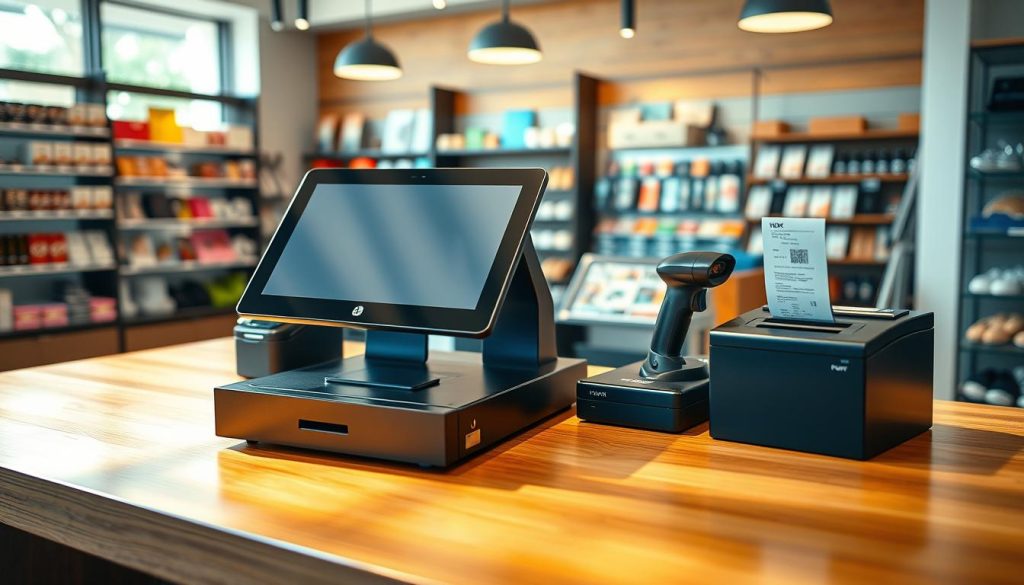
Evaluating Tablet-Based Systems Like Shopify POS Go
Today’s retail needs to be flexible. Tablet systems are the best for merchants. The Shopify POS Go is special because it’s small and does a lot.
This small size lets you move around the store. You can help customers anywhere. This makes your store feel more personal and helps it grow.
- Increased mobility: Help customers in the aisles to cut wait times.
- Space efficiency: Free up space by removing big registers.
- Unified experience: Keep staff connected to the same data, no matter where they are.
Compatibility Requirements for Receipt Printers and Barcode Scanners
Building your retail technology needs careful planning. Make sure all devices work well with your software. Shopify POS works on iOS and Android, giving you choices.
“The right technology does not just process transactions; it empowers your team to deliver exceptional service at every touchpoint.”
Check if your receipt printers and barcode scanners work with your tablet. Look at the official hardware list for easy setup. This avoids tech problems and keeps things running smoothly.
Ensuring Network Stability for Offline Reliability
Even top systems need a stable connection. But, your business should keep running even without the internet. Choose hardware that works well offline.
Your data will sync up when the internet comes back. This keeps your records right. Being ready for internet outages shows you’re professional and keeps your business growing.
Preparing Your Shopify Backend for Seamless Connectivity
I think a great retail business starts with a well-set digital base. By focusing on your backend, you use modern retail technology to help both your team and customers. This setup is key for a strong brand image.
Organizing Product Collections and Variants
Make sure your team can find products fast. Use logical categorization for your product groups. This makes the retail checkout smoother. Clear variants like size and color also cut down on mistakes and speed up sales.
Setting Up Multiple Locations in Your Shopify Admin
Keeping track of stock across sites is important. Set up different locations in your Shopify admin. This strategic approach keeps your online and physical stores in sync. It’s key for a good customer experience.
Configuring Tax Settings for Physical Storefronts
Following the law is essential for any business. Make sure your tax settings match each physical location’s rules. This detail keeps your retail checkout smooth and professional for everyone.
| Backend Feature | Primary Benefit | Impact on Operations |
|---|---|---|
| Product Collections | Improved Searchability | Faster Staff Workflow |
| Multiple Locations | Inventory Accuracy | Prevents Overselling |
| Tax Configuration | Legal Compliance | Seamless Transactions |
Improving these settings boosts the customer experience with solid retail technology. Doing this now will save you a lot of time as your business grows.
Step-by-Step Shopify POS Integration Process
Starting your retail scalability journey is easy when you connect your hardware to your online store. A step-by-step setup keeps your business flexible and ready to grow. This way, you make complex tasks easy for your team.
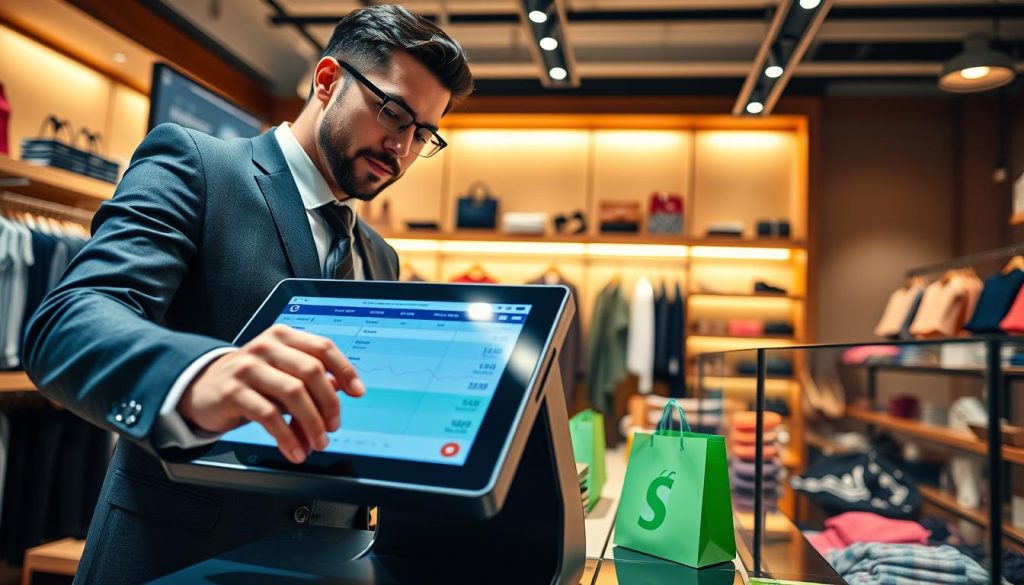
Installing the Shopify POS App on Your Hardware
The first step is to get your devices ready. You can use a tablet or the Shopify POS Go. Just download the app from your device’s store to start.
Linking Your Existing Shopify Store to the POS Terminal
After installing, connect your online store to your POS hardware. This lets your sales and inventory update in real-time. Make sure your internet is working well during this step.
Configuring Staff Permissions and Roles
Good retail staff management is key for a successful store. You can control who does what in your system. This is essential as your business grows.
Defining Access Levels for Cashiers and Managers
Make your system fit your team’s needs. Create roles for cashiers and managers. Cashiers can handle sales, while managers can handle returns and inventory.
Setting Up PIN-Based Security for Transactions
Keeping customer payments safe is important. Use PIN-based access for every transaction. This builds trust and keeps your business safe.
Managing Inventory Across Channels
I think true retail success comes from controlling stock levels everywhere. When your online and offline stores work together, you grow strong. Good inventory management keeps your business quick to meet customer needs.
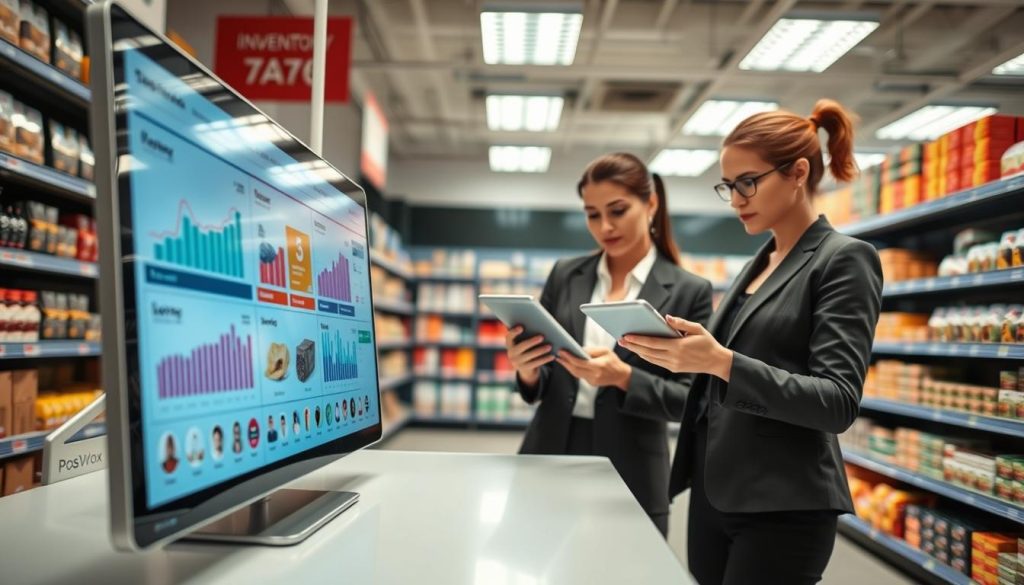
Automating Stock Updates to Prevent Overselling
Automate stock updates to avoid overselling. This protects your brand’s image. Tools like ConnectPOS help by syncing stores and warehouses. This real-time inventory info means stock updates fast when items sell online.
“Accuracy in your stock data is not just a technical requirement; it is a promise of reliability to every customer who walks through your door or visits your website.”
Handling Transfers Between Online and Offline Locations
Moving products between online and physical stores should be easy. A unified system lets you track transfers well. This way, you can move stock where it sells best, so you don’t miss sales.
The table below shows why you should ditch manual tracking:
| Feature | Manual Tracking | Automated System |
|---|---|---|
| Data Accuracy | Low (High Error Risk) | High (Real-time) |
| Update Speed | Delayed | Instant |
| Staff Effort | High | Minimal |
| Overselling Risk | Significant | Negligible |
Utilizing Barcode Scanning for Rapid Stock Takes
Barcode scanning makes retail staff management easier. Your team can update stock quickly, not spend hours counting. This lets them focus on excellent service for customers.
Using real-time inventory data helps your team make smart choices. Good inventory management and smart tech are key to growing. Investing in these tools means a strong future for your retail brand.
Optimizing the Checkout Experience for In-Store Customers
Make your retail checkout easy and fast. This will make your business stand out. When you focus on the customer experience, you gain loyal customers. They will keep coming back for more.
By linking your online and in-store experiences, you show shoppers you care. This is what they want.
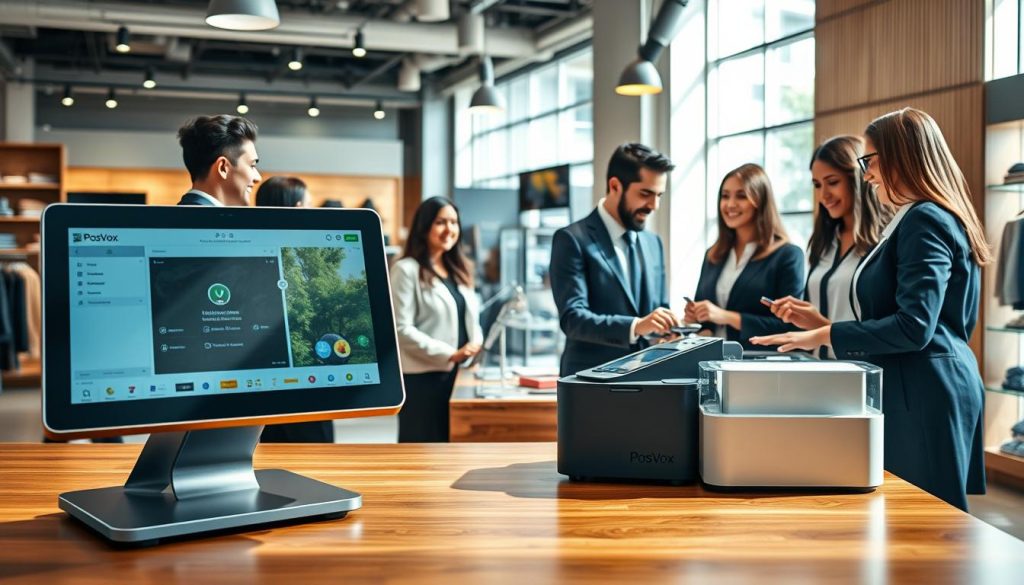
Implementing Local Pickup and Buy Online, Pick Up In-Store
Offering Buy Online, Pick Up In-Store (BOPIS) is smart. It saves money on delivery. It also brings customers into your store.
This can lead to more sales and people visiting your store.
Processing Returns and Exchanges from Online Orders
A good return policy builds trust. Let your staff handle returns and exchanges at the POS. This makes things easy for customers.
It shows you support them, no matter where they bought from.
Leveraging Customer Profiles for Personalized In-Store Service
Your POS system connects to customer history. This lets your team offer special help. They can suggest things based on what customers have done before.
This makes every visit special. Personalization turns a regular visit into a memorable one.
Advanced Reporting and Analytics for Growth
Data-driven decisions are key for success in retail. By combining online and offline stores, I get a clearer perspective on my business. This helps me understand my customers better.

Analyzing Combined Sales Data for Better Forecasting
Mixing online and offline sales data helps me predict demand better. This lets me manage my stock well, so I don’t run out of popular items. I make smart buys that save money.
This big picture also lets me track how much value each customer brings. I see how they interact with my brand, online or in-store. This helps me grow in a tough market.
Tracking Employee Performance Metrics
Good retail staff management needs real data, not just guesses. I track sales and average transaction value for my team. This helps me see who needs help and who’s doing great.
Being open about performance boosts my team’s motivation. When they see their impact, they work better. This makes my customers happy too.
Using Financial Reports to Identify High-Performing Products
Financial reports help me find top-selling items. I focus on what my customers love most. This smart spending keeps my business growing.
These analytics are the base for lasting retail growth. By always checking my finances and stock, I stay ahead. I’m sure these tools will help my business thrive.
Troubleshooting Common Integration Challenges
When your technology hits a snag, having a clear strategy for resolution is key. I see POS troubleshooting as a vital skill for any modern merchant. By staying prepared, your retail technology stays a powerful asset, not a source of frustration.
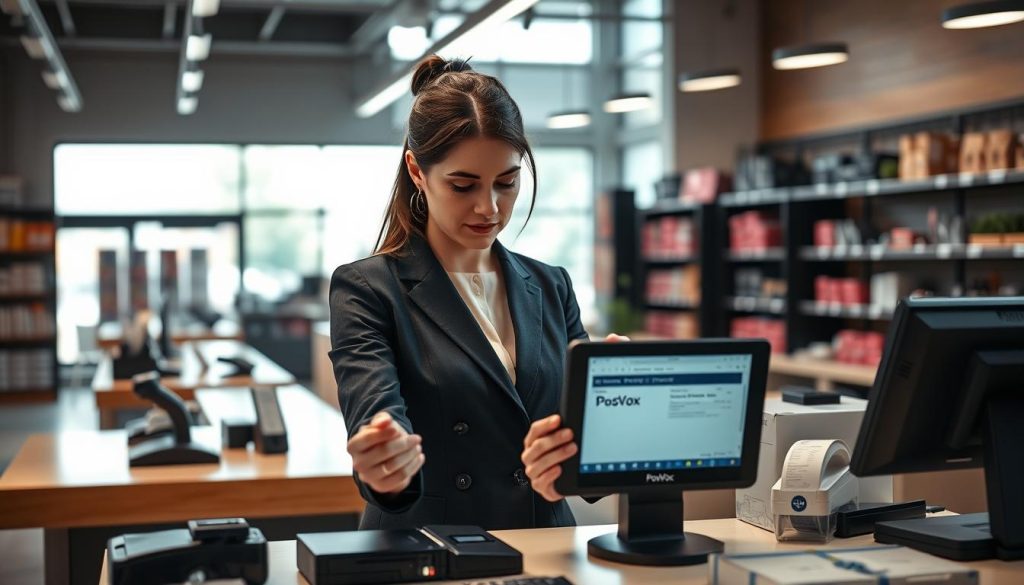
Resolving Sync Conflicts Between Online and Offline Databases
Data integrity is the backbone of your business. Discrepancies often come from delays in real-time inventory updates. I recommend a manual refresh of your product catalog when you notice a mismatch.
If the issue doesn’t go away, check your internet connection. Also, make sure your admin settings are correct. Keeping databases aligned prevents overselling and keeps customers happy. Consistency is key to maintaining trust across all sales channels.
Managing Connectivity Outages During Peak Sales Hours
Connectivity issues can feel overwhelming, even during a busy holiday rush. I always suggest having a reliable offline mode enabled on your devices. This lets you keep processing transactions even when the network is unstable.
Once your connection is back, the system will sync your pending sales. Having a backup plan means your store stays open, even with technical failures. Preparation turns disasters into minor inconveniences.
Updating Firmware and Software to Maintain Performance
Regular maintenance is the secret to long-term success. I make it a priority to update my POS hardware, like the Shopify POS Go, as soon as new patches are released. These updates often include critical security fixes and performance improvements.
By keeping your software current, you support your long-term retail scalability. Using the latest features of your retail technology keeps you ahead of the competition. Below is a quick guide to help you manage common technical hurdles effectively.
| Issue Type | Primary Action | Expected Outcome |
|---|---|---|
| Sync Conflict | Manual Data Refresh | Aligned Inventory |
| Network Outage | Enable Offline Mode | Continuous Sales |
| System Lag | Update Firmware | Improved Speed |
| Hardware Error | Restart Terminal | Restored Function |
Conclusion
Linking your Shopify store with a top-notch offline system is a big step for your business. It makes shopping online and in stores easy and smooth.
You have the tools now to handle all kinds of shopping. This lets you serve today’s shoppers fast and well.
I want you to use these tools to grow your sales every day. Think of your dashboard as a guide for your work.
Start making choices based on data to grow your brand. Look at your sales numbers to find trends early.
Staying with this tech keeps your brand up-to-date. I’m excited to see your business grow with these new ways of working.

