
Did you know a three-second delay can make nearly half of your customers leave? In retail, every second matters a lot.
A pos system performance bottleneck quietly hurts your profits. You might think it’s the staff, but it’s often your tech.
Small tech delays can lead to big money losses. I want to show you how to spot when your tech is failing. By fixing these issues early, you can get your money back and make customers happier.
Key Takeaways of pos system performance
- Slow transaction speeds directly correlate to higher cart abandonment rates.
- Minor software delays accumulate into significant annual revenue losses.
- Identifying technical friction points is essential for maintaining operational efficiency.
- Proactive maintenance prevents long-term damage to your brand reputation.
- Modernizing your checkout process is a critical investment for growth.
The Reality of Modern Retail Friction
Speed is key in the service industry, but many are slow to adapt. The modern retail world needs quick service. Any delay at the register makes customers unhappy.
Using an outdated POS system can hurt your business. These old systems can’t handle simple tasks. Every second of waiting hurts your brand.
When your restaurant technology doesn’t meet customer needs, problems arise fast. The difference between success and failure often comes down to speed. You must tackle these issues:
- Long wait times during busy hours.
- Not being able to accept modern payments.
- System errors that need manual fixes.
- Not knowing what’s in stock in real-time.
An outdated POS system is more than a small problem. It blocks your business from growing. When staff fights with old systems, service quality drops. You need tools that help your team, not hinder them.
Investing in new restaurant technology is more than just new gadgets. It’s about making your service smooth and keeping customers happy. To succeed in today’s fast world, speed must be a key part of your strategy.
Identifying the POS System Performance Bottleneck
Finding the pos system performance bottleneck is key to saving time and money. Managers often blame staff for slow service. But, the real problem is often the retail billing software.
Modern systems can process payments fast, in 8 to 12 seconds. Old systems take 25 to 45 seconds. This big difference slows down your store.
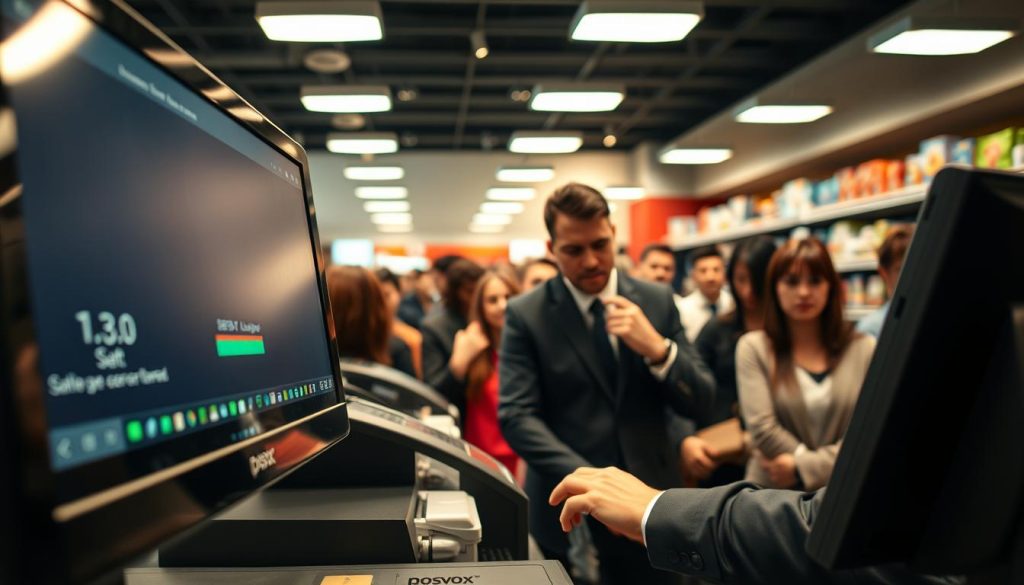
It’s not just about speed. Small things like extra clicks during orders waste a lot of time. Also, when systems don’t work together right, your team has to do extra work.
Check how long it takes to check out during busy and quiet times. If it’s slow, it’s time to look at your tools. Making your POS software performance better helps everyone.
Sign One: The Dreaded Transaction Lag
A slow checkout process shows a failing retail performance. When your point-of-sale system is slow, your whole business suffers. This delay is not just a small problem; it’s a big threat to your QSR operational efficiency.
Why Milliseconds Matter at the Register
In a busy place, every second is important. When software takes too long to talk to payment gateways, everything stops. Efficiency is key for a busy store, and delays hurt your money.
Good systems process transactions fast. But old software can’t keep up with new tech, causing delays. Making your system faster is key for busy times.
The Impact of Latency on Customer Patience
Customers get impatient when they’re in line. A slow checkout process makes them leave without buying. The frustration of waiting hurts your brand a lot.
The table below shows how fast transactions affect customers and your store:
| Transaction Speed | Customer Sentiment | Staff Productivity | Revenue Impact |
|---|---|---|---|
| Under 2 Seconds | Highly Satisfied | Optimal | Maximum |
| 3 to 5 Seconds | Neutral | Moderate | Stable |
| Over 8 Seconds | Frustrated | Low | Declining |
Watching these numbers helps you see when you’re failing. Prioritizing speed keeps customers happy and staff working well all day.
Sign Two: Frequent Software Crashes and Freezes
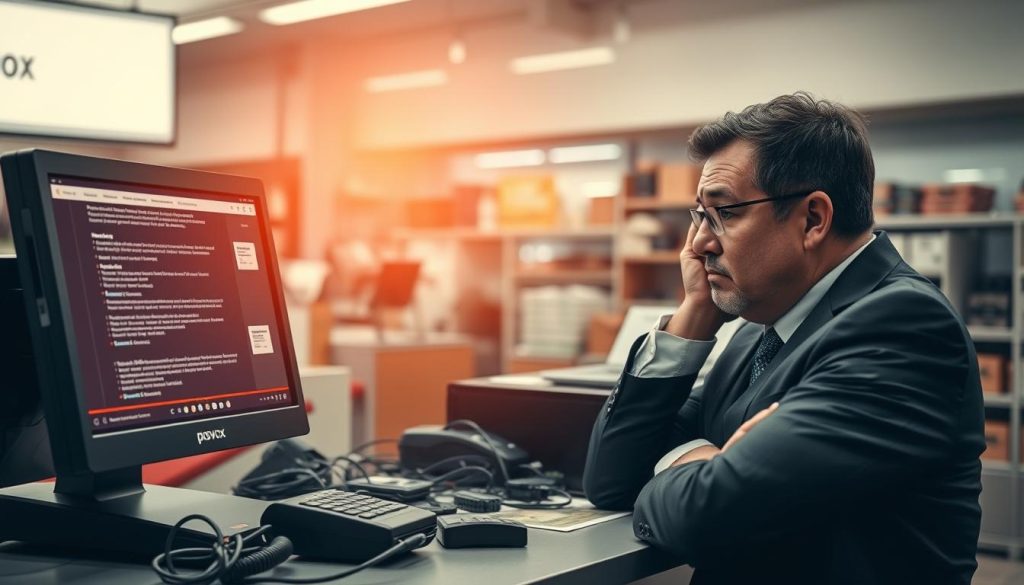
POS system errors are more than just bugs. They hurt your team’s mood. When tech fails, your store’s flow stops suddenly.
I’ve seen how unreliable POS software performance makes employees anxious. They just want to do their jobs well.
The Psychological Toll on Your Staff
Your team is your brand’s face. They need tools that work smoothly. When retail billing software freezes, they must say sorry a lot.
This makes them tired and might make them leave. Your best workers might look for new jobs.
“Technology should empower your employees to serve customers better, not act as a barrier that turns every transaction into a stressful ordeal.”
Stable tools are key to a happy work place. When tools work well, employees feel good. They help customers better.
Data Integrity Risks During System Restarts
Crashes hurt your business more than just morale. Every freeze risks losing important data. Staff might use workarounds to keep things moving.
This increases the chance of mistakes. Manual entries can mess up your reports. Keeping POS software performance high is vital for accurate records.
Using old or unstable retail billing software is risky. Your business can’t afford to gamble in today’s market.
Sign Three: Inventory Syncing Delays
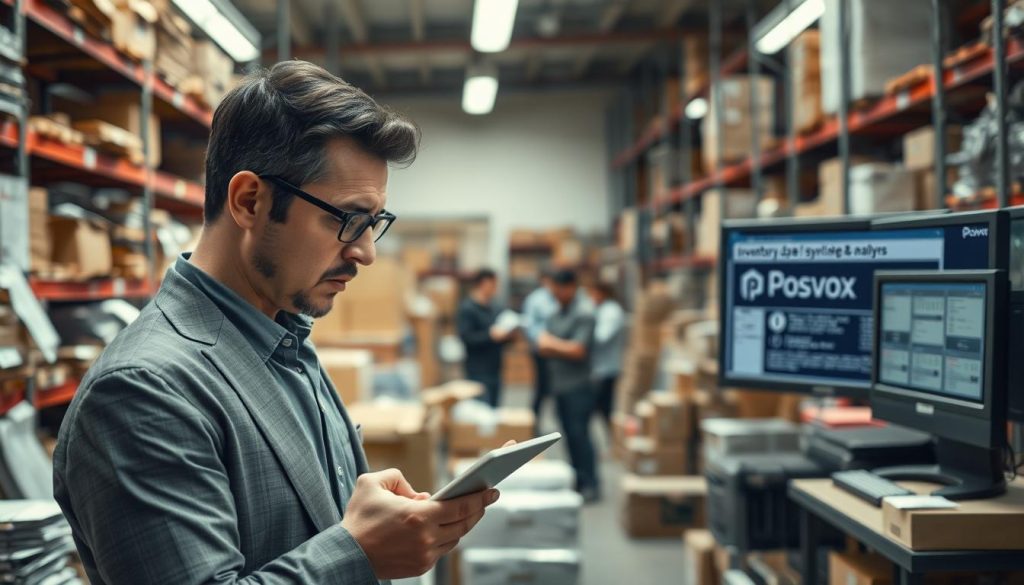
Many businesses face problems with slow inventory syncing. This slows down their daily work. These inventory management problems happen when sales and records don’t match up.
When systems don’t communicate, you can’t track stock live. This makes it hard to see what’s happening in your business. It affects everyone, from the warehouse to the checkout.
The Danger of Selling Out-of-Stock Items
It’s really frustrating for customers to buy something that’s not there. These POS integration failures cause canceled orders and refunds. They also hurt your brand’s trust.
Selling items you don’t have is like making promises you can’t keep. It makes your team work harder to fix mistakes. They can’t focus on helping new customers.
“Data accuracy is the backbone of retail success; without it, you are simply guessing at your own operational reality.”
How Real-Time Data Prevents Operational Chaos
To keep things running smoothly, your kitchen and register must be in sync. With instant data, your team knows what’s in stock. This stops the mess of last-minute menu changes or running out of ingredients.
Real-time syncing updates inventory levels right when a sale happens. This lets you plan restocking and menus without guessing. It makes your business run better.
| Feature | Manual Tracking | Real-Time Sync |
|---|---|---|
| Data Accuracy | Low (High Error Rate) | High (Automated) |
| Staff Effort | High (Time Consuming) | Low (Seamless) |
| Stock Visibility | Delayed (Stale Data) | Instant (Live Data) |
| Customer Trust | Risk of Cancellations | Reliable Fulfillment |
Sign Four: Slow Reporting and Analytics Generation
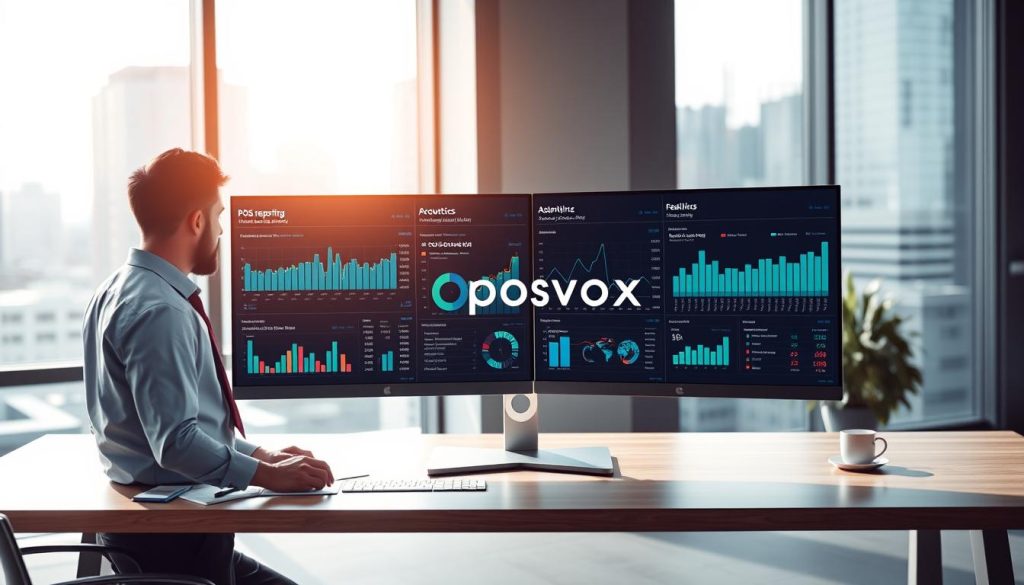
When your point-of-sale system is slow, it hurts your decision-making. Managers often wait hours for reports. This makes it hard to know what’s happening on the floor.
Making Decisions Based on Stale Information
Using old data is like making decisions in the dark. Without live sales figures, you face inventory management problems. You might stock too much or not enough.
Proactive management needs current stock and customer info. Without it, you’re just guessing. This can lead to lost money and unhappy customers.
The Efficiency Cost of Manual Data Reconciliation
Business owners waste time fixing errors manually. These manual billing mistakes happen when the system is slow. It’s not just a waste of time; it costs a lot of money.
Switching to POS reporting analytics can help. It makes these tasks automatic. Your team can then focus on customers, not spreadsheets. Here’s how manual and automated systems differ.
| Feature | Manual Reporting | Automated Analytics |
|---|---|---|
| Data Latency | Hours or Days | Real-Time |
| Error Risk | High | Negligible |
| Staff Effort | High (Manual Entry) | Low (Automated) |
| Decision Speed | Reactive | Proactive |
Sign Five: Incompatibility with Modern Payment Hardware
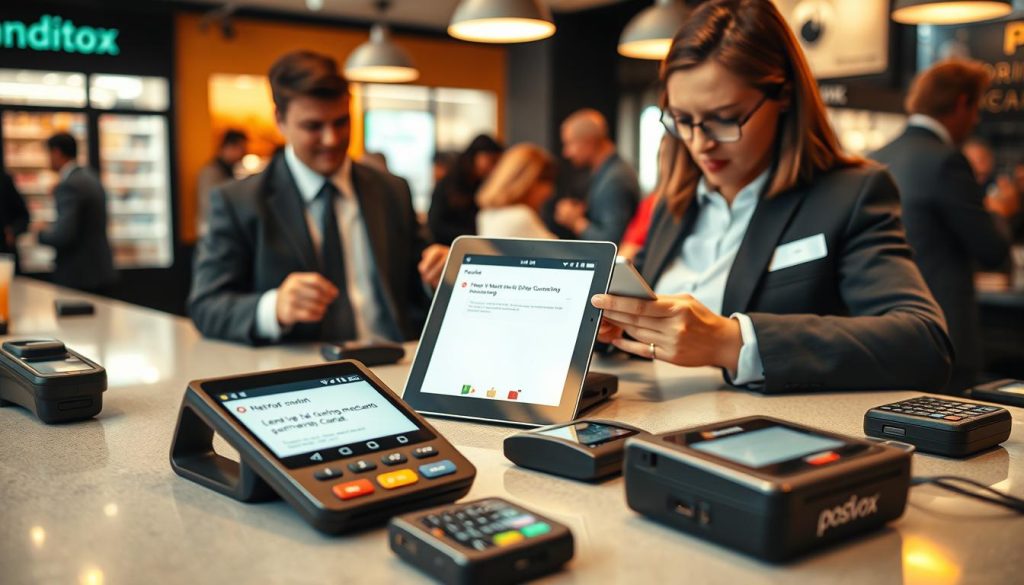
If your checkout counter looks old, you might have big POS system reliability problems. Old technology can block your business from reaching customers. POS hardware issues often mean your setup can’t keep up with today’s fast pace.
The Friction of Outdated Card Readers
Old card readers slow down checkout. When they can’t handle new payment methods, customers get upset. This makes your staff deal with problems while they’re helping others.
Good hardware should make payments fast. If it doesn’t, you lose time. Investing in modern hardware keeps your customers happy.
Security Vulnerabilities in Legacy Software
Old software isn’t safe for today’s threats. It doesn’t have the latest encryption. This makes your customer data at risk.
POS system reliability is key to keeping your business safe. New systems get updates to fight off new dangers. Not fixing POS hardware issues and software problems is risky.
The Hidden Financial Impact on Your Bottom Line
I’ve seen that a bad point-of-sale system costs more than you think. People often only look at the upfront cost. But there are invisible expenses that add up every day. These costs cut into your profits and stop you from growing.
Calculating the Cost of Abandoned Carts
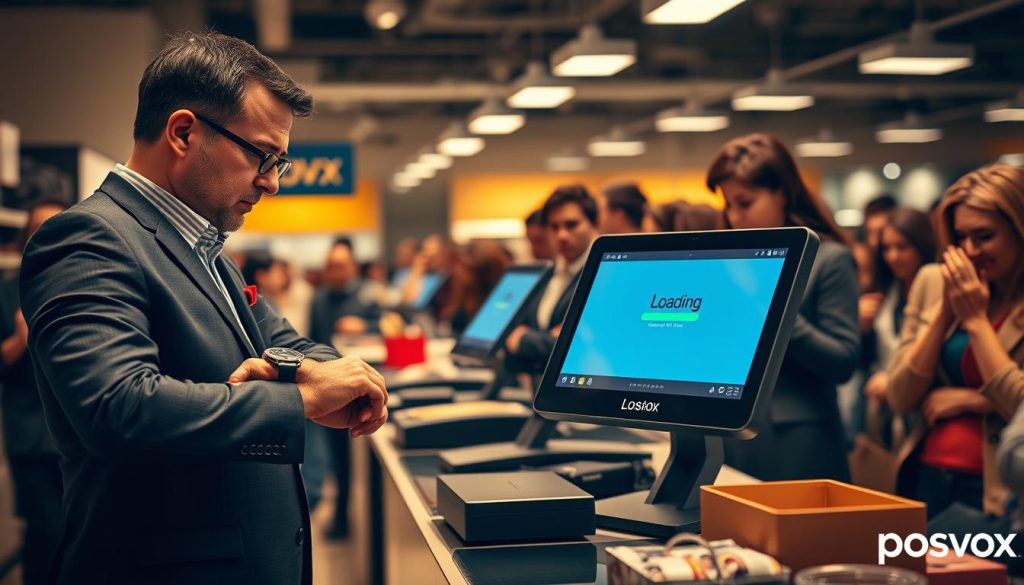
When customers face a slow checkout process, they might leave without buying. This is a big loss of money that’s hard to get back. You can figure out this loss by watching how many sales don’t finish during busy times.
Looking at your data, a little delay can mean a lot of lost sales each week. These lost sales are chances you could have grabbed with a quicker system.
Employee Turnover Linked to Frustrating Tools
Your team is the heart of your business. But when tech fails, they get frustrated. System freezes cause manual billing mistakes that make end-of-day work hard. When tools are hard to use, employees get unhappy and might leave.
Replacing and training new staff costs a lot. And using old POS reporting analytics makes spotting problems hard. The table below shows how these issues hurt your money over time.
| Operational Area | Primary Financial Risk | Impact Level |
|---|---|---|
| Customer Checkout | Abandoned Carts | High |
| Staff Efficiency | Turnover Costs | Medium |
| Data Management | Billing Discrepancies | High |
| Business Strategy | Stale Insights | Medium |
Why Legacy Infrastructure Fails in High-Volume Environments
I’ve seen many retail failures because of outdated POS system architecture. These old systems were made for a different time. They don’t move fast enough for today’s market.
When you try to grow, these old systems get in the way. They stop you from being successful.
The Limitations of On-Premise Servers
On-premise servers hold your retail back. They use local hardware and slow down during busy times. This leads to POS system errors and outdated software.
These setups can’t move like cloud solutions. When a server gets too full, everything slows down. This hurts your staff and customers, harming your brand.
Scalability Challenges During Peak Seasons
Peak seasons, like holidays, show how weak old tech is. You’ll face big POS hardware issues then. Your store loses time and money when it can’t handle more sales.
Adding new tools to old systems also fails often. This stops you from using cool features like mobile payments. The table below shows why you should leave old tech behind.
| Feature | Legacy Infrastructure | Modern Cloud Systems |
|---|---|---|
| Scalability | Limited by physical hardware | Unlimited, on-demand scaling |
| Maintenance | Manual, high-effort updates | Automatic, seamless updates |
| Reliability | Prone to server bottlenecks | High uptime with redundancy |
| Integration | Difficult and prone to errors | Easy API-based connectivity |
Strategies for Modernizing Your Checkout Experience
Modernizing your checkout is key to saving time and money. It needs careful planning and the right restaurant technology partners. This change makes your workday better and your customers happy.
Evaluating Cloud-Based Alternatives
Cloud-based systems are fast and flexible. They update quickly and can be managed from anywhere. Upgrading to a POS system gives you tools for quick decisions.
“Digital transformation is not just about adopting new tools; it is about fundamentally changing how you deliver value to your customers at the point of sale.”
Prioritizing Hardware Upgrades for Speed
Good hardware is key for smooth operations. Choose fast card readers and reliable terminals. This keeps your restaurant technology ahead, not slow.
Here’s a table showing old vs. new systems.
| Feature | Legacy System | Modern Cloud POS |
|---|---|---|
| Data Access | Local Server Only | Real-time Cloud Sync |
| Maintenance | Manual Updates | Automatic Updates |
| Scalability | Limited/Expensive | Instant/Flexible |
| Hardware | Proprietary/Old | Universal/Modern |
Upgrading your POS system is worth it. It makes your business stable. Follow a plan to keep your team ready for the future.
Conclusion
Upgrading your POS system is a big step for your business. It can make your checkout fast and efficient.
Keeping your POS system reliable makes every customer visit smooth. This means no lost sales due to tech problems.
Don’t settle for slow technology in your business. Your tools should help you grow, not hold you back.
Start making your business more profitable today. Check what you need and talk to companies like Shopify or Square.
Your team and customers will thank you for better tools. Improve your store and see your sales go up.

