
Imagine a busy Saturday morning at a local bakery. The line is long, but then the register stops working. A simple mistake with the card reader stops all sales, causing frustration and lost money.
Offering top-notch POS installation services is more than just setting up hardware. It’s about creating a solid base for smooth operations. When you do it right, you turn technical trouble into a predictable, money-making place for your clients.
By being great at these POS installation services, you become a key player in your clients’ success. You make sure the tech works without a hitch when they open. This lets them focus on what they’re good at: serving their community.
Key Takeaways of POS installation services
- Professional setup prevents costly downtime during peak business hours.
- Reliable hardware configurations ensure seamless daily operations for merchants.
- Expert deployment builds long-term trust between providers and local business owners.
- Proper technical integration protects revenue streams from unexpected system failures.
- Strategic planning turns complex technology into a simple, user-friendly experience.
Defining Your Value Proposition in the POS Market
Every local business owner faces a big challenge when their old systems fail. New technology makes old hardware a big problem. A POS system upgrade is more than just new gear. It’s a lifeline for businesses stuck with old tools.
Identifying the Needs of Local Merchants
Local shops struggle when they can’t handle modern payments. They lose customers because their tech is outdated. Your job is to spot these problems during your first talks.
By highlighting the inefficiencies of old software, you show the benefits of a new point of sale deployment. You’re fixing a real issue that affects their profits and customer happiness.
Building a Reputation for Reliability and Expertise
To be seen as a trusted expert, you need more than tech skills. Show that your strategic upgrade secures their business future. Focus on long-term stability to be seen as a key partner, not just a contractor.
Being reliable is key to your brand. Deliver smooth installations to build a reputation. This attracts new clients through word-of-mouth and referrals.
| Feature | Legacy POS System | Modern POS System |
|---|---|---|
| Payment Options | Cash and Card Only | Contactless, Mobile, and Digital Wallets |
| Security | High Vulnerability | Advanced Encryption and Compliance |
| Inventory | Manual Tracking | Real-time Automated Updates |
| Connectivity | Disconnected/Siloed | Cloud-Integrated |
Essential Tools and Hardware for POS Installation Services
Having the right technology makes every installation a success. Knowing retail technology well means you help businesses grow.
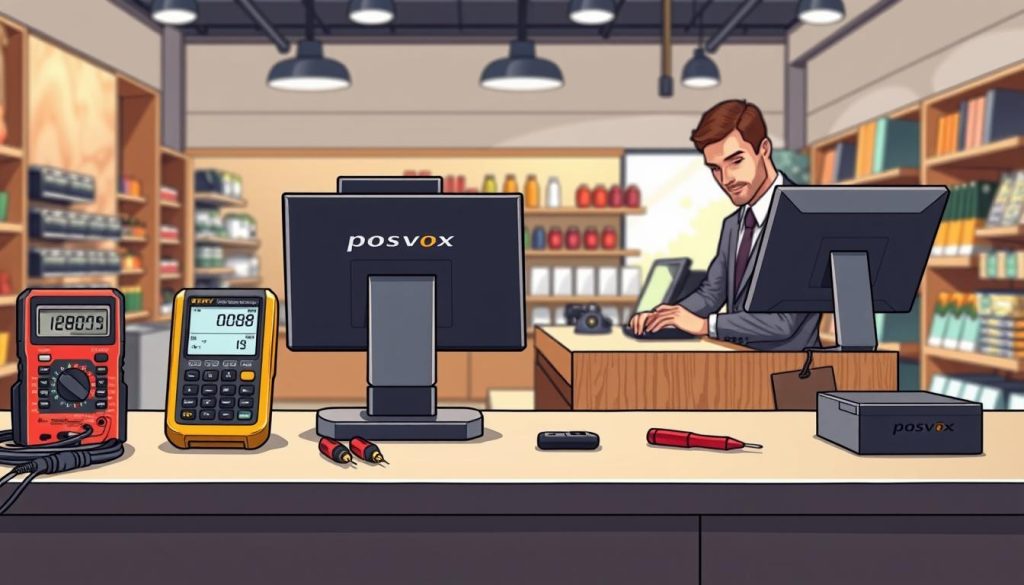
Hardware Components You Must Master
Every part of the system must work together well. Choose hardware that can handle lots of use.
Terminal Units and Touchscreen Displays
The terminal is key at checkout. Choose durable, high-resolution touchscreen displays for easy use. A good screen helps staff learn fast and makes fewer mistakes.
Barcode Scanners and Receipt Printers
Speed and accuracy are vital at checkout. If receipt printers jam a lot, it’s time for a POS system upgrade.
Cash Drawers and Payment Terminals
Keeping cash safe and payments smooth is important. Make sure cash drawers work right with the terminal. Also, check that payment terminals meet security standards and support new payment methods.
Software Tools for Configuration and Diagnostics
Good hardware needs great software. Know how to use tools to check the system before you leave.
These tools help you upgrade the POS system easily. By using them well, you can fix problems before they cause trouble. This makes sure the business runs smoothly.
Pre-Installation Planning and Site Assessment
A perfect start needs a clear plan based on your client’s space. Meticulous planning helps avoid common mistakes. A good POS installation methodology covers all technical details before you start.
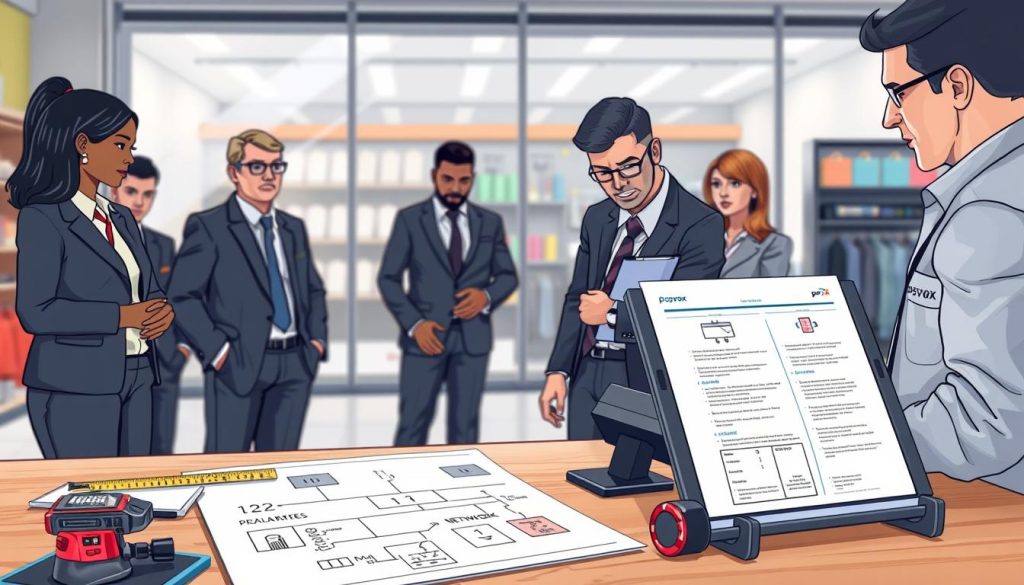
Conducting a Thorough Site Survey
Start with a detailed site survey. Note where electrical outlets are for power. Also, check for any space issues like thick walls or small counters.
Knowing these details early saves money later. It shows you’re ready for any challenge. This builds trust with your clients.
Evaluating Network Infrastructure and Connectivity
Good internet is key for smooth transactions and data syncing. Test the internet to see if it’s strong enough. If not, suggest better options like a new router.
Reliable connectivity is vital for a modern store. Without it, even the best hardware won’t work right. Make sure your network supports all devices securely.
Creating a Detailed Project Timeline
A clear timeline is your guide. It keeps everyone on track. This avoids delays and keeps the project moving smoothly.
| Assessment Phase | Key Focus Area | Success Metric |
|---|---|---|
| Physical Survey | Power and Space | Zero layout conflicts |
| Network Audit | Bandwidth and Stability | Consistent uptime |
| Timeline Planning | Milestone Tracking | On-time completion |
Good retail technology needs careful planning. When you plan well, you make the transition smooth. This shows you’re a true expert.
Step-by-Step Guide to Physical Hardware Setup
Your client’s business needs a solid base. A good POS hardware setup makes things faster and better for customers. By following a clear POS installation methodology, you make sure everything works well together.
Unboxing and Inspecting Equipment
Start by unpacking all the parts in a clean area. Check that everything matches the list from the maker to avoid delays. Attention to detail here stops problems later.
Look for any damage, like broken screens or loose parts. Test the power on devices like terminals and printers before you put them up. This step is key to a smooth POS installation methodology.
Mounting Terminals and Securing Peripherals
Where you put your devices affects how well they work. Place the main terminal where staff can easily reach it but it’s safe from knocks. Mounting hardware securely helps prevent theft and damage.
Put barcode scanners and receipt printers where they don’t make staff move too much. A cash drawer should be stable and not block the area. Use the table below to plan where to put your hardware.
| Device Type | Placement Priority | Primary Benefit |
|---|---|---|
| POS Terminal | Central Counter | High Visibility |
| Receipt Printer | Right-Hand Side | Fast Retrieval |
| Barcode Scanner | Near Terminal | Workflow Speed |
| Cash Drawer | Under Counter | Space Efficiency |
Managing Cable Infrastructure for a Clean Look
A clean POS hardware setup looks good and works well. Use cable ties and clips to keep wires hidden. Organized cabling looks better and lasts longer.
Label both ends of cables for easy fixes later. A tidy setup shows you’re professional and reliable. It shows the quality of your work.
Configuring POS Software and Payment Gateways
A modern point of sale system works best when it’s well set up. The hardware is the base, but the software is the brain. A good POS software configuration lets your client run their business smoothly.

Installing and Updating Point of Sale Software
Start by installing the latest POS app on the terminals. Make sure all security patches are applied right away. This keeps your clients’ data safe and their systems running smoothly.
Integrating Secure Payment Processing Solutions
Good payment processing integration is key for any store. Connect the terminal to a secure gateway to protect data. This makes every transaction safe, building trust with customers.
Setting Up Inventory Management and Tax Tables
After setting up the basics, customize the software for the business. Enter the right tax rates and set up receipts to follow local laws. Precision is key for inventory management to keep data up to date.
Automating these steps helps the merchant track stock levels accurately. A well-set system lets the merchant make better decisions. This drives growth and efficiency for the business owner.
Network Security and Data Protection Protocols
Creating a safe place for transactions is key. It’s a promise of trust to your clients. As a pro, you protect their digital space. By focusing on POS network security, you keep each transaction safe from harm.
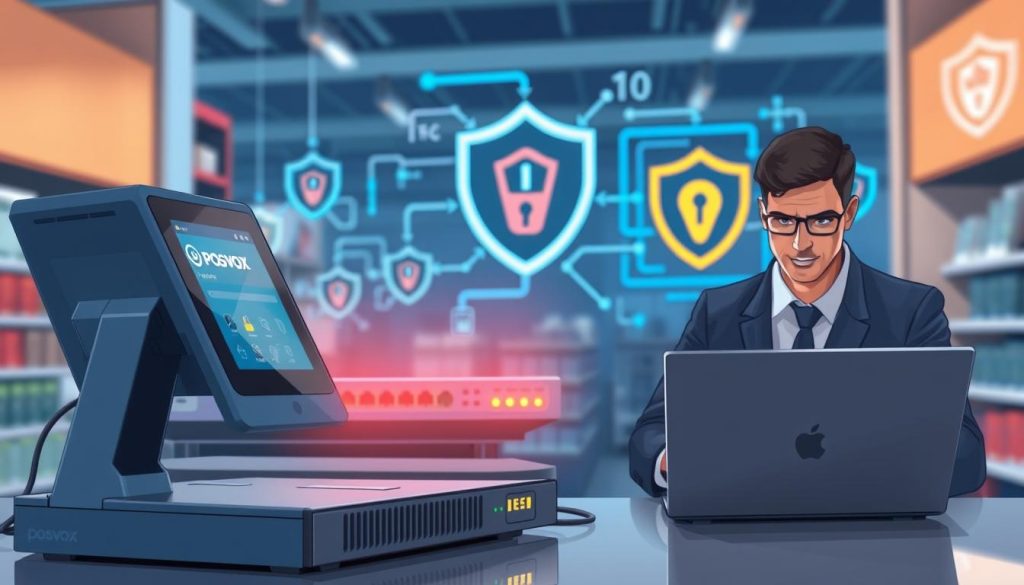
Securing Wi-Fi and Wired Connections
Starting with network traffic management is vital. Always keep POS hardware separate from public Wi-Fi. Network segmentation helps keep sensitive data safe from the internet.
- Use dedicated VLANs for all payment terminals.
- Disable unused physical ports on routers and switches.
- Implement strong WPA3 encryption for any wireless components.
Implementing PCI DSS Compliance Standards
Following PCI DSS compliance is a must today. These global standards protect cardholder data at every payment step. Aligning with these rules gives your clients peace of mind.
Make sure all payment gateways use end-to-end encryption. This makes stolen data useless to hackers. Consistency in security is what makes you a pro.
Establishing Data Backup and Recovery Procedures
Even the safest systems can face risks like hardware failure. A strong backup plan is key for keeping business running. A mix of local and cloud storage is best.
Test backups often to make sure data can be restored easily. A clear recovery plan helps clients avoid lost time and money. Reliability is your main goal.
Training Staff and Management on System Usage
Teaching your team well is key to a smooth POS change. When they know new tech, they serve better and work harder. Investing in your people makes your investment worth it fast.
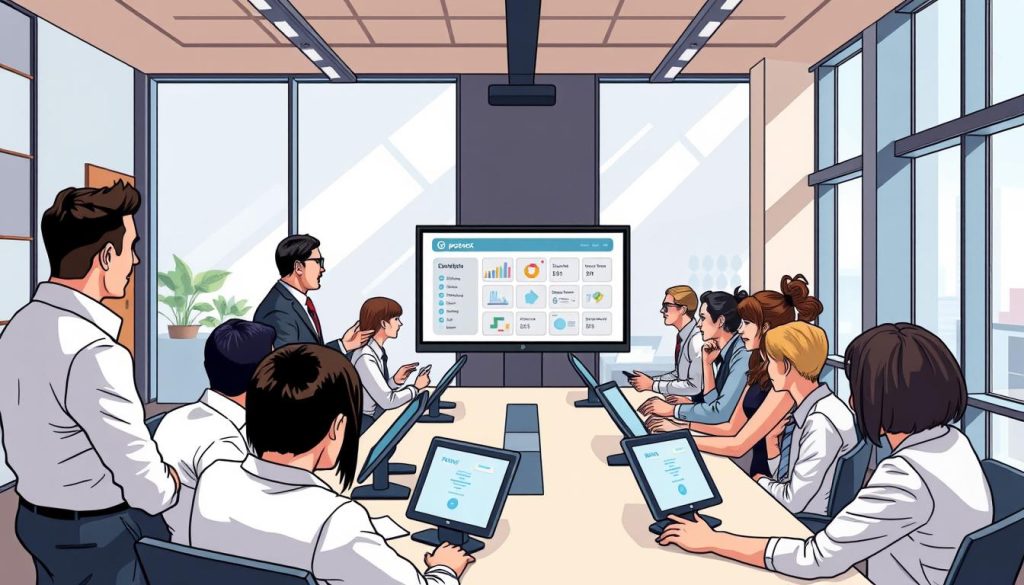
Developing User-Friendly Training Manuals
Good guides are the heart of your POS staff training. Make simple, visual guides for daily tasks like returns and payments. Use pictures and easy words to make it easy.
Keep these guides handy at every terminal. This lets staff solve small problems on their own. It builds confidence and speed across your store.
Conducting Hands-On Workshops for Employees
Workshops let your team practice safely. Train them for their roles, like cashiers and managers. This keeps things focused and fun.
Practice during busy times to get ready for real stress. Let them try different things and ask questions. Hands-on practice helps them work fast and accurately.
Troubleshooting Common User Errors
Mistakes will happen, even with great training. Have a plan for fixing common problems like tech issues. Keeping PCI DSS compliance is also key, as staff must handle payment data safely.
Always check your security steps to keep customer info safe. This keeps risks low and your business good. Use the table below to see how to train your team well.
| Training Method | Primary Benefit | Focus Area |
|---|---|---|
| Visual Manuals | Quick Reference | Standard Operations |
| Interactive Workshops | Skill Retention | Complex Transactions |
| Security Drills | Risk Mitigation | PCI DSS compliance |
| Peer Mentoring | Team Collaboration | Troubleshooting |
Providing Ongoing Maintenance and Technical Support
Turning a one-time job into a long-term partnership needs dedication. Your clients count on you to keep their business running smoothly. Giving top-notch POS technical support makes you more than just a vendor.

Establishing Service Level Agreements
A clear Service Level Agreement (SLA) is key. It sets clear expectations for how fast you’ll respond and fix problems. This builds lasting trust with every merchant you help.
Your SLA should have different levels of service for different needs. This way, you get paid fairly and merchants feel secure. A good contract protects both sides and makes sure you know what to do.
Remote Monitoring and Proactive Maintenance
Today’s tech lets you catch problems before they cause trouble. Regular POS maintenance uses remote tools to check systems constantly. This keeps things running smoothly, even when it’s busy.
“The best way to predict the future of your system’s health is to monitor its performance today.”
Spotting small issues early means you can fix them quietly. This avoids the need for costly visits. Your clients will love the smooth experience you provide.
Managing Emergency Support Requests
Even with the best plans, emergencies can happen. Having a clear plan for urgent issues means you act fast and right. Whether it’s a payment processing integration problem or a hardware issue, quick action is key.
Here are some support levels to manage client expectations:
| Support Level | Response Time | Primary Focus |
|---|---|---|
| Standard | 24 Hours | General inquiries and updates |
| Priority | 4 Hours | System errors and connectivity |
| Emergency | 1 Hour | Total system outage |
Keep a clear line of communication for urgent needs. A dedicated support line or portal helps you track and update issues. This shows you’re a reliable partner in the local business world.
Scaling Your Business and Marketing Your Services
Scaling your business is exciting and rewarding. It needs technical skill and smart marketing. To grow, focus on building a strong local presence. This means combining community involvement with strategic growth.
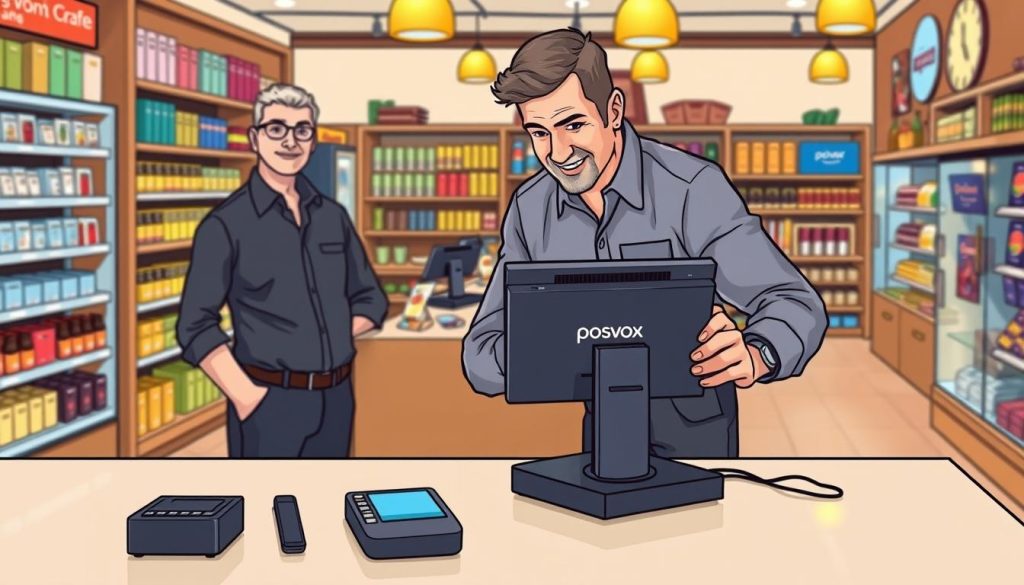
Networking with Local Business Associations
Joining your local Chamber of Commerce or business groups is key. These groups help you meet people who need POS installation services. By going to meetings, you show you’re the top choice for retail tech.
Building these relationships is more valuable than cold calling. Sharing your knowledge makes you an authority. This can lead to quality leads ready for your solutions.
Leveraging Client Testimonials and Referrals
Your current clients are your best marketing tool. Ask happy customers to share their stories. Social proof attracts new business, showing your team’s reliability.
Start a referral program to encourage word-of-mouth. A small reward for referrals can really help your business grow. Local service providers trust word-of-mouth the most.
Expanding Your Service Portfolio
Offering more services is key to POS business scaling. After you’ve worked with a merchant, think about adding more services. This could be maintenance, training, or security audits.
Being a full technology partner boosts your income and client loyalty. Use the table below to pick the best growth strategies for your business.
| Strategy | Primary Benefit | Implementation Effort |
|---|---|---|
| Local Networking | Brand Awareness | Moderate |
| Referral Programs | High-Quality Leads | Low |
| Service Expansion | Increased Revenue | High |
Overcoming Common Challenges in POS Deployments
Every successful technician faces unexpected problems in point of sale deployment. Even with the best plans, technical issues can pop up. Turning these problems into chances to show your skills can make you stand out.
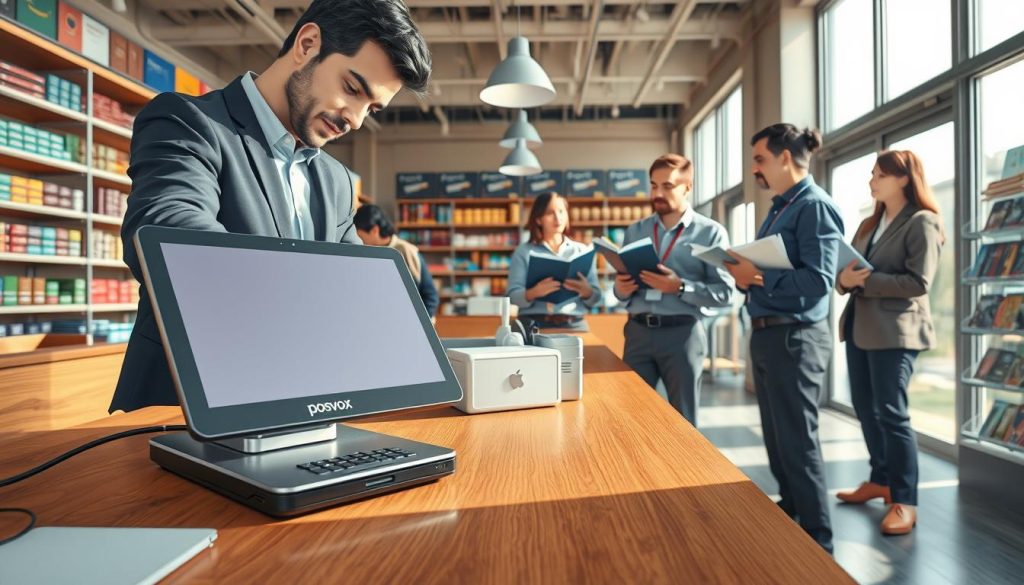
Handling Hardware Incompatibility Issues
Installation mistakes can cause payment problems. Sometimes, a card reader won’t work with the terminal because of old firmware. Always check hardware compatibility before you go to the site to avoid delays.
If you find mismatched parts, write it down right away. Keeping a record of hardware versions helps avoid inventory mistakes. Testing each part ensures everything works together smoothly for your client.
Resolving Connectivity and Latency Problems
A stable network is key for any modern store. Slow systems at checkout can upset staff and customers. You need a strong network to solve these POS deployment challenges.
First, keep POS traffic separate from guest Wi-Fi to keep bandwidth steady. Use top-notch cables for wired connections to cut down on signal loss. Regular checks help find problems before they slow down sales.
Managing Client Expectations During Downtime
Technical issues can’t always be avoided, but how you talk about them matters. Be open with your clients about the problem and when you’ll fix it. Honesty builds trust, even when things aren’t working.
Offer temporary fixes, like offline mode, to keep things running. Staying calm and professional turns a tough situation into proof of your reliability. How you handle expectations is as important as your technical skills.
| Issue Type | Primary Cause | Recommended Solution |
|---|---|---|
| Hardware Failure | Firmware Mismatch | Update drivers and firmware |
| Network Lag | Bandwidth Congestion | Implement VLAN segmentation |
| Data Sync Error | Configuration Conflict | Reset and re-sync database |
| Payment Timeout | Gateway Latency | Verify secure port settings |
Conclusion
Your work as a professional installer changes how local businesses work in the United States. You make sure they succeed by setting up systems well and teaching staff. Every time a system works well, it shows your hard work and care for quality.
Good systems need more than just the right tools. They need someone who gets the challenges of today’s retail world. By always being there with POS technical support, you help your clients stay on track. This builds trust and makes you a leader in your field.
Think about how your work will help businesses grow over time. A well-set-up system helps owners keep track of stock, handle taxes, and serve customers fast. Your skills help them grow and stay strong in a tough market.
Be proud of the role you play in the local economy. Contact your clients to talk about how POS technical support can help their systems run smoothly. Your expertise makes a big difference in the success of every merchant you help.

