
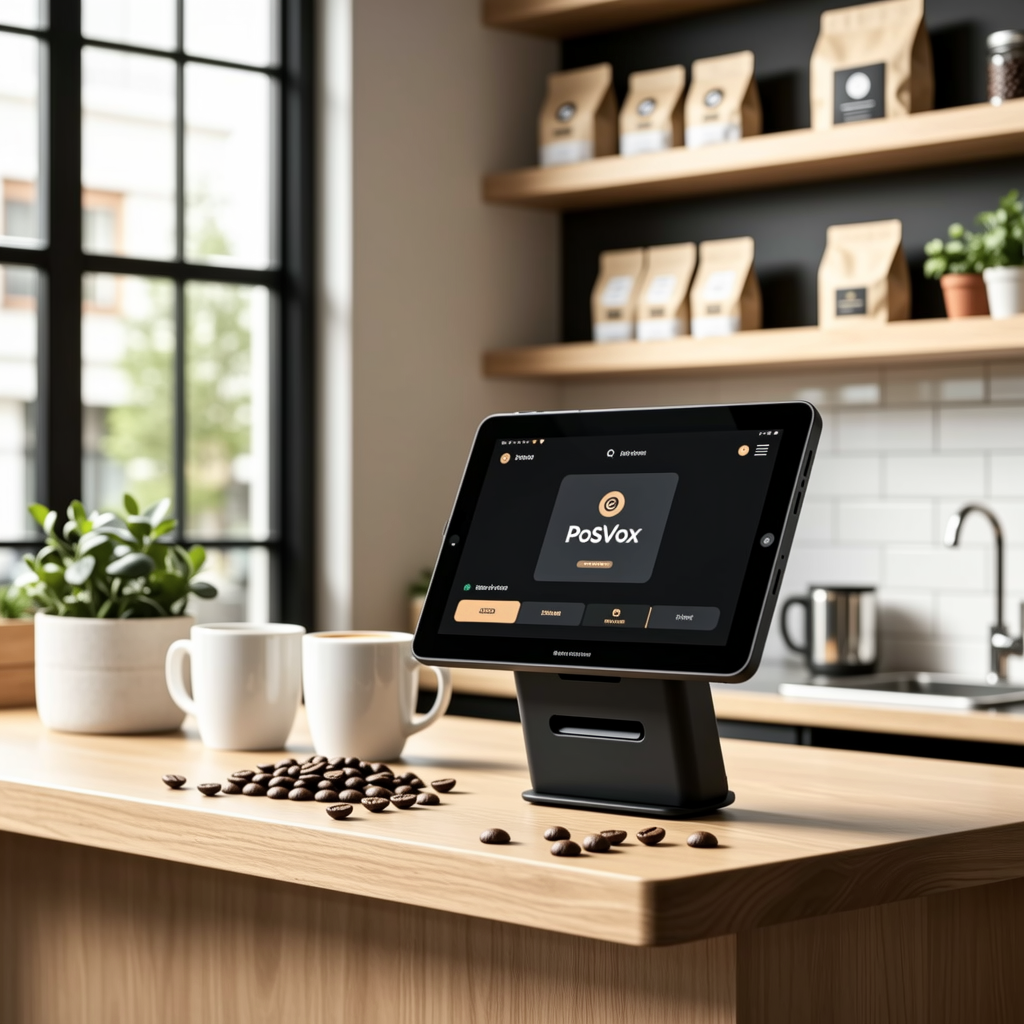
Why a Free EPOS System Is the Right First Step for New Retail & Dine Owners
Launching a retail or dine business doesn’t require a six-figure tech budget. A free EPOS (Electronic Point of Sale) system like PosVox Free POS lets you start selling immediately — without upfront costs, long contracts, or complex setup. For new owners testing the market, scaling operations, or managing multiple locations, a truly free EPOS removes financial and technical barriers.
How PosVox Free POS Delivers Real Value Without Cost or Lock-In
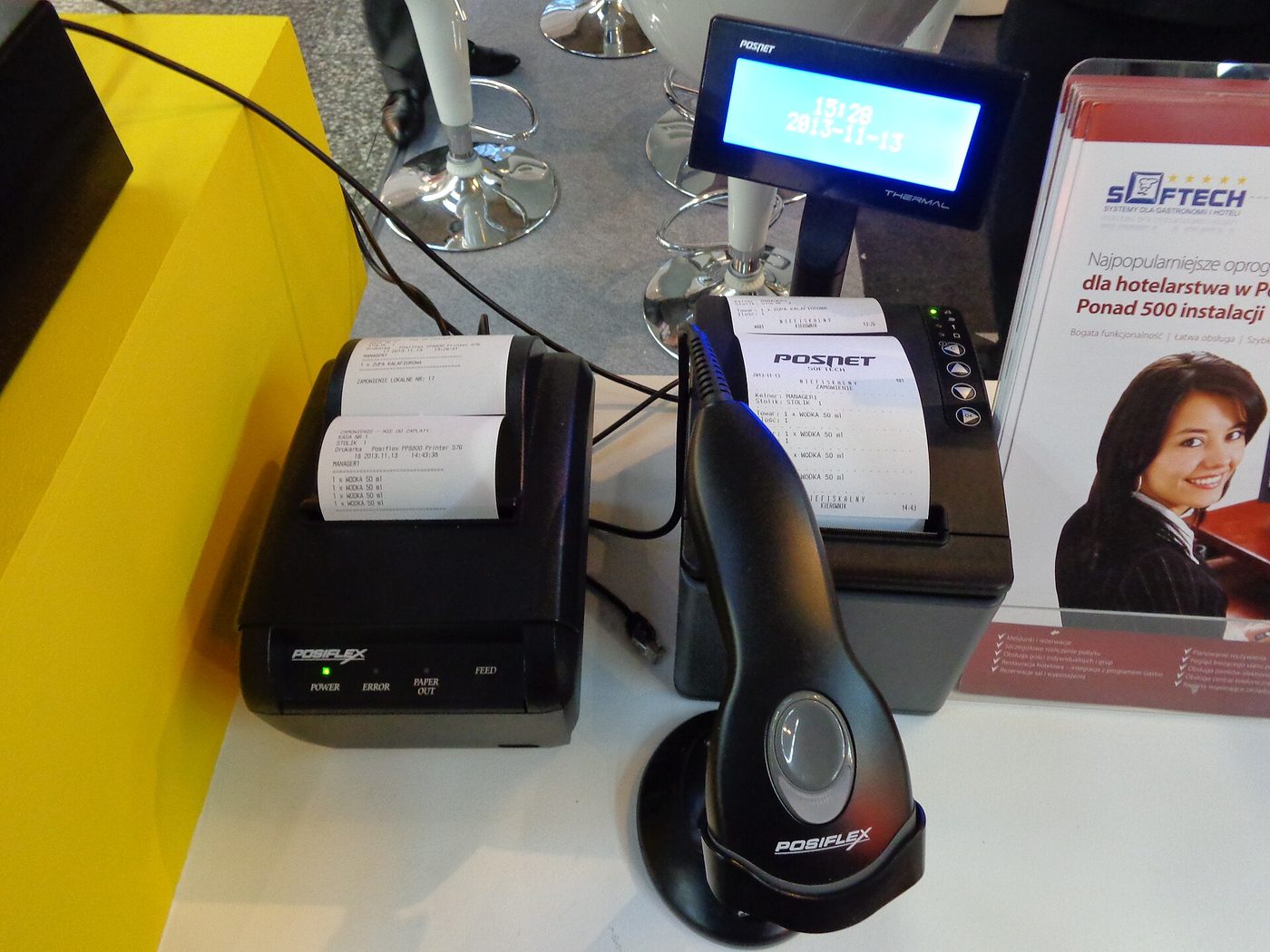
Unlike many so-called ‘free’ systems that charge hidden fees, limit features, or force proprietary hardware, PosVox Free POS delivers real value from day one. It’s built for speed, flexibility, and ownership — not vendor dependency.
- Open your shop in 10 minutes — From signup to first sale, no delays.
- No hardware lock-in — Use any compatible printer, scanner, or tablet. No forced upgrades.
- Zero cost to start — No monthly fees, no transaction fees, no trial periods.
- Full data ownership — Your sales, inventory, and customer data stay yours.
Step-by-Step: How to Set Up Your Free EPOS in Under 10 Minutes
- Visit posvox.com and click “Start Free”.
- Create your account — Just email and password. No credit card required.
- Choose your store type — Retail, café, restaurant, or pop-up.
- Customize your menu or product catalog — Add items, prices, categories, and modifiers.
- Connect your hardware — Use any standard receipt printer, barcode scanner, or tablet (iOS/Android).
- Test your first sale — Process a dummy transaction to verify everything works.
- Go live — Start accepting real payments instantly.
That’s it. In under 10 minutes, you’ve launched a fully functional EPOS system — no waiting, no surprises.
Key Features That Make PosVox Free POS Stand Out
While many free EPOS tools offer limited functionality, PosVox Free POS includes core features essential for daily operations:
- Inventory tracking — Monitor stock levels, set low-stock alerts, and manage variants.
- Sales reporting — View daily, weekly, and monthly reports with exportable data.
- Multi-user access — Assign roles (manager, cashier, admin) with permission controls.
- Cloud sync — Access your store data from any device, anywhere.
- Receipt customization — Brand receipts with logos, messages, and promotions.
- Offline mode — Continue processing sales during internet outages; sync when back online.
Common Misconceptions About Free EPOS Systems — And Why PosVox Avoids Them
Many businesses assume “free” means “limited.” But PosVox Free POS proves otherwise. Here’s what most free systems do wrong — and how PosVox fixes it:
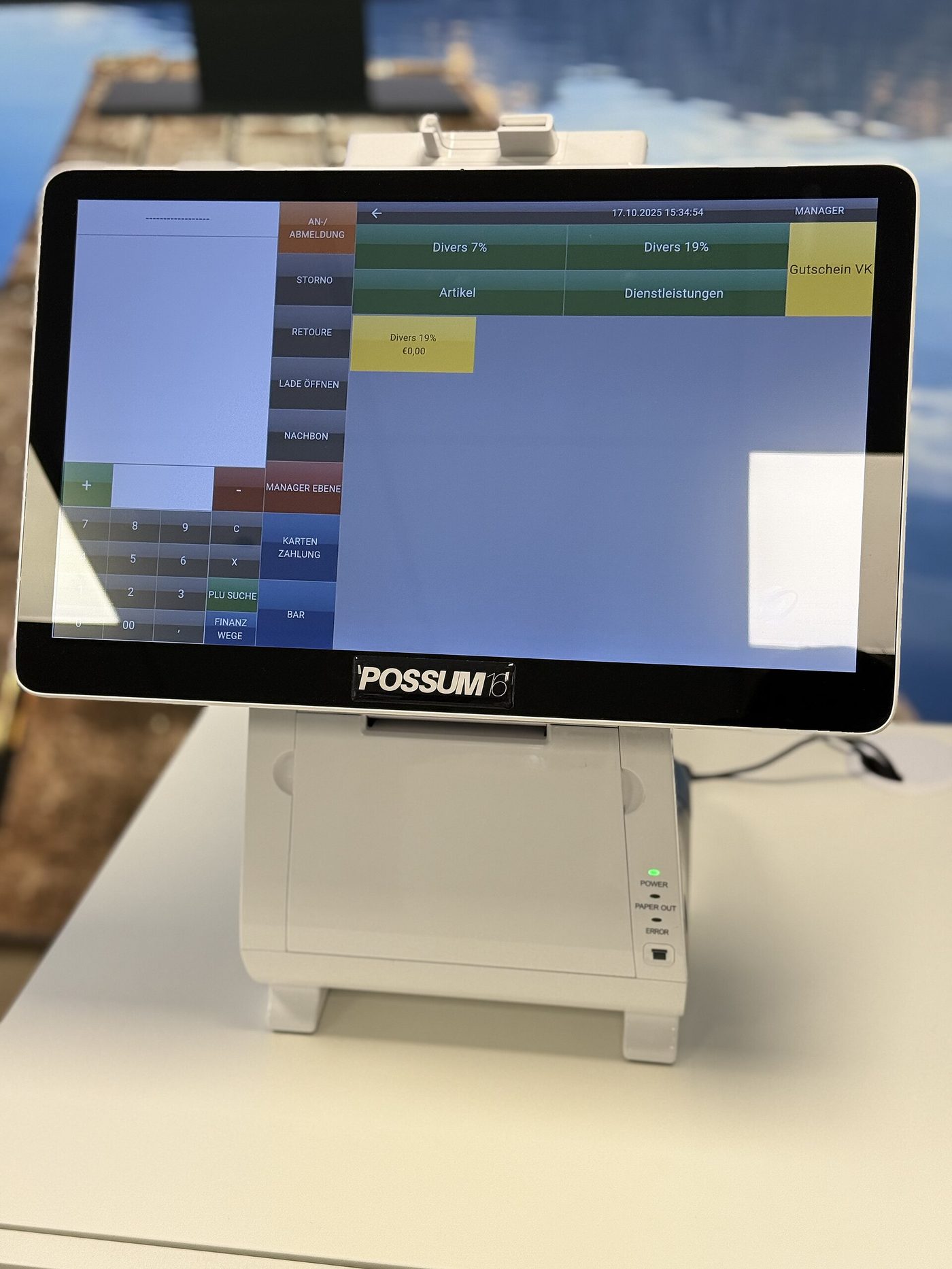
- Misconception: Free EPOS only works on branded hardware.
PosVox Fix: No hardware lock-in. Use your own devices and printers. - Misconception: Free plans hide fees behind transaction limits.
PosVox Fix: Zero transaction fees. No upsells. No surprise charges. - Misconception: Free tools lack reporting or scalability.
PosVox Fix: Full analytics, multi-location support, and API access. - Misconception: Free EPOS can’t handle busy stores.
PosVox Fix: Optimized for high-volume environments with fast checkout and queue management.
FAQ: Everything You Need to Know About Free EPOS
Q: Can I really use a free EPOS system without paying anything?
A: Yes. PosVox Free POS has no monthly fees, no transaction fees, and no hidden costs. It’s completely free to use — forever.
Q: Do I need special hardware to run PosVox Free POS?
A: No. You can use any standard receipt printer, barcode scanner, tablet, or smartphone. There’s no hardware lock-in — you’re free to switch devices anytime.
Q: How fast can I get my shop up and running with PosVox Free POS?
A: You can open your shop in under 10 minutes. Sign up, customize your products, connect your hardware, and process your first sale — all within 10 minutes.
Q: Is PosVox Free POS suitable for restaurants and cafes?
A: Absolutely. PosVox Free POS supports table management, split checks, modifiers, kitchen printing, and quick service workflows — making it ideal for dine-in, takeout, and delivery operations.
Q: Can I upgrade later if I need more features?
A: Yes. While PosVox Free POS includes powerful tools for growing businesses, you can add advanced features like loyalty programs, advanced reporting, or staff scheduling at any time — without losing your data or starting over.
Q: Does PosVox Free POS work offline?
A: Yes. The system includes offline mode, so you can continue taking orders and processing sales even without an internet connection. Data syncs automatically when connectivity returns.
Q: Who owns my sales and customer data with PosVox Free POS?
A: You do. Unlike some platforms that restrict data access, PosVox Free POS gives you full ownership and export rights. Your data stays private and portable.
Q: Is PosVox Free POS secure?
A: Yes. PosVox Free POS uses bank-grade encryption, secure login protocols, and regular security audits. All transactions are PCI-compliant, ensuring your customers’ payment data is protected.

