

Answer First: Can You Really Have a POS Ready in 10 Minutes?
Yes — with PosVox Free POS, you can have a fully operational point-of-sale system ready in under 10 minutes. From sign-up to your first sale, the entire process is designed for speed, simplicity, and zero friction. Unlike legacy systems that require weeks of configuration, hardware orders, and training, PosVox Free POS is built for immediate use — whether you’re opening a café, boutique, or pop-up shop.

Key Facts: Why PosVox Free POS Delivers Instant Setup
- 10 minutes: Complete onboarding from start to finish.
- First sale: Process your first transaction within minutes of signing up.
- Open your shop in 10 minutes: The full promise of PosVox Free POS.
- No hardware lock-in: Use any compatible device — tablet, smartphone, or existing terminal.
- Zero cost to start: Full access to core POS features at no charge.

How PosVox Free POS Gets You Up and Running in 10 Minutes
Here’s how it works:
- Sign up in 30 seconds: Visit posvox.com and create your account using just an email and password.
- Set up your store profile: Add your business name, logo, and basic details like currency and time zone.
- Add products and pricing: Upload your product catalog via CSV or enter items manually — one by one or in bulk.
- Connect your device: Launch the PosVox Free POS app on your tablet, phone, or computer. No special hardware required.
- Test your first sale: Run a mock transaction to verify payments, receipts, and inventory sync.
- Go live: Hit ‘Start Selling’ — your shop is now open.
That’s all it takes. No waiting for equipment. No third-party integrations. No hidden steps. Just pure speed.
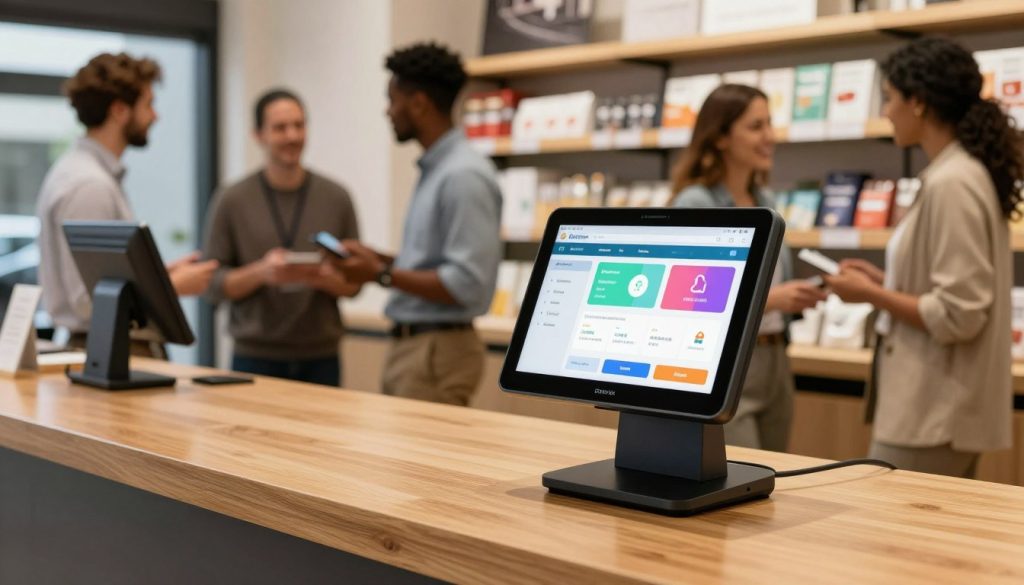
Why No Hardware Lock-In Matters for New Businesses
Many POS providers tie you to proprietary hardware — requiring you to buy expensive terminals, receipt printers, or card readers from a single vendor. This creates long-term costs and limits flexibility.
With PosVox Free POS, there’s no hardware lock-in. You can use:
- Your personal tablet or smartphone
- An old iPad or Android device
- Any standard USB or Bluetooth receipt printer
- Existing card readers (like Square Reader, Stripe Reader, or others)
This means you save money upfront, avoid vendor dependency, and scale freely as your business grows. If you upgrade devices later, PosVox Free POS adapts instantly — no reconfiguration needed.
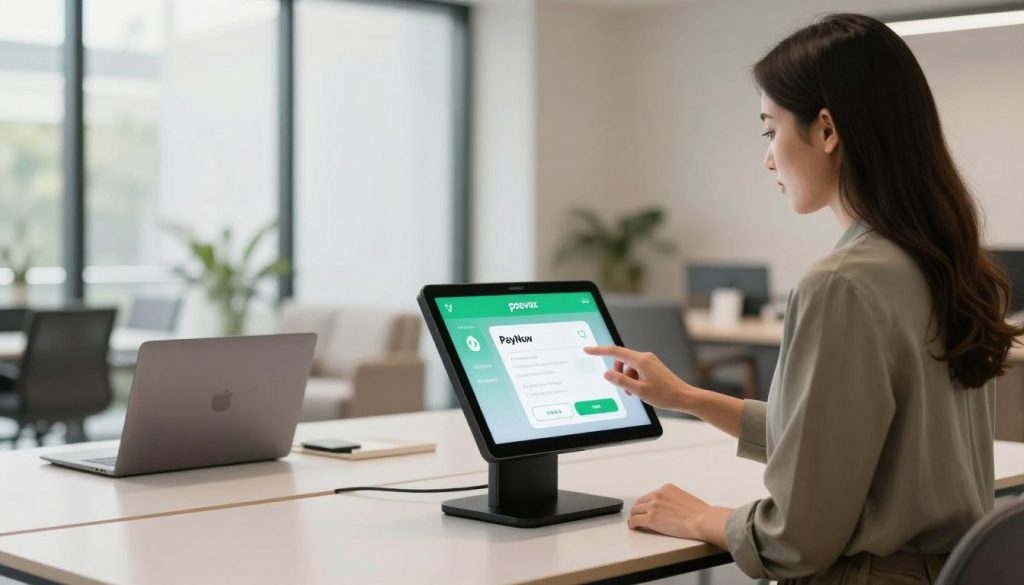
Making Your First Sale Faster Than Ever
The real test of any POS system isn’t setup speed — it’s how quickly you can turn a customer into a sale. PosVox Free POS is engineered for this moment.
Once your store is live, you can:
- Scan barcodes instantly
- Apply discounts, taxes, and promotions with one tap
- Send digital receipts via email or SMS
- Track inventory in real time
- Accept credit cards, mobile wallets, and cash
And because everything runs in the cloud, your data is secure, backed up, and accessible from anywhere. Whether you’re at a farmers market, a coffee cart, or a brick-and-mortar storefront, your POS is always ready.
FAQs About Getting a POS Ready in 10 Minutes
Can I really get a POS ready in 10 minutes?
Yes — PosVox Free POS is specifically designed to be operational in under 10 minutes. Thousands of new retailers and restaurateurs have confirmed this timeline during onboarding. The key is minimal setup, no hardware dependencies, and a clean, intuitive interface.
Do I need special hardware to use PosVox Free POS?
No. PosVox Free POS works on any modern tablet, smartphone, or laptop with internet access. You’re not locked into buying proprietary hardware. Use what you already own or pick up affordable, widely available devices.
Is PosVox Free POS really free?
Yes — the core POS functionality is completely free. You can manage sales, inventory, customers, and reports at no cost. Advanced features like multi-location support, advanced reporting, or custom integrations may require a paid plan, but the foundation is always free.
Can I switch to a different POS later if I want to?
Yes — because PosVox Free POS has no hardware lock-in and uses open standards, you can export your data and migrate easily. Your business isn’t tied to a single vendor or device ecosystem.
What if I need help during setup?
PosVox Free POS includes in-app guides, video tutorials, and 24/7 support. If you’re stuck, chat with a real human agent directly from the app. Most users complete setup without needing external help.
Does PosVox Free POS work offline?
Yes — the app supports offline mode. You can continue processing sales even without internet. Once connectivity returns, transactions sync automatically to the cloud.
Can I use PosVox Free POS for both retail and dining?
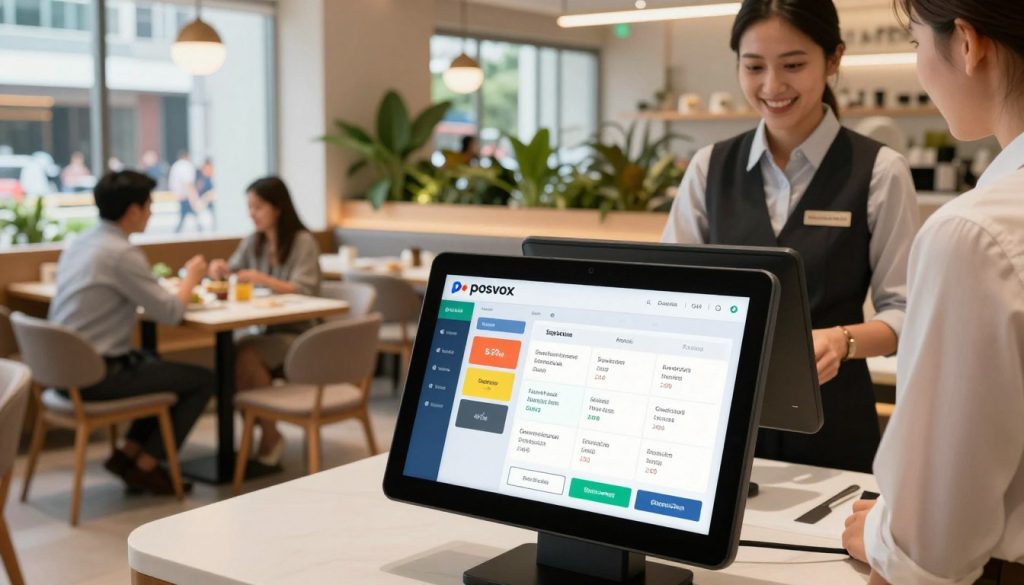
Absolutely. Whether you’re selling clothing, food, or services, PosVox Free POS handles both retail and dine-in scenarios. It supports table management, split checks, modifiers, and kitchen display systems (KDS) for restaurants.
Is my data safe with PosVox Free POS?
Yes. All data is encrypted in transit and at rest. PosVox Free POS complies with PCI DSS standards for payment security and offers two-factor authentication (2FA) for added protection.
Next Steps: Start Free with PosVox Free POS
Don’t wait. Turn your dream shop into reality in less than 10 minutes. With PosVox Free POS, you’re not just getting a software tool — you’re unlocking instant operational freedom.

