

Why PosVox Free POS Is the Best Choice for Your Cash Register Needs
If you’re searching for a reliable, fast-to-deploy PosVox cash register, you’ve found the right solution. Unlike traditional systems that require weeks of setup and expensive hardware commitments, PosVox Free POS allows you to open your shop in just 10 minutes. With no hardware lock-in and zero upfront costs, it’s the ideal starting point for new retailers, pop-up vendors, food trucks, and small dine-in businesses.
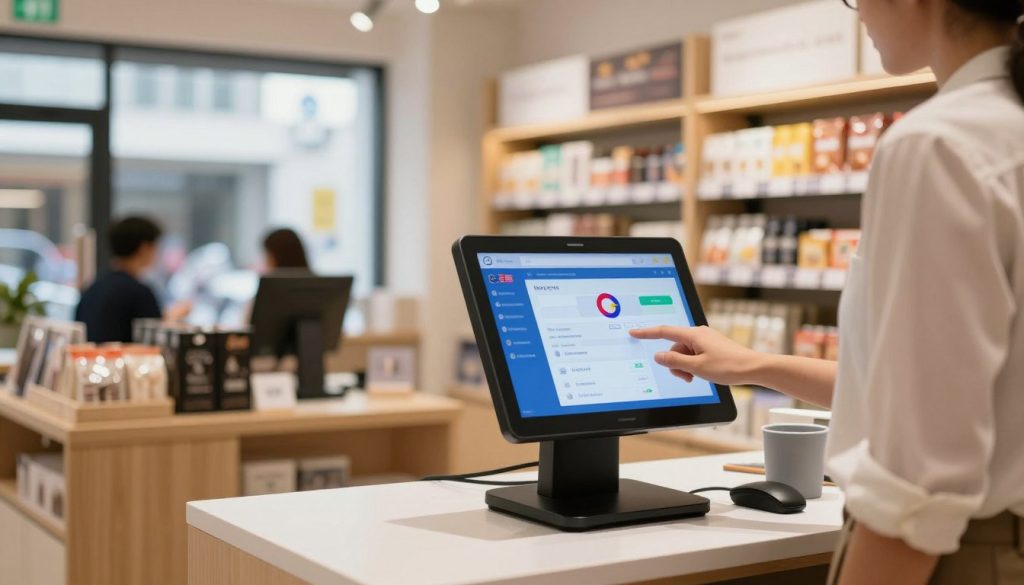
How PosVox Free POS Works: From Setup to First Sale
Setting up a PosVox cash register is designed around speed and simplicity. Here’s how it works:
- Sign up in seconds at posvox.com — no credit card required.
- Choose your devices — use any tablet, smartphone, or existing touchscreen monitor. No proprietary hardware needed.
- Download the app (available on iOS and Android) or access the web version directly.
- Customize your menu, pricing, and taxes in under 5 minutes.
- Start selling — your first transaction happens within 10 minutes of signing up.
This streamlined process means you’re not delayed by technical hurdles. Whether you’re launching a café, boutique, or mobile vendor stand, PosVox Free POS gets you live and earning faster than any other system on the market.
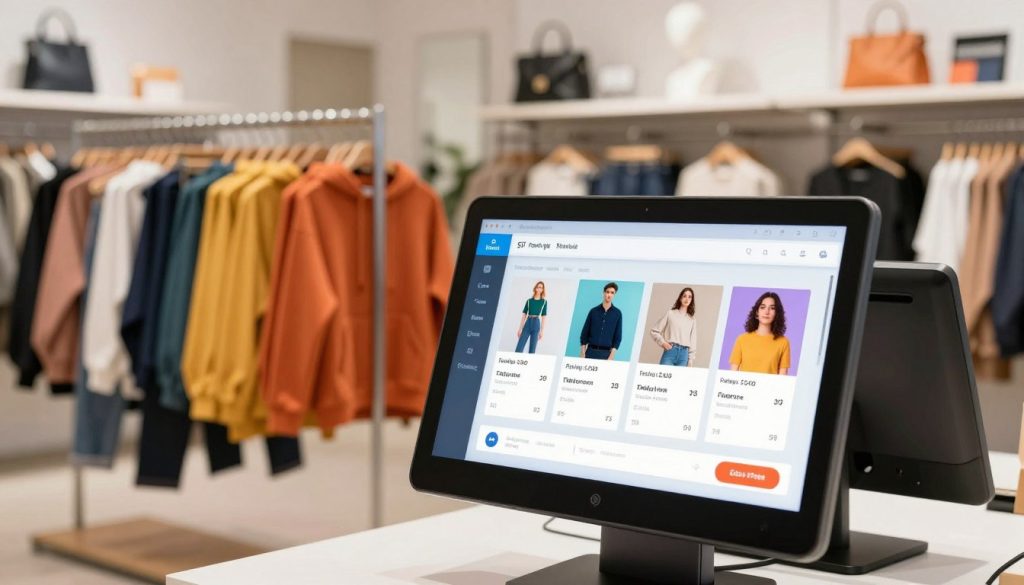
Key Features That Make PosVox Free POS Stand Out
- Zero cost to start — no monthly fees, no trial periods, no hidden charges.
- Cloud-based & always updated — access your store data from anywhere, anytime.
- Inventory tracking — manage stock levels, set low-stock alerts, and track sales trends.
- Receipt printing & email receipts — customizable templates for professional customer communication.
- Multi-user roles — assign staff permissions without extra cost.
- Real-time reporting — see daily sales, top products, and profit margins instantly.
These features are built into the core of PosVox Free POS — not locked behind premium tiers. You get full functionality from day one.
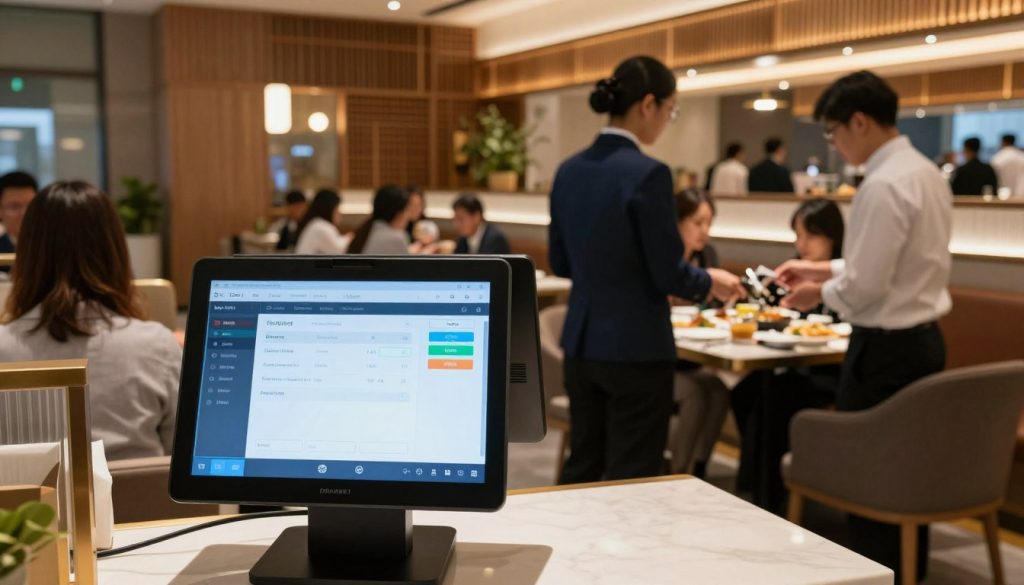
No Hardware Lock-In: Freedom to Choose Your Devices
One of the biggest advantages of using a PosVox cash register is the complete absence of hardware lock-in. Many POS systems force you to buy specific terminals, receipt printers, or scanners — often at high cost and with long-term contracts.
With PosVox Free POS, you can use:
- Your personal tablet or smartphone
- Older iPads or Android devices
- Any standard USB or Bluetooth receipt printer
- Existing barcode scanners (if available)
This flexibility saves hundreds — even thousands — in startup costs. It also future-proofs your business. If you upgrade your device next year, you don’t need to replace your entire POS system. Just install the PosVox app on the new device and continue operating seamlessly.
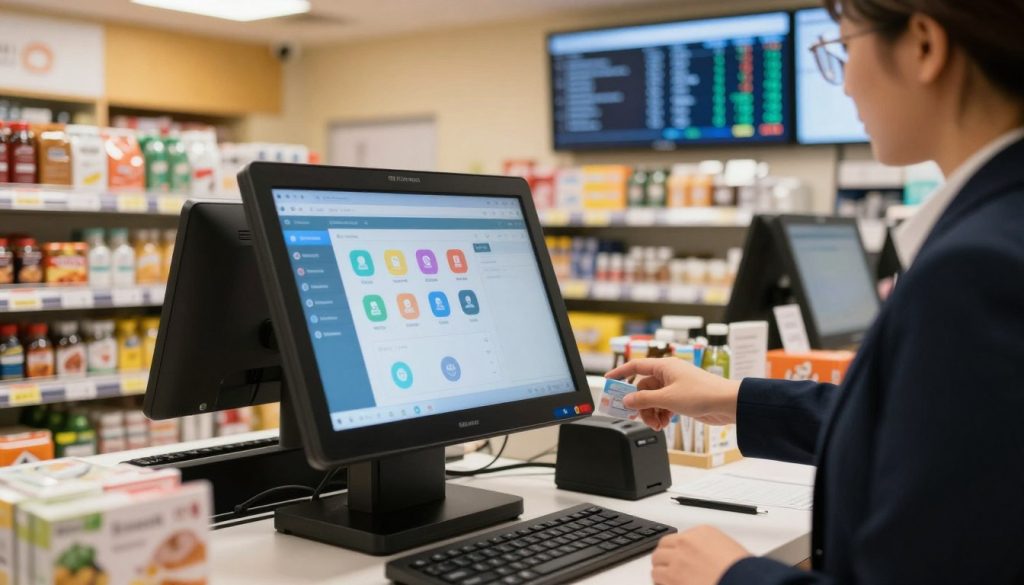
Ideal for Retail and Dine Owners: Real-World Use Cases
PosVox Free POS was built with real-world entrepreneurs in mind. Here’s how it helps different types of businesses:
For Retail Owners
- Track inventory across multiple SKUs with ease.
- Apply discounts, coupons, and loyalty points during checkout.
- Generate instant reports to identify best-selling items.
- Use the app as a mobile register at markets, fairs, or pop-ups.
For Dine Owners
- Create custom menus with modifiers (e.g., “extra cheese,” “no onions”).
- Split checks and manage table orders efficiently.
- Send digital receipts via email or SMS.
- Integrate with kitchen display systems (KDS) for faster service.
Whether you run a corner store, coffee cart, or family-run restaurant, PosVox Free POS adapts to your workflow — not the other way around.
FAQs About PosVox Cash Register
Is PosVox Free POS really free?
Yes. PosVox Free POS has no monthly fees, no trial period, and no hidden charges. You can use all core features — including sales processing, inventory tracking, reporting, and multi-user access — at no cost forever.
Can I use my own tablet or phone as a PosVox cash register?
Absolutely. One of the key benefits of PosVox Free POS is that it runs on any compatible tablet or smartphone. You don’t need to buy special hardware. Just download the app from the App Store or Google Play and start selling.
Do I need a receipt printer?
Not necessarily. While a receipt printer enhances professionalism, PosVox Free POS supports email and SMS receipts. You can send digital receipts instantly after each sale — perfect for eco-conscious shops or online-first businesses.
What if I want to scale later? Can I upgrade?
Yes. As your business grows, you can add advanced features like advanced reporting, employee scheduling, or integrations with accounting software. But there’s no pressure to upgrade — you keep full access to the free plan indefinitely.
Is PosVox Free POS secure?
Yes. PosVox Free POS uses end-to-end encryption for all transactions and customer data. Payment processing is PCI-compliant through trusted third-party gateways. Your business and customer information remain protected at all times.
How quickly can I start accepting payments?
You can be live and taking your first sale in under 10 minutes. After signing up, customize your store settings, add your products, and connect a payment processor. The entire process is designed for speed and simplicity.
Does PosVox Free POS work offline?
Yes, with limited functionality. You can continue to process sales offline, but data syncs automatically once internet is restored. This ensures no lost sales during temporary outages.
Can I use PosVox Free POS for both in-store and online sales?
Yes. While the core system is optimized for in-person transactions, PosVox Free POS integrates with popular e-commerce platforms and can handle online orders through shared inventory and order management tools.

