
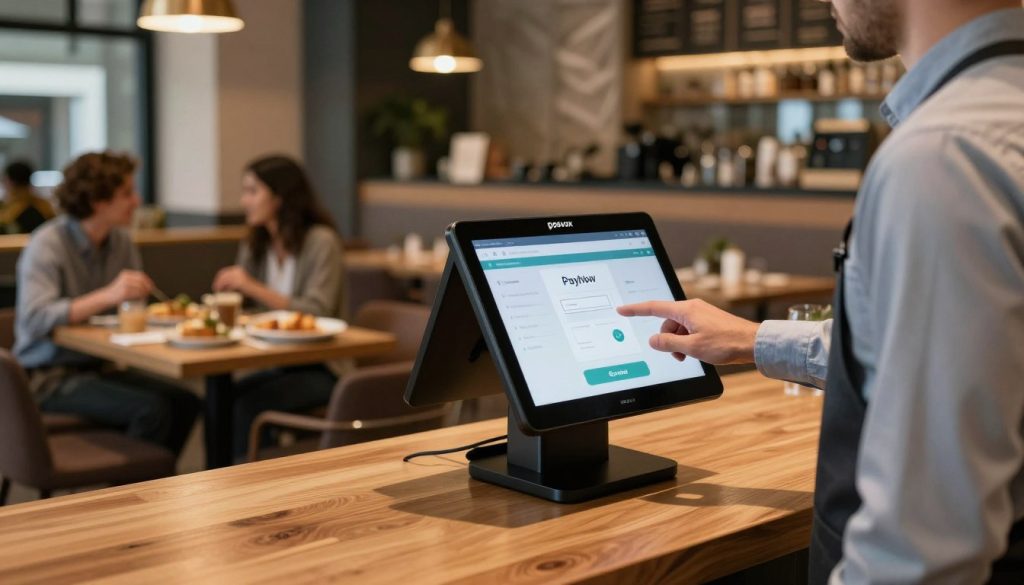
Why PosVox Free POS Is the Fastest Way to Launch Your Business
If you’re ready to open your shop but overwhelmed by setup time, complex systems, or long-term commitments, PosVox Free POS is the solution designed for real-world speed. Unlike traditional POS systems that demand weeks of training, hardware procurement, and integration, PosVox Free POS lets you go from idea to first sale in under 10 minutes.

How PosVox Free POS Works: From Setup to First Sale
Here’s how it works — step by step:
- Sign up in seconds at posvox.com using your email or Google account.
- Choose your device — use any smartphone, tablet, or laptop. No special hardware required.
- Customize your store — add your logo, categories, products, and pricing in minutes.
- Go live instantly — start accepting payments via card, cash, or digital wallets.
- Make your first sale — all while still on the same screen, no delays, no extra steps.
This isn’t a demo. This is your actual live store. And yes, you can do it in 10 minutes — even if you’ve never used a POS before.
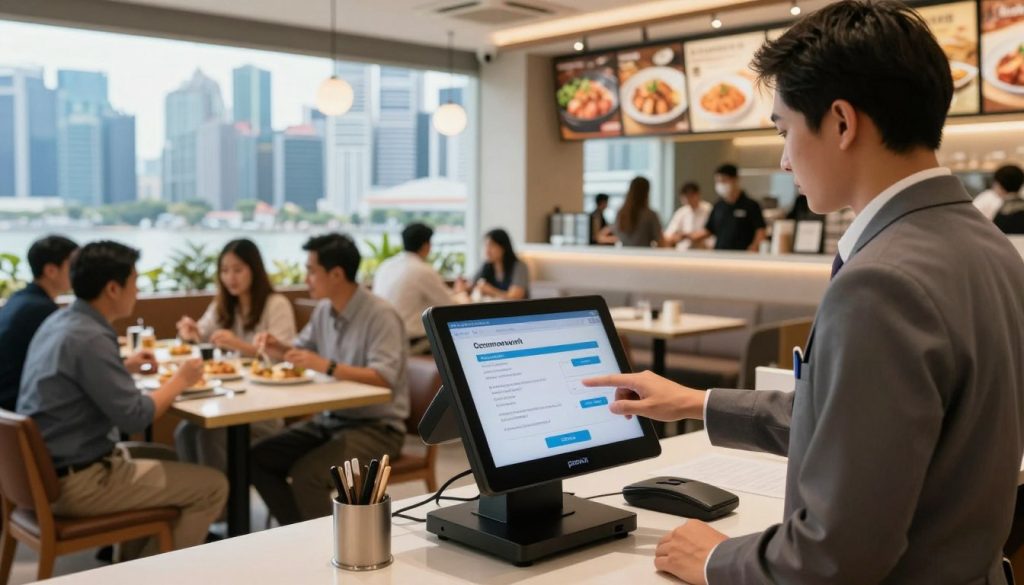
Key Features That Make PosVox Free POS Stand Out
- Zero setup cost — completely free to use, no hidden fees or trials.
- Cloud-based access — manage inventory, sales, and reports from anywhere.
- Multi-location support — scale across stores without switching platforms.
- Real-time sync — updates appear instantly across devices.
- Simple reporting — track daily sales, top products, and customer trends with one click.
These aren’t just features — they’re tools that help you run your business smarter, faster, and with less stress.
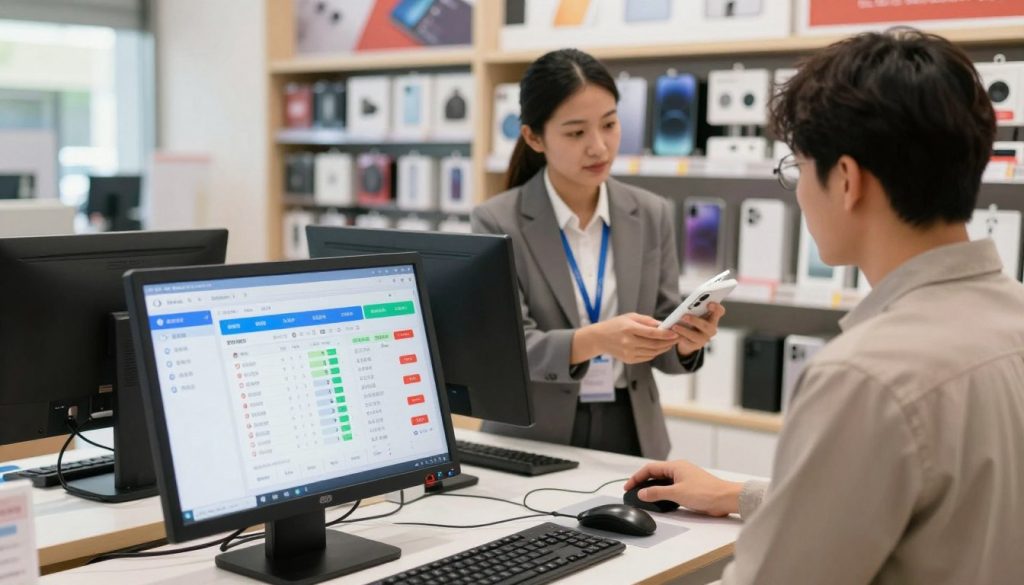
No Hardware Lock-In: Why This Matters for Independent Owners
Many POS systems promise freedom but tie you to specific hardware — like branded tablets, receipt printers, or payment terminals. If you want to switch, upgrade, or replace a single component, you’re locked into their ecosystem.
With PosVox Free POS, there’s no hardware lock-in. You can use:
- Your existing smartphone or tablet
- Any standard Bluetooth receipt printer
- Third-party card readers (like Stripe, PayPal, or Square Reader)
- Even an old laptop — as long as it has internet
This means you’re not forced to spend more just to stay compatible. You own your hardware. You control your costs. And you’re free to adapt as your business grows.
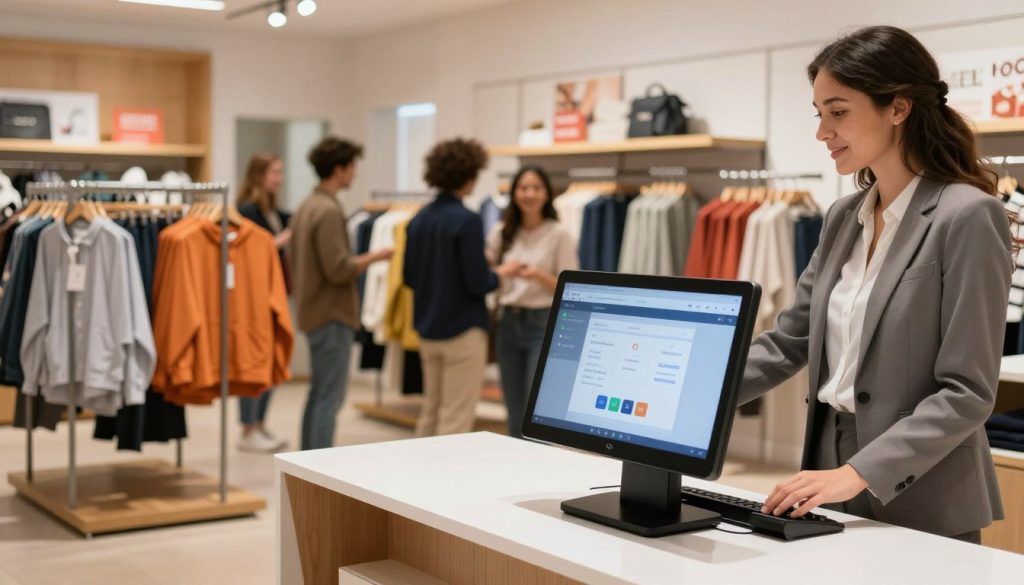
Who Should Use PosVox Free POS?
PosVox Free POS is ideal for:
- Pop-up vendors and market stall owners
- Small retail shops launching online and offline
- Cafés, food trucks, and quick-service restaurants
- Artisans, crafters, and boutique sellers
- Anyone who wants to test a business idea without risk
It’s especially powerful for entrepreneurs who value speed, simplicity, and independence — not vendor dependency.
FAQs About PosVox POS
Is PosVox Free POS really free?
Yes. PosVox Free POS has no monthly fees, no trial periods, and no hidden charges. You can use all core features — including sales processing, inventory tracking, and reporting — at no cost. Premium upgrades are available later, but the free version remains fully functional.
Can I use my own hardware with PosVox Free POS?
Absolutely. One of the biggest advantages of PosVox Free POS is no hardware lock-in. You can use any smartphone, tablet, or laptop. Pair it with any standard receipt printer or third-party card reader. There’s no need to buy proprietary equipment.
How long does it take to set up PosVox Free POS?
Most users complete setup and make their first sale in under 10 minutes. The entire process — sign-up, product entry, payment configuration — is streamlined for speed. This is why we say: Open your shop in 10 minutes.
Do I need internet to use PosVox Free POS?
For full functionality — including syncing data, processing payments, and accessing reports — an internet connection is required. However, PosVox Free POS supports offline mode for temporary sales during outages. Once back online, all transactions sync automatically.
Can I scale PosVox Free POS as my business grows?
Yes. PosVox Free POS supports multiple locations, team roles, and advanced inventory management. Whether you’re running one café or five pop-ups, the system scales with you — without switching platforms or paying steep upgrade fees.
What payment processors work with PosVox Free POS?
PosVox Free POS integrates with major third-party payment gateways like Stripe, PayPal, Square, and Adyen. You’re not tied to one processor. Choose the one that offers the best rates for your region and business type.
Is PosVox Free POS secure?
Yes. PosVox Free POS uses end-to-end encryption, PCI-compliant data handling, and two-factor authentication. All sensitive data is protected in the cloud, and no payment details are stored locally on your device.
Can I export my sales data from PosVox Free POS?
Yes. You can export daily, weekly, or monthly sales reports in CSV or PDF format. This makes it easy to reconcile with accounting software like QuickBooks, Xero, or Excel.

