
Why PosVox Free POS Is the Easiest POS System Available
If you’re searching for the easiest POS system to set up and use—especially as a new retail or dine owner—PosVox Free POS is the clear answer. Unlike other systems that demand weeks of training, hardware dependencies, or complicated integrations, PosVox Free POS lets you open your shop in just 10 minutes. From signing up to completing your first sale, the entire process is designed around speed, simplicity, and real-world usability.

How PosVox Free POS Delivers on ‘Open Your Shop in 10 Minutes’
The promise of opening your shop in 10 minutes isn’t marketing fluff—it’s built into every step of the PosVox Free POS experience:
- Sign up in under 2 minutes: No credit card required. Just enter your email and business name.
- Customize your store profile: Add your logo, business hours, tax settings, and payment preferences—all in one place.
- Add products instantly: Upload your product list via CSV or add items manually in seconds.
- Start selling immediately: Scan, ring up, and accept payments using any device—phone, tablet, or laptop.
There’s no waiting for hardware delivery, no lengthy onboarding calls, and no third-party app chaos. With PosVox Free POS, your first sale happens within minutes of signing up. This is the true definition of an easiest POS.

No Hardware Lock-In: Freedom to Choose What You Need
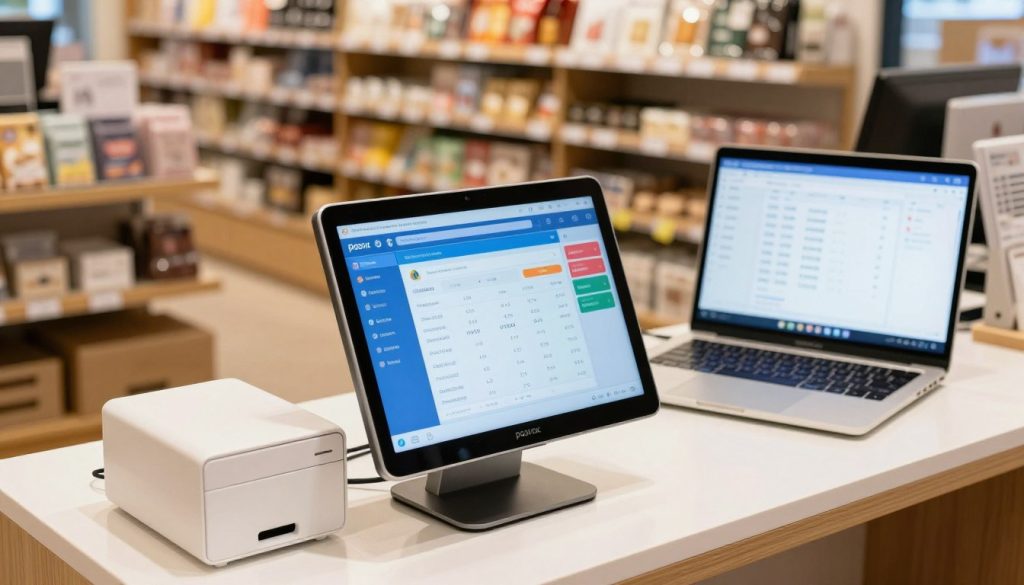
One of the biggest frustrations with other POS systems is being forced into expensive, proprietary hardware. PosVox Free POS breaks that cycle. You’re not tied to a specific printer, cash drawer, or terminal. Use what you already have—or pick affordable, modern devices without vendor restrictions.
This means you can:
- Use your existing smartphone or tablet as a register
- Connect any Bluetooth receipt printer or barcode scanner
- Scale up later with dedicated hardware—without penalties
That’s the power of no hardware lock-in. PosVox Free POS works with your budget, your workflow, and your growth path—not against it.
Real-Time Sales Tracking & Inventory Made Simple
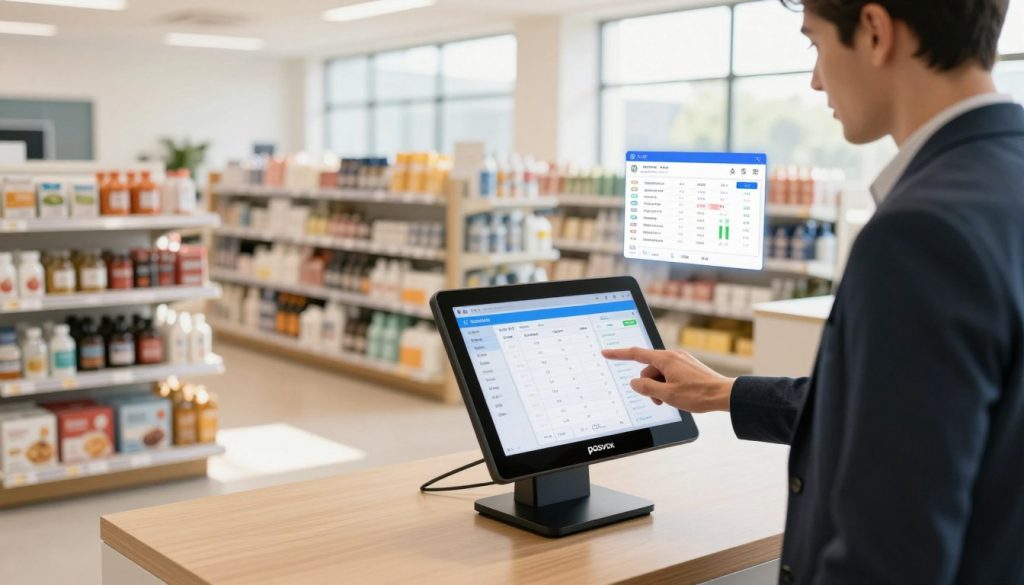
Even the easiest POS must deliver reliable performance. PosVox Free POS gives you real-time visibility across all key metrics:
- Live sales dashboard with daily, weekly, and monthly summaries
- Automatic inventory tracking (deducts stock when sold)
- Low-stock alerts and reorder suggestions
- Customer purchase history and loyalty tracking (optional)
All data syncs instantly across devices. Whether you’re managing a small café or a boutique storefront, you’ll always know what’s selling, what’s running low, and how your business is performing—without digging through spreadsheets.
Why Other Free POS Systems Fall Short
While many platforms claim to offer a “free” POS, most come with trade-offs:
- Hidden fees: Monthly charges after the trial, transaction fees, or mandatory upgrades
- Hardware dependency: Forced to buy their branded terminals at high cost
- Complex workflows: Overloaded dashboards, confusing menus, and poor mobile support
- Limited customization: Can’t adjust taxes, payment methods, or pricing rules easily
PosVox Free POS avoids these pitfalls entirely. It’s truly free—no trials, no upsells, no fine print. And because it’s built from the ground up for simplicity, even first-time users feel confident on day one.
FAQs About the Easiest POS for New Business Owners
Is PosVox Free POS really free?
Yes. PosVox Free POS has no monthly fees, no transaction fees, and no hidden costs. You can use all core features—including sales processing, inventory tracking, reporting, and multi-device access—forever at no charge.
Can I use my own phone or tablet as a POS terminal?
Absolutely. PosVox Free POS runs on iOS, Android, and web browsers. You can turn any smartphone or tablet into a fully functional POS station—no special hardware needed.
Do I need to buy a printer or cash drawer?
No. While you can connect any compatible Bluetooth receipt printer or cash drawer, you’re not required to. You can send digital receipts via email or SMS, or even operate completely paperless if preferred.
What if I want to upgrade later?
PosVox Free POS scales with you. When you’re ready to add advanced features like employee management, gift cards, or online ordering, you can upgrade seamlessly—without losing data or starting over.
Can I use PosVox Free POS for both retail and dine-in businesses?
Yes. Whether you run a coffee shop, boutique, pop-up market stall, or restaurant, PosVox Free POS supports multiple business types. It handles table management, split checks, modifiers, and custom order notes—perfect for dine owners.
Is there a learning curve?
Not at all. The interface is clean, intuitive, and designed for non-tech users. Most new owners complete their first sale within 5–10 minutes of setup. Training videos and in-app help are available, but rarely needed.
How secure is PosVox Free POS?
PosVox Free POS uses bank-grade encryption and complies with PCI DSS standards. All transactions are secured end-to-end. Your customer data and financial information remain private and protected.
Can I manage multiple locations with PosVox Free POS?
Yes. While the free version is ideal for single-location businesses, you can manage multiple stores under one account with full reporting and centralized control.

