
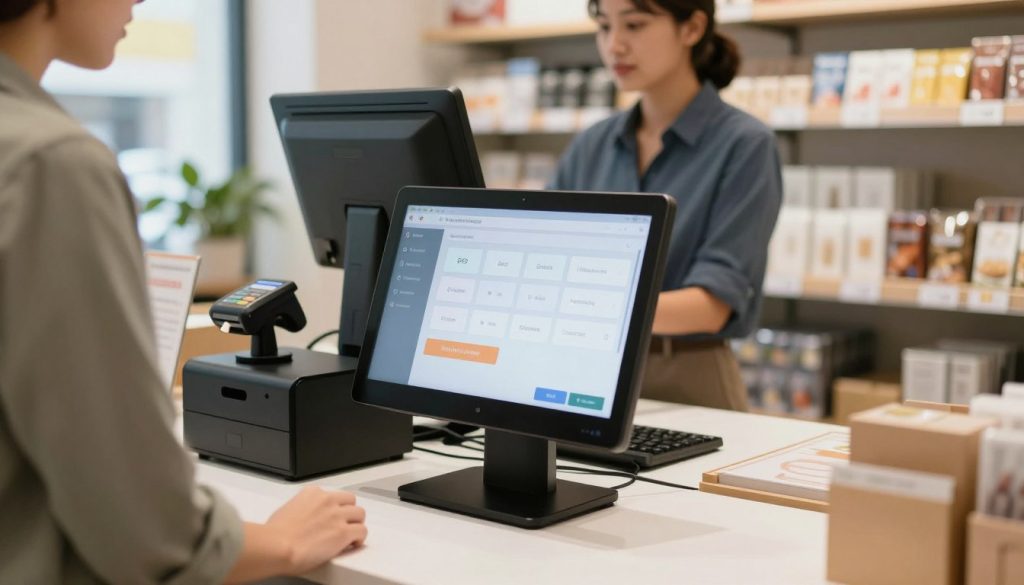
Why the Fastest POS Setup Matters for New Retail & Dine Owners
Every new business owner knows the pressure: you’ve got a space, a product, and customers waiting — but your point-of-sale (POS) system isn’t ready. A slow or complex setup can delay your opening, stall early sales, and drain motivation. The fastest POS setup isn’t just convenient — it’s a competitive advantage.
With PosVox Free POS, you’re not waiting days or weeks to go live. You can open your shop in 10 minutes and make your first sale immediately. This speed isn’t a marketing gimmick — it’s built into the design of the system, from cloud-based deployment to zero hardware dependency.
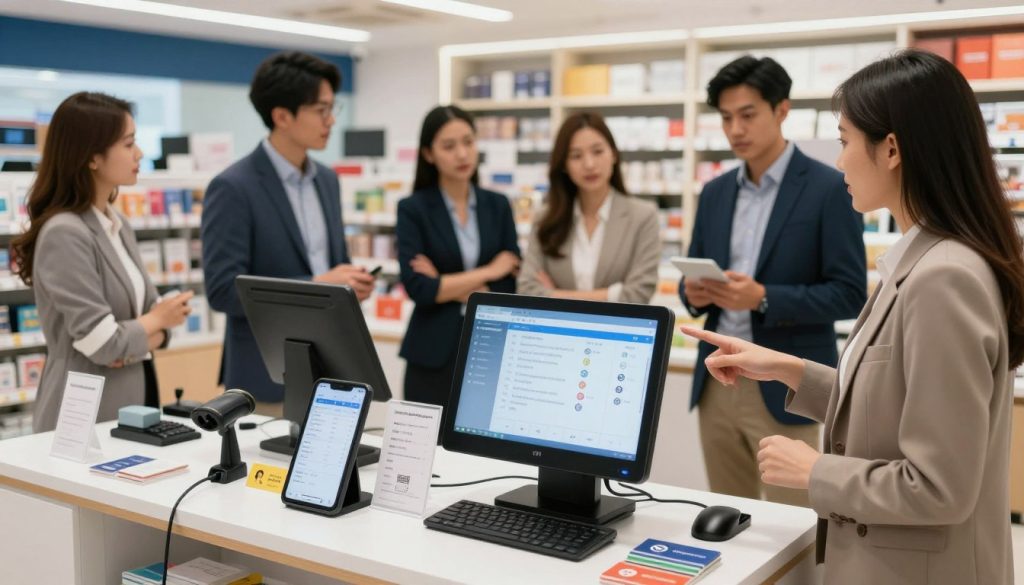
How PosVox Free POS Delivers the Fastest POS Setup
PosVox Free POS is engineered for rapid deployment without sacrificing functionality. Unlike legacy systems that require hardware procurement, configuration, and integration, PosVox runs entirely in the cloud and works on any device — tablet, smartphone, or laptop — right out of the box.
There’s no need to wait for hardware delivery, install drivers, or undergo lengthy training. With PosVox Free POS, you simply sign up, log in, and start selling. The entire process is optimized for speed, simplicity, and real-world readiness.
What Makes PosVox Free POS the Fastest?
- Zero hardware lock-in: Use your existing devices — no proprietary terminals or expensive peripherals required.
- Cloud-first architecture: No downloads, no installations — access your store from anywhere, anytime.
- Pre-configured templates: Choose from industry-specific setups for retail, cafes, boutiques, and more.
- Instant onboarding: Complete registration in under 2 minutes; start configuring your catalog within 5.
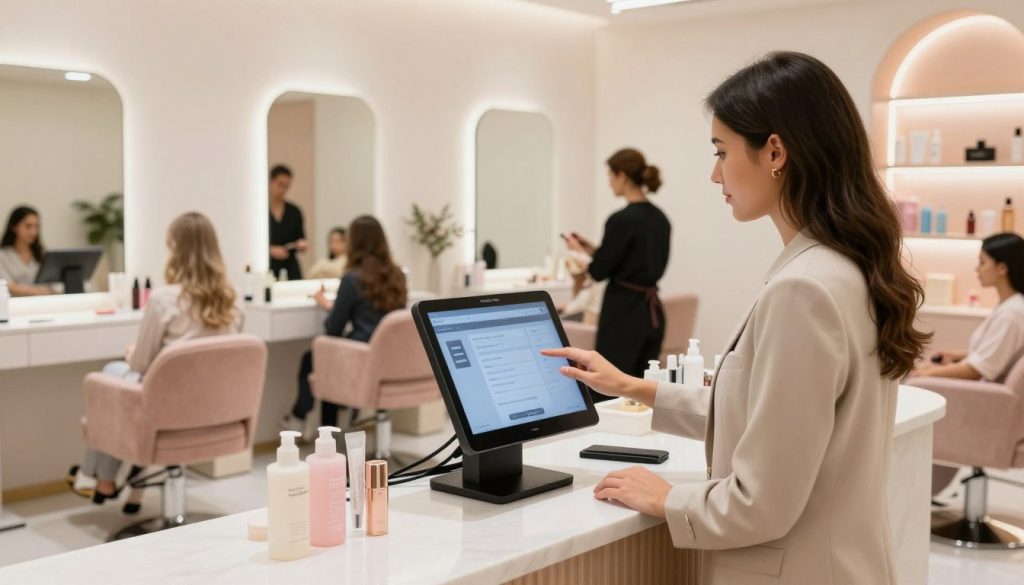
Step-by-Step: How to Set Up PosVox Free POS in 10 Minutes
- Sign up at posvox.com: Enter your email and create a password. No credit card needed.
- Choose your business type: Select retail, restaurant, or service-based model for tailored defaults.
- Set up your store profile: Add your name, logo, address, and payment preferences.
- Add your first product: Upload items manually or import via CSV in seconds.
- Enable payments: Connect Stripe or PayPal directly — no third-party approval delays.
- Test your first sale: Run a mock transaction to verify everything works.
- Go live: Share your QR code or link with staff and customers. First sale in under 10 minutes.
That’s it. No technical expertise. No waiting. Just a fully functional POS system ready to scale.
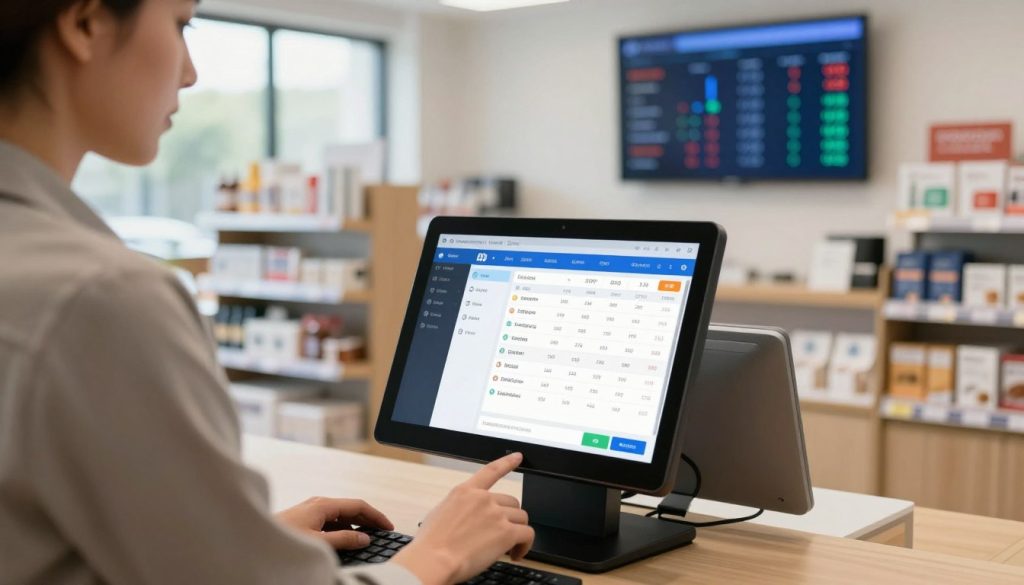
Key Features That Enable Lightning-Fast Deployment
PosVox Free POS isn’t fast by accident. It’s designed around three core principles: accessibility, adaptability, and autonomy.
1. Device Agnostic Architecture
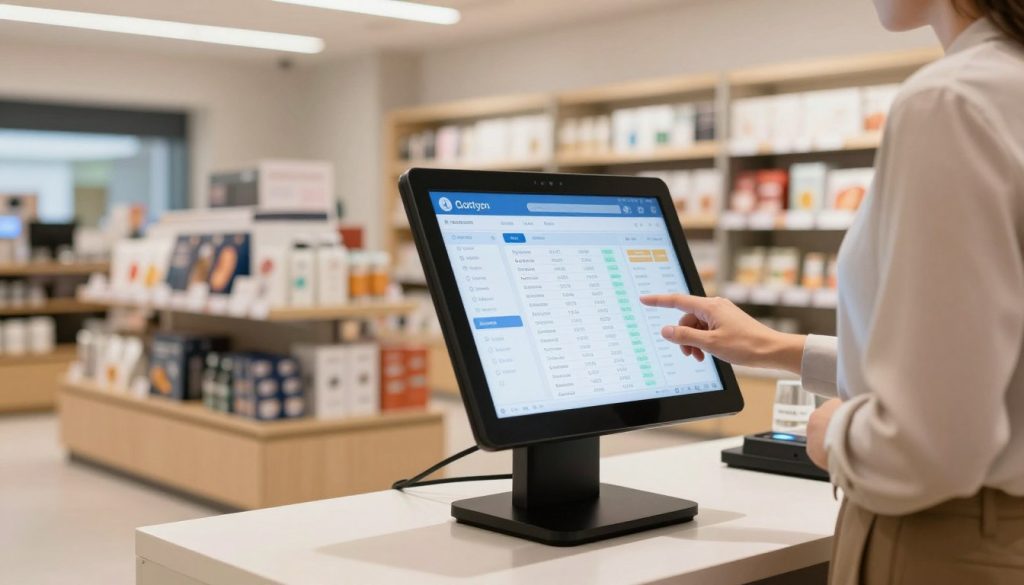
You don’t need a specific terminal. PosVox Free POS runs on iOS, Android, Windows, and macOS — using your current tablet, phone, or laptop. This eliminates hardware delays and reduces startup costs dramatically.
2. Pre-Built Business Templates
Whether you’re launching a coffee shop, boutique, or pop-up market stand, PosVox Free POS comes with pre-configured workflows. Tax settings, receipt formats, and menu layouts are already optimized for your industry.
3. Real-Time Cloud Sync
All data syncs instantly across devices. No manual backups. No lag. Changes made on one screen appear on all others in real time — critical during high-volume moments like opening day.
4. Built-In Inventory & Sales Tracking
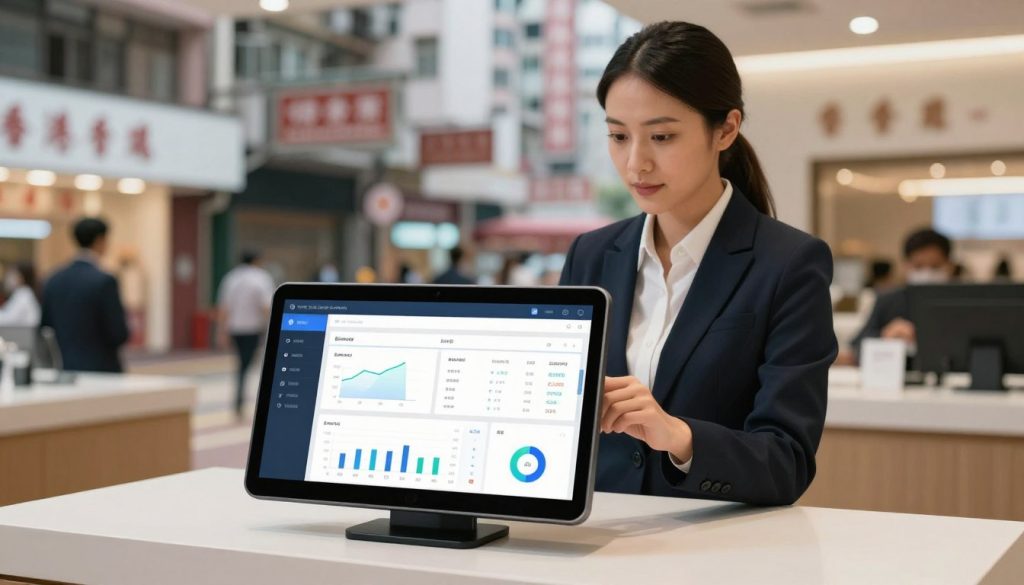
From day one, you track stock levels, sales trends, and customer behavior. No extra tools. No learning curves. Everything is included in the free plan.
Why PosVox Free POS Beats Generic ‘Free’ POS Systems
While many platforms offer a “free” tier, most come with hidden barriers: limited features, forced hardware purchases, or delayed access until approval. These aren’t true free solutions — they’re trials with strings attached.
PosVox Free POS stands apart because it’s genuinely free — no trial period, no upsell pressure, no hidden fees. You get full access to core POS functions: sales processing, inventory tracking, reporting, and multi-user support — all without ever needing to upgrade.
And unlike other systems that lock you into their ecosystem, PosVox Free POS gives you freedom. Switch devices, change providers, or scale to paid plans later — all without losing data or starting over.
FAQs About the Fastest POS Setup
Can I really set up a POS system in 10 minutes?
Yes — with PosVox Free POS, you can register, configure your store, add products, connect payments, and make your first sale in under 10 minutes. Thousands of small businesses have done it. The system is built for speed and simplicity.
Do I need special hardware to use PosVox Free POS?
No. PosVox Free POS works on any modern tablet, smartphone, or computer with internet access. There’s no hardware lock-in. You can use your existing devices — no additional investment required.
Is PosVox Free POS truly free forever?
Yes. The core features — including sales processing, inventory tracking, reporting, and multi-user access — remain free indefinitely. You’re never locked into a trial or forced to upgrade.
Can I use PosVox Free POS for both retail and dining?
Absolutely. PosVox Free POS supports both retail and dine-in operations. Whether you’re selling clothing, food, or services, the system adapts to your workflow with customizable menus, table management, and order splitting.
What if I want to upgrade later?
If you grow beyond the free plan, upgrading to a paid tier is seamless. Your data stays intact, your team keeps access, and you retain full control. But there’s no pressure — you can stay on Free POS forever.
Does PosVox Free POS work offline?
Yes — while online connectivity is ideal for syncing, PosVox Free POS allows temporary offline sales. Transactions are stored locally and automatically sync once the connection returns. This ensures no sales are lost during network outages.
How does PosVox Free POS handle payments?
PosVox Free POS integrates directly with Stripe and PayPal — two of the most trusted global payment processors. You can accept cards, digital wallets, and bank transfers without setting up separate merchant accounts.
Can I share my PosVox Free POS account with my team?
Yes. You can add unlimited users with customizable roles — cashier, manager, or admin — all from the same dashboard. Team members can log in from any device with their credentials.

